Business Directory Plugin: 5 Top Options for WordPress

Generating summary...
Building a WordPress directory site has never been more accessible—or more competitive. Directory sites are everywhere: local business listings, professional networks, real estate portals, and niche communities. But here’s the thing most guides won’t tell you upfront: the plugin you choose isn’t just a technical decision—it’s a business decision that shapes your monetization strategy, user experience, and long-term scalability. The wrong choice can lock you into rigid structures or leave you wrestling with code every time you need a simple feature. The right business directory plugin becomes the foundation for a site that grows with your ambitions, whether you’re launching a neighborhood guide or planning to scale to thousands of listings across multiple cities.
I’ve watched directory sites succeed and fail, and the difference often comes down to choosing a plugin that matches not just today’s needs, but tomorrow’s growth. This guide cuts through the marketing noise to show you five genuinely capable options, each with distinct strengths for different use cases. We’ll look beyond feature lists to understand which plugins handle real-world challenges like front-end submissions from non-technical users, payment integrations that actually work, and search filters that don’t slow your site to a crawl.
TL;DR – Quick Takeaways
- Directory plugins are strategic tools – Your choice determines monetization options, scalability limits, and user experience quality for years to come
- Five standout options dominate – Business Directory Plugin, Directorist, GeoDirectory, Listify, and TurnKey Directories each excel in specific scenarios
- Match features to your business model – Paid listings require different infrastructure than membership directories or real estate portals
- Performance matters more than features – A plugin with 100 features means nothing if it can’t handle 10,000 listings without breaking
- Front-end submission quality separates winners from losers – Your users won’t read documentation, so forms must be intuitive from day one
Overview of the WordPress Directory Plugin Landscape
The directory plugin market has matured significantly over the past few years. What started as simple listing managers have evolved into sophisticated platforms that power everything from hyperlocal business guides to international professional networks. The shift happened because WordPress itself became more capable, and developers realized that generic “post” structures couldn’t handle the complexity of location-based searches, multi-tier pricing, and review systems that directory owners actually need.
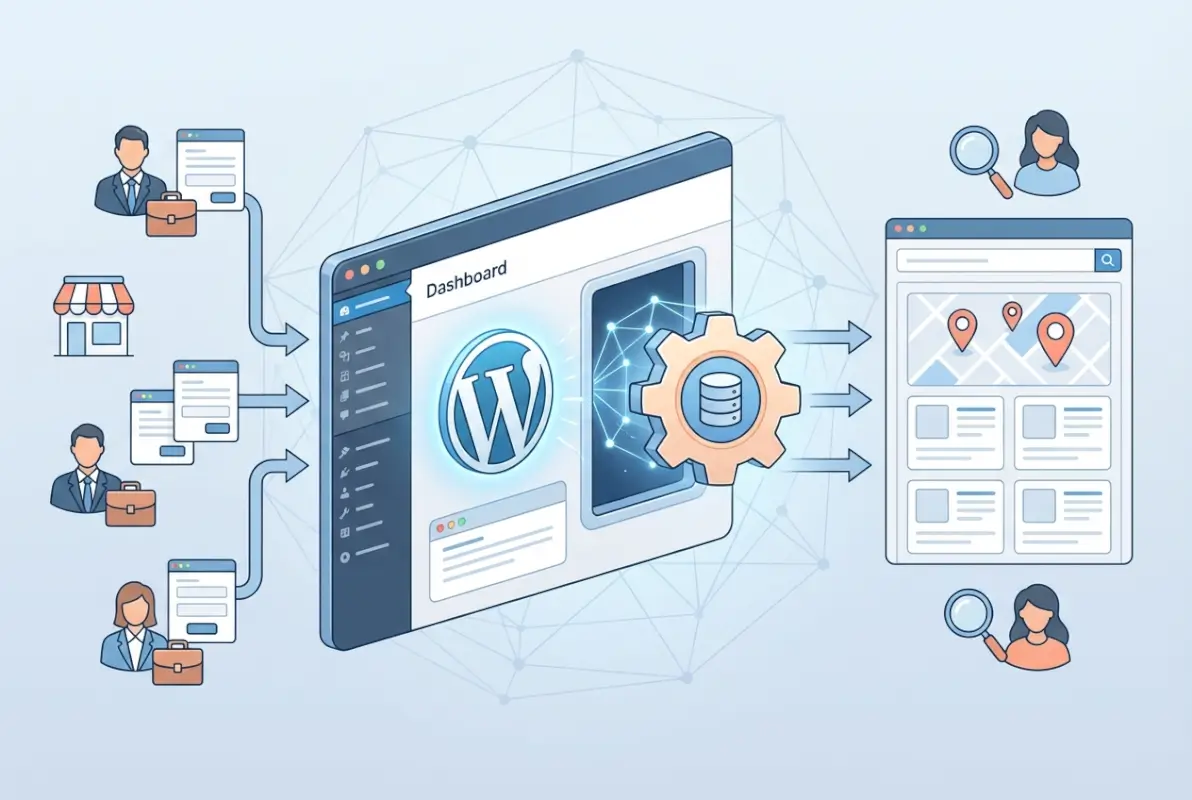
Three major trends define the current landscape. First, local business directories have exploded as communities seek alternatives to monopolistic review platforms—small business owners want visibility without paying tribute to platforms that control their reputation. Second, niche directories (think “yoga studios in the Pacific Northwest” or “Black-owned restaurants in Atlanta”) have proven more monetizable than broad directories because they serve focused audiences willing to pay for visibility. Third, membership-based directories, where professionals or businesses pay annual fees for enhanced profiles, have emerged as the most sustainable business model because they generate predictable revenue instead of relying on ad clicks or one-time listing fees.
Understanding how to evaluate these plugins requires looking beyond surface-level features. According to Statista, digital advertising revenue continues to grow, but directory sites that monetize through direct listings and subscriptions often outperform ad-dependent models because they control their own revenue streams. The plugins that succeed are those that make complex tasks (front-end submissions, payment processing, search filtering) feel effortless to both site owners and end users. When you’re comparing options, you should prioritize how each plugin handles submissions from non-technical users, because that’s where most directory sites fail—they build beautiful interfaces but then force business owners through confusing submission processes that kill conversion rates.
Market evolution: growth in directory use cases
Directory use cases have diversified dramatically. Local business directories remain popular, but they’re no longer the only game in town. Real estate directories now power MLS alternatives and rental marketplaces; membership directories connect professionals in specific industries (legal, medical, creative); and event directories aggregate everything from farmers’ markets to tech conferences. This diversification matters because different use cases demand different plugin capabilities—a real estate directory needs robust image galleries and map integrations, while a membership directory needs user dashboard functionality and recurring payment handling.
The growth in niche directories specifically has created opportunities for smaller operators. You don’t need to build the next Yelp; you can build a profitable directory serving pet groomers in Colorado or vegan restaurants in the Southeast. According to U.S. Census Bureau business data, there are over 33 million small businesses in the United States alone, and most struggle with affordable, effective local marketing. A well-executed directory that solves a specific problem for a specific audience can carve out sustainable revenue, which is exactly what the right plugin enables.
How to read a directory plugin comparison
When you read plugin comparisons, focus on six core criteria that actually predict success. Ease of use means both admin-side management and user-facing submission—can someone list their business without calling you for help? Front-end submission quality determines whether you’ll spend hours manually adding listings or whether users can self-serve. Search and filter capabilities define user experience; if visitors can’t quickly find relevant listings, they’ll leave. Payment integration determines monetization flexibility—can you charge for listings, offer subscription tiers, and handle refunds without custom coding? Scalability matters if you plan to grow beyond a few hundred listings. Support quality becomes critical when you hit edge cases or need customization guidance.
Most comparisons get this wrong by listing features as checkboxes without explaining how those features work in practice. For example, almost every plugin claims “front-end submission,” but some require users to navigate through seven screens while others collect everything in one clean form. Similarly, “payment integration” might mean native Stripe support with one plugin and a clunky third-party add-on with another. When evaluating options, test the user journey yourself: try adding a fake listing, searching for it, editing it, and deleting it. That hands-on experience reveals more than any feature matrix ever will. If you want practical guidance on maximizing your chosen plugin, check out tips to effectively use business directory plugin WordPress for implementation strategies that work across platforms.
Key Features to Compare
Feature comparisons only matter if you’re comparing the right features. Too many directory builders get distracted by flashy add-ons and miss the fundamentals that determine whether their site will actually function at scale. The core capabilities you need to evaluate are listings management (how easy is it to add, edit, and organize listings), custom fields (can you collect the specific data your niche requires), front-end submission quality (the make-or-break feature for user-generated directories), map integration (essential for location-based directories), review systems (trust signals that drive conversions), and monetization tools (the infrastructure that determines whether you’ll make money).
Here’s what separates good plugins from great ones: great plugins make complex features feel simple. Custom fields, for instance, should let you add specialized data (hours of operation, price range, certifications) without touching code. Map integrations should work reliably with Google Maps or alternatives without breaking when APIs update. Review systems need moderation tools because spam reviews will kill your credibility faster than anything else. And monetization tools must handle not just initial payments but renewals, upgrades, downgrades, and refunds, because the real test of a payment system isn’t whether it can charge a credit card once—it’s whether it can manage recurring revenue without constant manual intervention.
Core capabilities to evaluate
Listings management sounds basic, but implementation varies wildly. Some plugins treat listings as custom post types with full WordPress editor integration, which means you get native Gutenberg blocks and familiar editing interfaces. Others create separate database tables, which can improve performance but limits compatibility with other WordPress tools. Neither approach is inherently better; it depends on your technical comfort level and integration needs. If you plan to use page builders or custom themes, native WordPress integration usually wins. If you’re building a massive directory with complex data structures, dedicated tables might perform better at scale.
Custom fields deserve special attention because they determine whether a plugin can adapt to your specific niche. Generic directory plugins offer standard fields (name, address, phone, category), but real-world directories need specialized data. A restaurant directory needs cuisine type, price range, and dietary options; a service directory needs certifications, service areas, and availability calendars; a real estate directory needs property types, square footage, and amenities. The best plugins let you create unlimited custom fields with appropriate field types (text, dropdown, checkboxes, radio buttons, date pickers) without requiring custom code. Some even support conditional logic, showing certain fields only when specific categories are selected—that level of sophistication prevents overwhelming users with irrelevant form fields.
Front-end submission systems are where most plugins fail. Many developers focus on building powerful admin interfaces and treat user-facing submission as an afterthought, which creates confusing multi-step processes that frustrate business owners trying to add their listings. The best submission systems collect all required information in one well-designed form, provide clear validation messages when fields are incomplete, allow image uploads with automatic resizing, and send confirmation emails so users know their listing is pending approval. If you’re planning a user-generated directory, test the submission process on mobile devices—more than half of your users will list their business from a phone, and a submission form that’s unusable on mobile will kill your growth before it starts. For insights on essential features that drive directory success, explore business listing website must-have features for success.
Performance, SEO, and security considerations
Performance issues don’t show up until you have hundreds or thousands of listings, which is exactly when fixing them becomes expensive and complicated. The plugins that scale well use efficient database queries, implement proper caching mechanisms, and load assets only when needed (not on every page of your site). According to Google’s SEO guidelines, page speed directly impacts rankings, and directory sites with heavy map integrations and image galleries are particularly vulnerable to bloat. Look for plugins that lazy-load images, minimize HTTP requests, and play nicely with caching plugins like WP Rocket or W3 Total Cache.
SEO considerations go beyond speed. Your plugin needs to generate clean URLs for listing pages (example.com/listings/business-name, not example.com/?listing=12345), create proper schema markup so Google can display rich snippets in search results, and allow custom meta titles and descriptions for each listing. Some plugins auto-generate SEO elements from listing data, which saves time but sometimes creates duplicate content issues; others give you full control, which requires more manual work but produces better optimization. The right balance depends on your scale—if you’re managing 50 listings, manual optimization works fine; if you’re aiming for 5,000 listings, automated SEO with manual override capabilities becomes essential.
Security deserves attention because directory sites face unique vulnerabilities. Front-end submissions open doors for spam, malicious code injection, and fraudulent listings. Quality plugins sanitize all user inputs, implement CAPTCHA or similar anti-spam measures, and include moderation workflows so listings don’t go live automatically. They also handle file uploads safely, preventing users from uploading executable files disguised as images. Regular updates matter enormously—plugins that haven’t been updated in months likely have unpatched security holes. Check the plugin’s update history and user reviews for mentions of security issues or responsive developers. The OWASP Foundation provides resources on web application security that are worth reviewing if you’re handling user data and payments. For managing multiple directories safely, see how to delete multiple directories in WordPress business directory plugin for maintenance best practices.
Top 5 Options for WordPress Business Directory Plugins
Choosing the right directory plugin depends on your use case, technical comfort, and monetization strategy. The five options below represent the strongest combination of active development, feature depth, and community support as of 2026. Each has carved out a niche—whether local business listings, real estate, or membership directories—and offers both free and premium tiers to match different budgets.
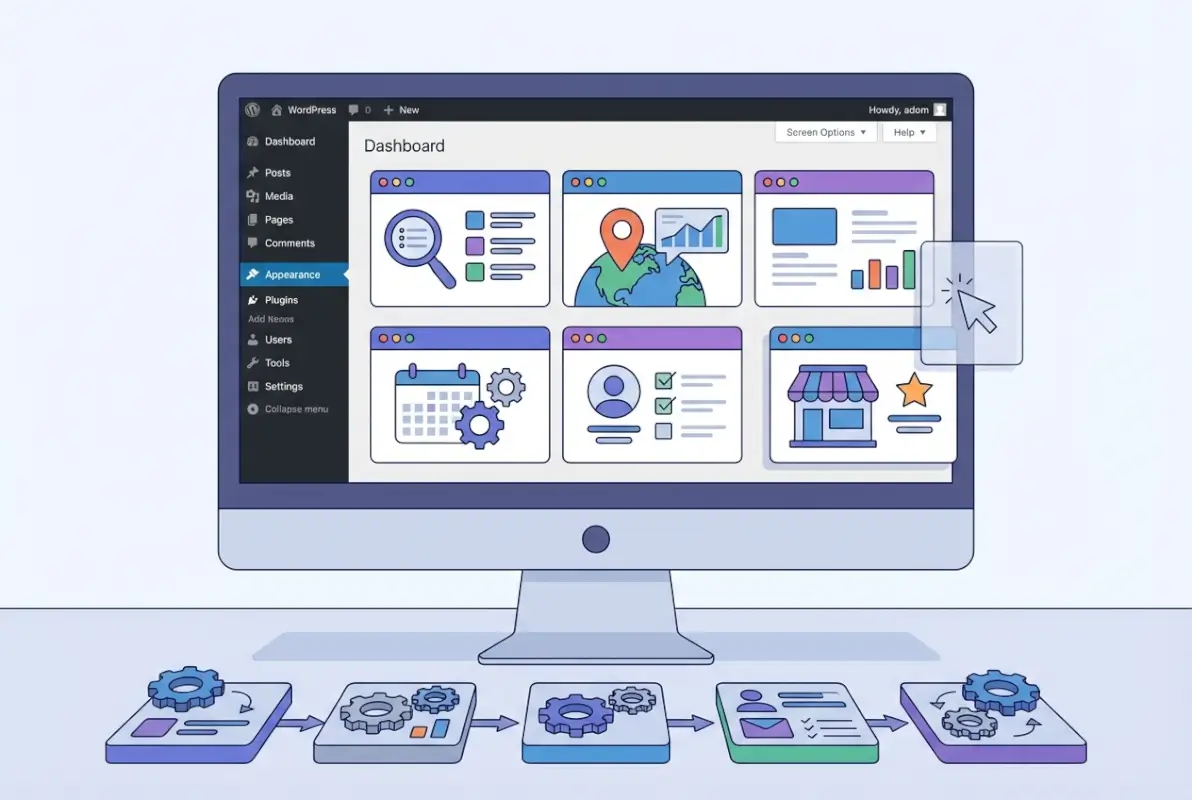
We’ve evaluated these plugins against criteria from major roundups published by HubSpot, TechRadar, and Hostinger, alongside data from official plugin pages. Installation counts, ratings, and feature sets are current as of early 2026. For each plugin, you’ll see a snapshot of its ideal use case, pricing model, and standout capabilities.
Business Directory Plugin (BDP)
Business Directory Plugin holds a long track record in the WordPress ecosystem, with tens of thousands of active installations and consistent updates since its launch. It’s designed for webmasters who want a straightforward, free core with optional paid modules for front-end submissions, payments, and enhanced fields. The free version includes unlimited categories, custom fields, and basic search; premium modules unlock features like PayPal/Stripe integration, recurring fees, and advanced filtering.
BDP is best suited for local business directories, professional associations, and niche vertical listings where simplicity and modularity matter. Its interface is less polished than newer competitors, but the plugin’s stability and extensive documentation make it a safe choice for those who prefer incremental upgrades. According to the official site, the platform supports unlimited listings and scales well with proper hosting.
| Feature | Free | Premium |
|---|---|---|
| Unlimited listings | ✔ | ✔ |
| Front-end submission | Basic | Advanced + payment |
| Payment gateways | – | PayPal, Stripe |
| Maps integration | Manual embed | Google Maps module |
| Recurring fees | – | ✔ |
Directorist
Directorist has gained momentum in 2024–2026 as an AI-powered, mobile-friendly alternative that emphasizes design and user experience. With over 20,000 active installations on WordPress.org, it offers a generous free tier that includes front-end submission, Google Maps, reviews, and responsive templates. The premium version unlocks monetization tools, advanced search filters, multi-directory support, and integration with WooCommerce for payment processing.
Directorist is ideal for creators who want a modern aesthetic out of the box and plan to run multiple vertical directories (restaurants, real estate, services) from a single WordPress install. Its drag-and-drop form builder and AI-assisted listing suggestions streamline onboarding for non-technical users. For more details, see the official WordPress.org page.
GeoDirectory
GeoDirectory focuses on location-based directories with built-in geolocation, proximity search, and native Google Maps widgets. It’s frequently recommended for city guides, tourism sites, and hyperlocal business listings where map-centric discovery is the primary user flow. The free core supports unlimited listings and categories; premium add-ons include events, bookings, multicurrency pricing, and advanced claim workflows.
Performance is a highlight: GeoDirectory uses custom database tables to index listings efficiently, making it one of the faster options at scale. If your directory will host tens of thousands of listings with heavy location filtering, GeoDirectory’s architecture can handle the load better than plugins that rely solely on WordPress post meta. Major roundups consistently rank it among the top three for geo-focused use cases.
Business Listings by Templatic
Templatic’s Business Listings plugin pairs tightly with the publisher’s premium themes and is often sold as a bundle. It offers front-end submission, paid listings, and a claim-listing feature that encourages business owners to upgrade free profiles to premium tiers. The design is clean and mobile-responsive, though customization beyond the included themes requires CSS or child-theme development.
This plugin is a good fit for users who want an all-in-one package—theme plus plugin—and prefer vendor support over community forums. Pricing is typically a one-time fee or annual subscription that includes updates and premium modules. If you’re comfortable working within a predefined design system, Templatic can accelerate launch timelines by weeks.
Sabai Directory
Sabai Directory (formerly Directory Pro) is a premium-only plugin that targets power users and agencies building complex, multi-tiered directories. It includes advanced features out of the box: claim workflows, user dashboards, CSV import/export, and flexible pricing plans (per listing, per day, or recurring). The interface is highly customizable via shortcodes and hooks, but it assumes familiarity with WordPress development patterns.
Because Sabai is premium-only, you won’t find it in the free WordPress.org repository; instead, it’s distributed via CodeCanyon and the developer’s site. It’s best for projects with budget allocated to licensing and professional setup, where the goal is a white-label directory platform with granular control over every element. Reviews highlight strong developer support and frequent updates aligned with WordPress core releases.
Deployment, Monetization, and Pricing Considerations
Launching a directory is only half the challenge; the other half is building a sustainable revenue model and deployment pipeline. Most successful directories monetize through a mix of paid listings, featured placements, and recurring subscriptions. You’ll also need a minimum viable setup that balances feature richness with performance, plus a migration plan if you’re switching from another platform or plugin.
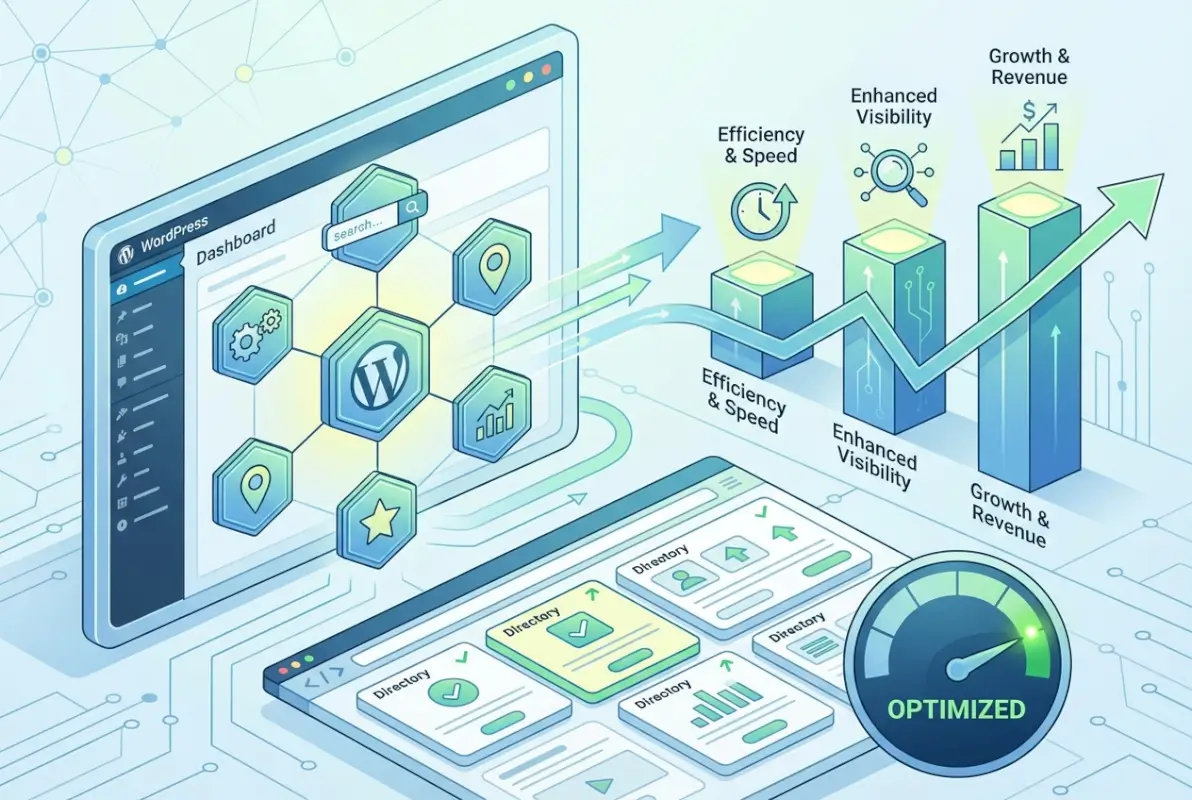
Below, we cover common monetization approaches, recommended pricing strategies, and deployment best practices drawn from official plugin documentation and industry case studies. These insights apply whether you’re launching a hyperlocal business directory or a national vertical marketplace. The goal is to reach profitability within the first 12–18 months while maintaining a lean, maintainable codebase.
How to Monetize Directory Listings
Paid listings remain the most straightforward revenue stream: business owners pay a one-time or recurring fee to appear in your directory. Typical pricing ranges from $25–$100 per year for basic listings, with premium tiers ($100–$500) unlocking features like priority placement, unlimited images, video embeds, and social-media links. You can also offer free listings to build critical mass, then upsell enhanced visibility through featured badges or sponsored search results.
Subscription models work well when your directory provides ongoing value—updated analytics, lead notifications, or monthly SEO reports. Most plugins (Business Directory Plugin, Directorist, GeoDirectory) integrate with PayPal, Stripe, or WooCommerce to automate billing and renewal reminders. For advanced use cases, consider tiered plans (bronze/silver/gold) that bundle listing duration, media uploads, and customer-support priority, mirroring SaaS pricing psychology.
Add-on services can diversify revenue: charge for expedited approval, professional photography packages, or social-media promotion of new listings. Some directories license API access to data aggregators or offer white-label exports to franchises. The key is to start simple—basic paid listings plus one premium tier—then layer on additional SKUs as you learn what your audience values most.
| Monetization Model | Typical Pricing | Best Use Case |
|---|---|---|
| One-time paid listing | $25–$100 | Low-volume, specialized directories |
| Annual subscription | $100–$500/year | Professional associations, B2B directories |
| Featured placement | +$50–$200/month | High-traffic local or vertical directories |
| Tiered plans (bronze/silver/gold) | $50/$150/$300/year | SaaS-style directories with analytics |
| Add-on services (photos, promotion) | $25–$100 one-time | Value-added upsells for any directory |
Deployment Notes and Migration Considerations
A minimum viable directory setup includes your chosen plugin, a caching solution (WP Rocket or LiteSpeed Cache), an SEO plugin (Yoast or Rank Math), and a mobile-responsive theme that supports custom post types. Most modern directory plugins ship with their own templates, but you’ll want a theme that doesn’t override critical markup. Before launch, configure permalink structures to include category slugs (e.g., /city/category/listing-name/) for better SEO and user clarity.
If you’re migrating from another directory platform or plugin, plan for data mapping and URL redirects. Export your existing listings as CSV, map columns to the new plugin’s custom fields, then use the plugin’s bulk-import tool or a dedicated importer like WP All Import. After migration, set up 301 redirects from old URLs to new permalinks to preserve search rankings and inbound links. Test a subset of listings in a staging environment before going live to catch field mismatches or broken media references.
Essential add-ons vary by use case, but most directories benefit from a reviews module, email notifications for new listings, and Google Maps integration. If you plan to accept payments, enable SSL (HTTPS) across your entire site and choose a payment gateway that meets PCI compliance standards. For larger directories, consider a dedicated server or managed WordPress host that offers object caching and CDN support, since directory sites generate dynamic queries that can strain shared hosting.
Performance, Security, SEO, and Maintenance
Directory sites face unique technical challenges: high page counts, dynamic filtering, user-generated content, and the need for fresh, indexable listings. A well-optimized directory can rank for hundreds of long-tail keywords, but poor performance or security gaps will tank both user experience and search visibility. This section covers SEO-friendly structures, maintenance rhythms, and compatibility practices to keep your directory fast, secure, and growing.

Drawing on best practices from TechRadar and official plugin documentation, we’ll outline indexing strategies, update workflows, and common pitfalls. These tips apply across all five plugins discussed earlier and will help you avoid the most frequent causes of directory downtime or ranking drops. The goal is a directory that stays healthy for years with minimal firefighting.
SEO-Friendly Structures and Indexing Tips
Search engines treat each listing as a distinct page, so your site structure must support efficient crawling and clear hierarchy. Use breadcrumb navigation (Home > Category > Subcategory > Listing) and XML sitemaps segmented by post type—one for listings, one for categories, one for static pages. Most SEO plugins (Yoast, Rank Math) auto-generate sitemaps; verify that your directory plugin’s custom post types appear in the sitemap settings and that category archives are set to “index, follow.”
Optimize listing titles and meta descriptions at scale by using dynamic templates that pull business name, category, and city into a standard format (e.g., “[Business Name] – [Category] in [City]”). This ensures consistent on-page SEO without manual editing of every listing. Enable schema markup for LocalBusiness or Organization to help Google display rich snippets with ratings, hours, and contact info. Many premium directory plugins include built-in schema generators; if yours doesn’t, use a plugin like Schema Pro or add JSON-LD manually via your theme’s functions file.
Internal linking is critical: interlink category pages, tag clouds, and related listings to distribute link equity and encourage deeper crawls. Avoid orphan pages by ensuring every listing is reachable from at least one category or tag archive. Regularly audit for duplicate content—especially if users can submit similar listings—and use canonical tags to consolidate variations. Monitor crawl errors in Google Search Console and fix broken internal links promptly to maintain crawl budget efficiency.
Maintenance Practices, Updates, and Plugin Compatibility
WordPress core, PHP, and your hosting environment evolve continuously, so establish a quarterly maintenance schedule: update plugins and themes in a staging environment first, test critical workflows (listing submission, payment processing, search), then push changes to production. Subscribe to your directory plugin’s changelog or support forum to catch breaking changes early. Most premium plugins offer one year of updates with purchase; budget for annual renewals to ensure compatibility with the latest WordPress releases.
Security hygiene starts with strong user roles: limit front-end submission privileges, require email verification for new accounts, and use CAPTCHA to block spam bots. Enable automatic backups (via UpdraftPlus or your host’s tool) and store copies offsite. If your directory accepts payments, implement two-factor authentication for admin accounts and regularly scan for vulnerabilities using Wordfence or Sucuri. Keep an eye on plugin conflict reports—especially when running WooCommerce, page builders, or membership plugins alongside your directory—and disable or replace any add-on that hasn’t been updated in six months.
Performance maintenance includes database optimization (delete post revisions, transients, and spam comments monthly) and image compression (use ShortPixel or Imagify to shrink user-uploaded photos). Monitor server response times and query counts with Query Monitor or New Relic; if listing pages take longer than two seconds to load, investigate slow queries, enable object caching (Redis or Memcached), or upgrade your hosting tier. A well-maintained directory should handle traffic spikes—local events, press mentions—without downtime or degraded search rankings.
Frequently Asked Questions
What is a WordPress business directory plugin, and when do I need one?
A WordPress business directory plugin lets you create searchable, categorized listings for businesses, professionals, or services on your site. You need one when you want to build a local business directory, membership portal, real estate catalog, or any platform that allows users to browse and submit listings with advanced search and filtering capabilities.
Which WordPress directory plugin is best for local business directories?
Business Directory Plugin and Directorist are both excellent for local business directories. They offer native map integration, location-based search, review systems, and front-end submission forms. Business Directory Plugin excels in simplicity and monetization options, while Directorist provides AI-powered features and extensive customization for growing directories with diverse categories.
How do paid listings and subscriptions work in these plugins?
Most directory plugins integrate with WooCommerce or include built-in payment gateways to charge for featured listings, category placements, or recurring subscriptions. You can set up tiered pricing plans, offer free basic listings with premium upgrades, or charge one-time fees for lifetime access. Payment modules typically support PayPal, Stripe, and other popular processors.
Can I scale a directory to millions of listings, and which plugin handles it best?
Scaling to millions of listings requires robust hosting, optimized databases, and efficient queries. GeoDirectory is purpose-built for massive-scale local directories with advanced indexing and caching. Pair it with managed WordPress hosting, object caching, and a CDN to maintain performance. Test thoroughly and monitor server resources as your listing count grows exponentially.
What are common pitfalls when building a directory with WordPress?
Common pitfalls include choosing overly complex plugins for simple needs, neglecting SEO-friendly URLs and schema markup, ignoring mobile responsiveness, and failing to plan for spam submissions. Avoid these by starting with a minimum viable setup, enabling robust form validation and moderation, implementing structured data, and regularly auditing performance and security as your directory scales.
How do I choose between free and premium directory plugins?
Choose free plugins if you need basic listings and limited customization for small-scale directories. Opt for premium versions when you require advanced features like front-end submissions, payment gateways, custom fields, priority support, and regular updates. Most plugins offer free core versions with paid add-ons, letting you scale features as your directory grows and revenue increases.
Should I use a directory plugin or custom post types for listings?
Use a directory plugin for turnkey solutions with built-in search, filters, maps, reviews, and monetization. Custom post types offer flexibility but require significant development for advanced features. Plugins save time, ensure compatibility, and provide ongoing updates and support. Custom builds make sense only if you have unique requirements that no plugin can meet efficiently.
What SEO features should a directory plugin include?
Essential SEO features include schema markup for local businesses, customizable meta titles and descriptions, SEO-friendly URLs, XML sitemaps, breadcrumb navigation, and optimized image handling. The best plugins integrate with Yoast or Rank Math, generate structured data automatically, and allow you to control indexing settings per listing or category for maximum search visibility.
Your Next Steps: Launching a Successful Directory Site
Choosing the right WordPress business directory plugin comes down to three core factors: your current scale, your monetization strategy, and your comfort with technical customization. If you’re launching a simple local business directory and want to start collecting revenue quickly, Business Directory Plugin offers the fastest path from installation to paid listings. For more ambitious projects with thousands of listings, complex taxonomies, or AI-powered search, Directorist and GeoDirectory provide the architecture you’ll need to scale without performance bottlenecks.
Don’t overcomplicate your initial setup. Start with the free version of your chosen plugin, configure essential features like search filters and front-end submission forms, and test with a small set of pilot listings. Monitor user behavior, gather feedback, and invest in premium add-ons only when you’ve validated demand for specific features. Most successful directory operators launch lean, iterate based on real usage data, and gradually expand functionality as their audience and revenue grow.
Security and SEO should be non-negotiable from day one. Enable schema markup for all listings to help search engines understand your content, implement SSL and regular backups to protect user data, and schedule routine plugin updates to patch vulnerabilities. Use caching and a CDN if you expect high traffic or plan to scale beyond a few thousand listings. These foundational practices will save you costly migrations and security incidents down the road.
Monetization works best when you align your pricing model with the value your directory provides to listing owners. If you’re connecting local businesses with high-intent customers, a subscription or featured-listing model can generate predictable recurring revenue. For niche directories where listings are less competitive, one-time fees or freemium tiers may drive higher adoption. Test different pricing structures, offer limited-time promotions to early adopters, and track conversion rates to find the sweet spot for your audience.
Ready to Build Your Directory?
You now have a clear roadmap to evaluate the top five WordPress directory plugins, compare their features and pricing, and choose the solution that fits your goals. Whether you’re building a hyper-local business directory or a nationwide marketplace, the right plugin will handle the technical complexity so you can focus on growing your community and revenue.
Start today: Install the free version of Business Directory Plugin or Directorist, create your first category and listing, and publish a test page. Then invite a handful of local businesses or early users to submit their details and provide feedback. Use what you learn to refine your structure, pricing, and features before your official launch. Your directory won’t be perfect on day one, and that’s exactly the point—build, test, and iterate your way to a platform your users love.
Was this article helpful?