How to Implement a WordPress Plugin: A Developer’s Guide

Generating summary...
TL;DR – Quick Takeaways
- Start with proper planning – Define scope, security requirements, and maintenance strategy before writing code
- Follow WordPress standards – Use official coding standards, namespaces, and the Plugin Handbook as your guide
- Security first approach – Sanitize inputs, escape outputs, and use nonces for all forms
- Modern architecture – Implement namespaces, autoloading, and modular structure for maintainability
- Test thoroughly – Use Plugin Check tools and manual testing before distribution
Planning and Requirements
Before writing a single line of code, successful plugin development starts with thorough planning. This phase determines whether your plugin becomes a maintainable asset or technical debt. The most common mistake developers make is jumping straight into coding without establishing clear objectives and constraints.
Define Scope and Goals
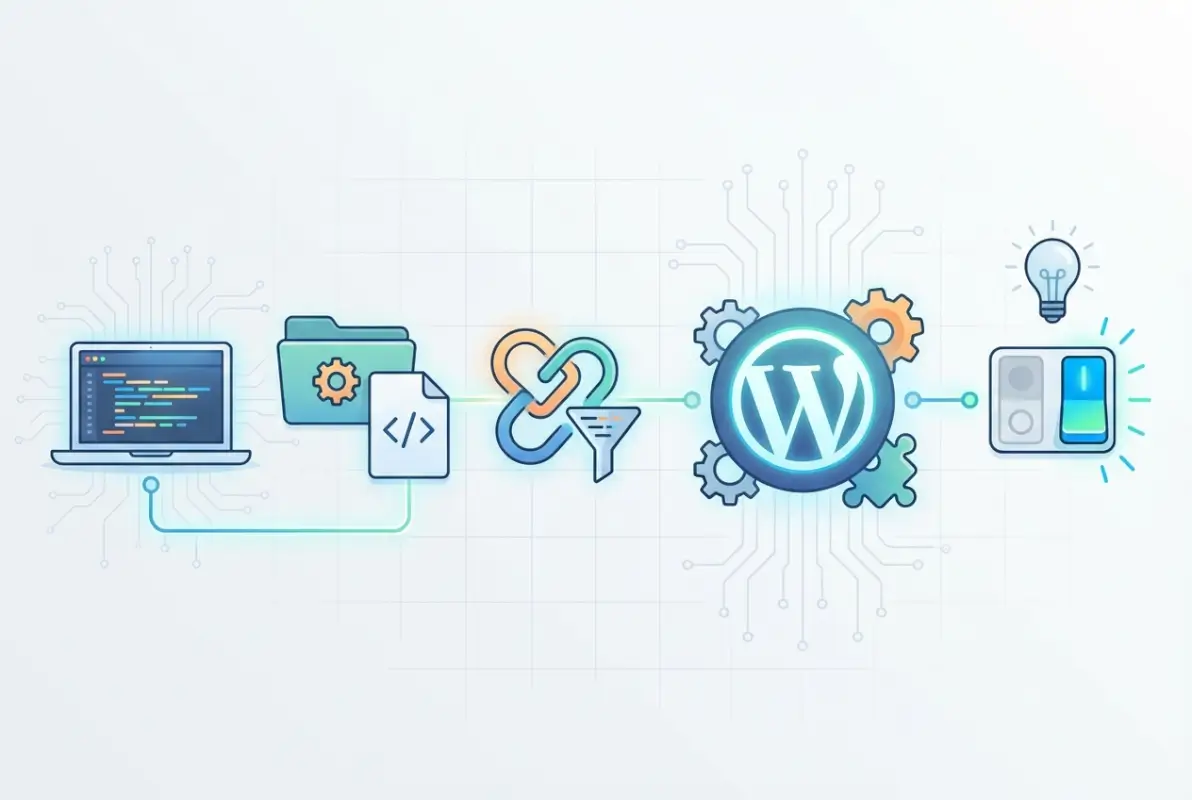
Your plugin’s scope should be laser-focused on solving a specific problem. Ask yourself: What functionality are you adding? Is this for admin users, site visitors, or both? A well-defined scope prevents feature creep and ensures your plugin remains performant. Consider compatibility with current WordPress versions – while supporting legacy versions might seem inclusive, it can significantly complicate your codebase.
Gather Requirements and Constraints
Security requirements should top your list. Every input point represents a potential vulnerability, and with WordPress’s massive user base, your plugin could become a target. Performance constraints matter too – a plugin that slows down sites won’t survive long in the ecosystem. Don’t forget accessibility standards, internationalization needs, and licensing decisions (GPLv2 or later is recommended for WordPress.org distribution).
Research and Competitive Analysis
Study existing plugins in your niche. What do they do well? Where do they fall short? The official Plugin Developer Handbook provides baseline patterns that successful plugins follow. Recent practitioner posts emphasize modern patterns like namespaces and autoloading – these aren’t just trendy additions, they’re becoming essential for scalable WordPress development.
Environment Setup and Tooling
A professional development environment is non-negotiable for serious plugin development. The days of editing files directly on a live server are long gone – modern WordPress development demands proper tooling and workflows.
Local Development Environment
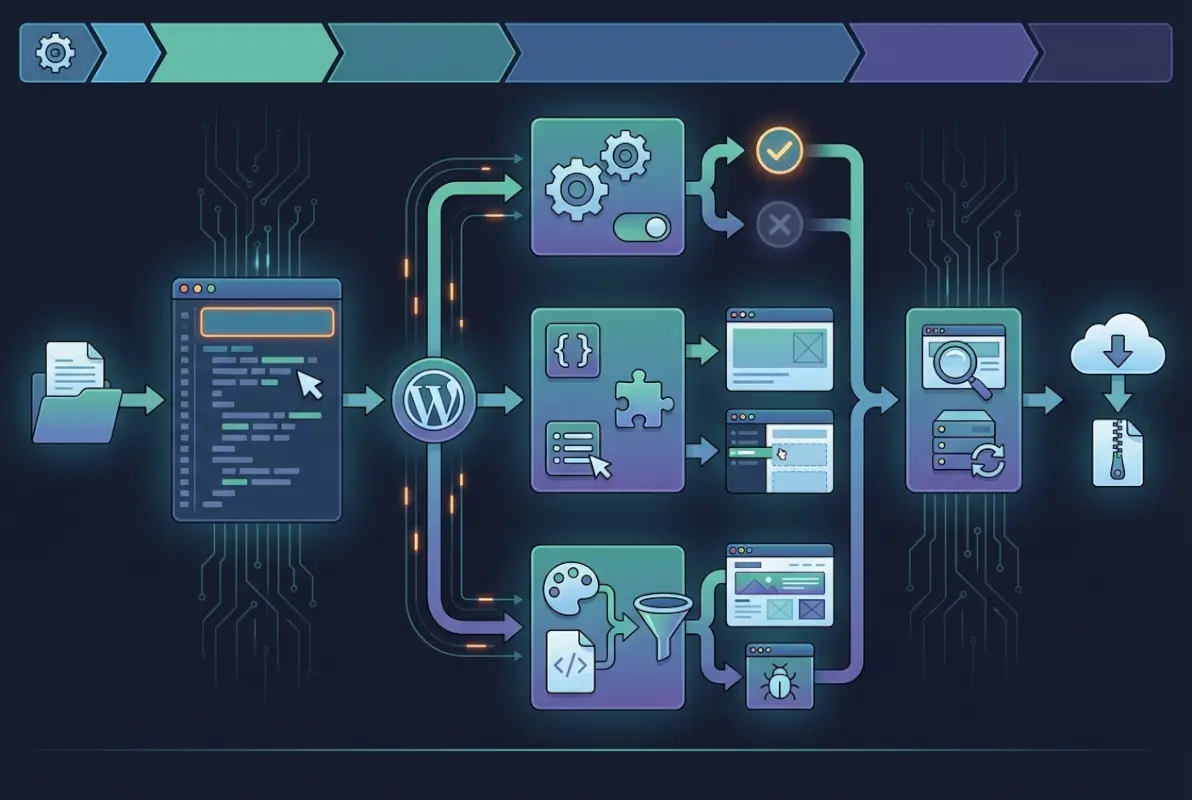
Your local environment should mirror production as closely as possible. Tools like Local, DevKinsta, or Docker-based solutions provide isolated WordPress installations for testing. Enable WP_DEBUG and WP_DEBUG_LOG in your wp-config.php file – these catch errors that might slip through in production. WP-CLI integration accelerates common tasks like database resets and user creation.
Project Scaffolding and Boilerplate
Create a dedicated plugin directory following WordPress naming conventions. Your main plugin file requires a proper header comment block – this isn’t just documentation, WordPress reads these headers to identify plugins. Modern PHP development benefits from autoloading, eliminating manual require statements and improving code organization.
wp-content/plugins/your-plugin-name/
├── your-plugin-name.php
├── includes/
├── assets/
├── languages/
└── tests/
Coding Standards and Namespaces
WordPress Coding Standards aren’t suggestions – they’re requirements for maintainable code. Tools like PHP_CodeSniffer with WordPress standards ensure consistency. Implementing PHP namespaces prevents function name collisions and enables cleaner architecture. While namespaces were once considered advanced, they’re now standard practice for professional WordPress development.
Architecture and Core Patterns
The architecture phase transforms your plan into a concrete structure. WordPress provides specific patterns and APIs that, when used correctly, create plugins that feel native to the platform.
Plugin Skeleton and File Layout
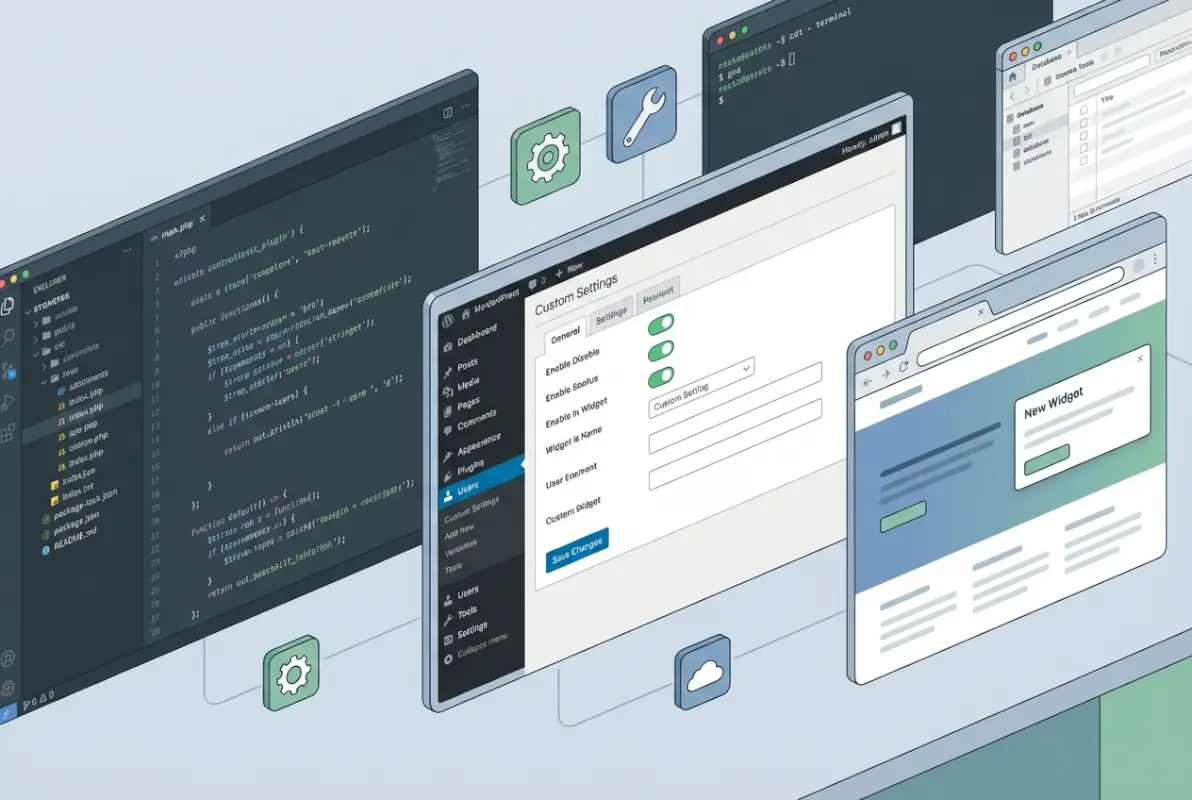
Your main plugin file acts as the entry point. Beyond the required header, this file typically bootstraps your plugin’s functionality. Organize supporting code into logical subdirectories: includes for PHP classes, assets for CSS/JS, languages for translations, and tests for your test suite. This structure scales well from simple plugins to complex applications.
WordPress Hooks, Actions, and Filters
Hooks are WordPress’s event system – they’re how your plugin interacts with core functionality without modifying files. Actions let you execute code at specific points, while filters modify data as it flows through WordPress. Understanding hook priority and execution order prevents conflicts with other plugins.
| Hook Type | Purpose | Common Usage |
|---|---|---|
| Actions | Execute code at specific points | init, wp_enqueue_scripts, admin_menu |
| Filters | Modify data before output | the_content, wp_title, body_class |
| Activation | Run once on plugin activation | Create database tables, set defaults |
Admin UI and Settings
The WordPress Settings API provides a standardized way to create option pages. While it might seem verbose initially, it handles security, validation, and data persistence automatically. Register your settings during admin initialization, create menu items with proper capability checks, and use WordPress’s built-in UI components for consistency.
Internationalization and Licensing
Wrapping strings in translation functions from day one saves massive refactoring later. Use `__()` for simple strings and `_e()` for direct output. Create a languages folder even if you’re starting with English only – this signals to potential contributors that translations are welcome. Choose GPLv2 or later for WordPress.org compatibility.
Security-First Approach
Security isn’t an afterthought in WordPress development – it’s foundational. Every user input needs sanitization before processing and escaping before output. Nonces protect against CSRF attacks, while capability checks ensure users can perform requested actions. The get directory first page google seo strategies won’t matter if your plugin introduces vulnerabilities.
Implementation: Step-by-Step Guide
Let’s build a concrete example to illustrate these concepts. We’ll create a simple content enhancement plugin that adds reading time estimates to posts – practical, focused, and demonstrative of core WordPress patterns.
Create the Plugin Bootstrap
Start with your main plugin file. The header comment tells WordPress this is a plugin:
<?php
/**
 * Plugin Name: Reading Time Estimator
 * Plugin URI: https://example.com/reading-time
 * Description: Adds estimated reading time to posts
 * Version: 1.0.0
 * Author: Your Name
 * License: GPL v2 or later
 * Text Domain: reading-time-estimator
 */

// Prevent direct access
if (!defined('ABSPATH')) {
    exit;
}
This header is parsed by WordPress to display plugin information. The text domain enables translations, while the direct access check prevents file execution outside WordPress context.
Add Core Hooks and Features
Now we’ll hook into WordPress to add our functionality:
namespace ReadingTime;

class Estimator {
    public function __construct() {
        add_filter('the_content', [$this, 'add_reading_time'], 20);
        add_action('wp_enqueue_scripts', [$this, 'enqueue_assets']);
    }

    public function add_reading_time($content) {
        if (!is_single()) {
            return $content;
        }

        $word_count = str_word_count(strip_tags($content));
        $reading_time = ceil($word_count / 200); // Average reading speed

        $label = sprintf(
            _n('%d minute read', '%d minutes read', $reading_time, 'reading-time-estimator'),
            $reading_time
        );

        $html = sprintf('<p class="reading-time">%s</p>', esc_html($label));

        return $html . $content;
    }
}
Settings and Options
Let’s add an admin interface to customize reading speed:
public function add_admin_menu() {
    add_options_page(
        __('Reading Time Settings', 'reading-time-estimator'),
        __('Reading Time', 'reading-time-estimator'),
        'manage_options',
        'reading-time-settings',
        [$this, 'settings_page']
    );
}

public function register_settings() {
    register_setting('reading_time_settings', 'reading_time_words_per_minute', [
        'type' => 'integer',
        'default' => 200,
        'sanitize_callback' => 'absint'
    ]);
}
Localization and Documentation
Create a comprehensive readme.txt following WordPress.org guidelines. Include clear installation instructions, frequently asked questions, and changelog. The languages folder should contain a POT file template for translators. Many developers skip documentation, but it’s crucial for user adoption and support reduction.
Testing Approach
Testing prevents embarrassing bugs and security issues. Start with manual testing across different WordPress versions and themes. Use Plugin Check for automated quality checks. Consider PHPUnit for critical functionality, especially if you’re planning commercial distribution.
Quality, Security, and Compliance
Quality isn’t just about working code – it’s about creating plugins that remain secure, performant, and maintainable over time. This section covers the practices that separate professional plugins from hobby projects.

Security Best Practices
WordPress security follows defense-in-depth principles. Input validation happens at the earliest possible point, while output escaping occurs just before display. Common attack vectors include SQL injection, cross-site scripting (XSS), and cross-site request forgery (CSRF).
Always use WordPress’s built-in functions: `sanitize_text_field()` for text inputs, `wp_kses_post()` for content with HTML, and `esc_html()` for display. Nonces add a time-limited token to forms and AJAX requests. Database queries should use `$wpdb->prepare()` to prevent SQL injection.
Performance and Maintainability
Performance optimization starts with efficient database queries. Cache expensive operations using WordPress’s transients API. Enqueue scripts and styles only on pages that need them. Lazy-load functionality that isn’t immediately required.
Maintainability comes from clear code organization. Use meaningful variable names, add inline documentation for complex logic, and follow single responsibility principles. Autoloading reduces manual file management, while namespaces prevent naming conflicts as your plugin grows.
Accessibility and Internationalization
Accessibility isn’t optional – it’s a fundamental requirement. Use semantic HTML, provide proper ARIA labels, and ensure keyboard navigation works throughout your interface. Test with screen readers to verify your plugin doesn’t create barriers for users with disabilities, Following proper practices here can help you get listing featured zillow tips real estate agents might find valuable for their WordPress sites.
Internationalization extends your plugin’s reach. Beyond wrapping strings in translation functions, consider cultural differences in date formats, currency display, and text direction. Make your plugin RTL-compatible from the start.
Packaging, Distribution, and Maintenance
Getting your plugin into users’ hands requires careful preparation. The distribution phase determines whether your hard work reaches its intended audience.
Prepare for Distribution on WordPress.org
WordPress.org remains the primary distribution channel for free plugins. Your readme.txt file needs specific sections: description, installation instructions, FAQ, screenshots, and changelog. The plugin review team checks for security issues, licensing compliance, and guideline violations.
Choose your plugin slug carefully – it can’t be changed later. Prepare banner and icon assets that represent your plugin professionally. Clear screenshots demonstrating functionality increase user trust and downloads. Understanding how to get your business listing on the first page of google seo tips applies to plugin pages too.
Versioning, Changelog, and Release Management
Follow semantic versioning (MAJOR.MINOR.PATCH) for clear communication about updates. Major versions introduce breaking changes, minor versions add functionality, and patches fix bugs. Your changelog should be user-focused – explain what changed and why users should update.
Automated deployment through GitHub Actions or similar CI/CD tools reduces human error. The WordPress.org SVN repository has specific conventions – tags for releases and trunk for development. Plan your release cycle to balance new features with stability.
Post-Release Maintenance and Metrics
Launch is just the beginning. Monitor support forums for user issues, track error logs for unexpected problems, and gather feature requests for future versions. The WordPress plugin directory provides download statistics and active installation estimates – use these metrics to guide development priorities.
Security advisories require immediate attention. When vulnerabilities are discovered, patch quickly and communicate transparently with users. Consider implementing an update notification system for critical security fixes.
Real-World Considerations and Trends
The WordPress ecosystem evolves rapidly. Staying current with trends and best practices ensures your plugin remains relevant and competitive. Similar to how to get your listing back on ebay steps for sellers, persistence and adaptation are key.
Ecosystem Context
WordPress plugin submissions have seen explosive growth, with submissions doubling in recent data. This growth brings opportunities and challenges. More plugins mean more competition, but also a larger user base seeking solutions. The ecosystem’s expansion validates WordPress as a platform worth investing development time in.
Security Landscape and Advisories
Security vulnerabilities in popular plugins make headlines regularly. These incidents underscore the importance of secure coding practices. Stay informed about common attack patterns and emerging threats. Subscribe to WordPress security mailing lists and follow reputable security researchers.
The WordPress Security Team works with plugin authors to coordinate vulnerability disclosures. If you discover a security issue in another plugin, follow responsible disclosure practices. Building a reputation for security consciousness benefits your plugins long-term.
Developer Tooling and Process Improvements
WordPress development tooling continues maturing. Plugin Check provides automated code quality analysis before submission. Block editor integration opens new possibilities for plugin functionality. REST API endpoints enable headless WordPress implementations.
Modern JavaScript frameworks integrate smoothly with WordPress through wp-scripts. This official build tool simplifies React integration for admin interfaces and block development. PHP development benefits from Composer integration, though careful implementation is required for end-user compatibility.
Frequently Asked Questions
What is a WordPress plugin?
A WordPress plugin is a package of code that extends or modifies WordPress functionality without changing core files. Plugins integrate through WordPress’s hook system, allowing them to add features, modify behavior, or integrate third-party services while maintaining updatability.
How do I create my first WordPress plugin?
Start by creating a folder in wp-content/plugins/ with your plugin name. Add a main PHP file with the required header comment containing plugin information. Implement basic functionality using WordPress hooks, then expand with features like admin pages and settings as needed. The official Plugin Handbook provides comprehensive starter guidance.
What are the essential WordPress APIs I should know for plugins?
Master these core APIs: Hooks (actions/filters) for integration, Settings API for configuration storage, REST API for modern interfaces, Database API for custom tables, and Security APIs (nonces, sanitization, escaping) for safe operation. Understanding these APIs enables professional plugin development.
How should I structure and organize my plugin code?
Organize code into logical directories: includes/ for PHP classes, assets/ for CSS/JavaScript, languages/ for translations, and templates/ for any template files. Use namespaces to prevent conflicts, implement autoloading for efficiency, and follow WordPress Coding Standards for consistency.
How do I test and debug my plugin before release?
Enable WP_DEBUG in development environments to catch errors. Test across multiple WordPress versions, themes, and common plugin combinations. Use Plugin Check for automated quality assurance. Consider unit tests for critical functionality and always test both activation/deactivation cycles.
How can I distribute my plugin on WordPress.org?
Prepare a comprehensive readme.txt with proper formatting, choose an appropriate license (GPLv2 or later recommended), and ensure your code meets WordPress.org guidelines. Submit through the plugin developer portal and respond promptly to reviewer feedback.
What are best practices for plugin security?
Sanitize all input data before processing, escape all output before display, use nonces for form submissions, implement capability checks for user permissions, and keep dependencies updated. Follow the OWASP security principles and WordPress-specific security guidelines.
Should I use namespaces in my WordPress plugin?
Yes, namespaces are now standard practice for modern WordPress plugin development. They prevent function name conflicts, enable better code organization, and support autoloading. While not required, namespaces significantly improve code maintainability and professionalism.
How do I handle plugin updates and versioning?
Use semantic versioning (MAJOR.MINOR.PATCH) to communicate change impact clearly. Maintain a detailed changelog, test updates thoroughly before release, and consider backward compatibility for user data. Plan update notifications for critical security fixes.
What’s the difference between actions and filters in WordPress?
Actions allow you to execute code at specific points without expecting a return value, like sending an email after post publication. Filters modify and return data as it passes through WordPress, like changing post content before display. Both are hooks but serve different purposes.
Taking Your Plugin Development Forward
Building a WordPress plugin is more than just writing code – it’s about creating solutions that enhance the web’s most popular CMS. The skills you’ve learned here form the foundation for endless possibilities, from solving specific business needs to creating the next must-have tool for millions of users.
Remember that every successful plugin started with a single file and grew through iteration, user feedback, and continuous improvement. The WordPress ecosystem rewards developers who prioritize security, follow established patterns, and maintain their code over time. Whether you’re building for yourself or planning the next big plugin, the principles remain the same: plan thoroughly, code securely, and always keep the user experience in mind.
The journey from plugin idea to successful distribution requires patience, attention to detail, and commitment to best practices. But with WordPress powering over 40% of the web and plugin submissions continuing to grow, there’s never been a more opportune time to contribute to this thriving ecosystem. Your unique perspective and solution could be exactly what thousands of WordPress users are searching for.
Was this article helpful?