How to Increase Views on Your Airbnb Listing: 8 Optimization Strategies
Generating summary...
Most Airbnb hosts obsess over the wrong metrics. They’ll spend hours tweaking their nightly rate by a few dollars or agonizing over whether to include an Oxford comma in their house rules, meanwhile their listing sits buried on page three of search results collecting digital dust.
Here’s what actually moves the needle: Airbnb’s algorithm doesn’t care about your perfectly curated throw pillows or that artisanal coffee bar you installed. It cares about signals—measurable, consistent behaviors that suggest guests will book, stay happy, and come back for more. The hosts pulling in 3-4x more views than their neighbors aren’t necessarily running better properties; they’re just speaking the algorithm’s language fluently.
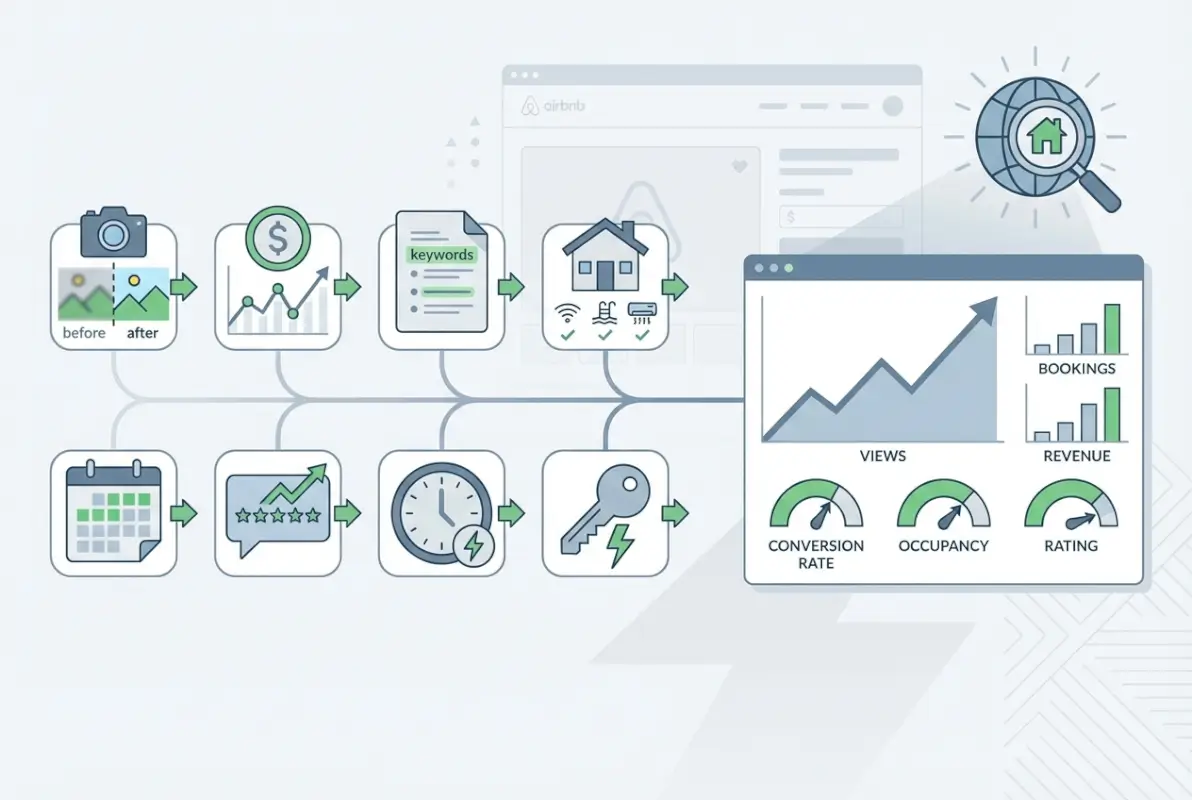
After analyzing how top-performing listings consistently surface in search results, I’ve identified eight optimization strategies that directly influence the visibility signals Airbnb’s ranking system prioritizes. These aren’t theoretical best practices or feel-good hosting tips, they’re tactical levers you can pull today to increase your listing’s exposure to potential guests actively searching in your market.
TL;DR – Quick Takeaways
- Algorithm fundamentals – Quality signals (photos, reviews), popularity metrics (saves, clicks), price competitiveness, and location proximity drive your search ranking
- Visual optimization – Professional photography with strategic sequencing can increase click-through rates by 40-60% compared to smartphone snapshots
- Response velocity matters – Hosts who reply within 60 minutes see measurably higher placement than those responding in 24 hours
- Calendar activity signals – Regular availability updates tell the algorithm your listing is active and ready for bookings
- Instant Book advantage – Enabling frictionless booking typically improves visibility, though it requires comfort with automated acceptance
- Dynamic pricing wins – Competitive rate adjustments keep you visible when guests sort by price or filter by budget ranges
- Regulatory awareness – Understanding local STR rules prevents listing suppression and maintains steady search access
- Compounding effects – These strategies work synergistically; implementing 5-6 simultaneously produces exponentially better results than cherry-picking one or two
Understand the Airbnb Search Algorithm and What Drives Views
Think of Airbnb’s search algorithm as a matchmaker with a massive guest database and an equally massive inventory problem. Every search query represents a guest with specific needs, budget constraints, and preferences—and the algorithm’s job is serving up listings most likely to convert that search into a booking. Your visibility depends entirely on how well your listing signals fit what the algorithm predicts guests want.
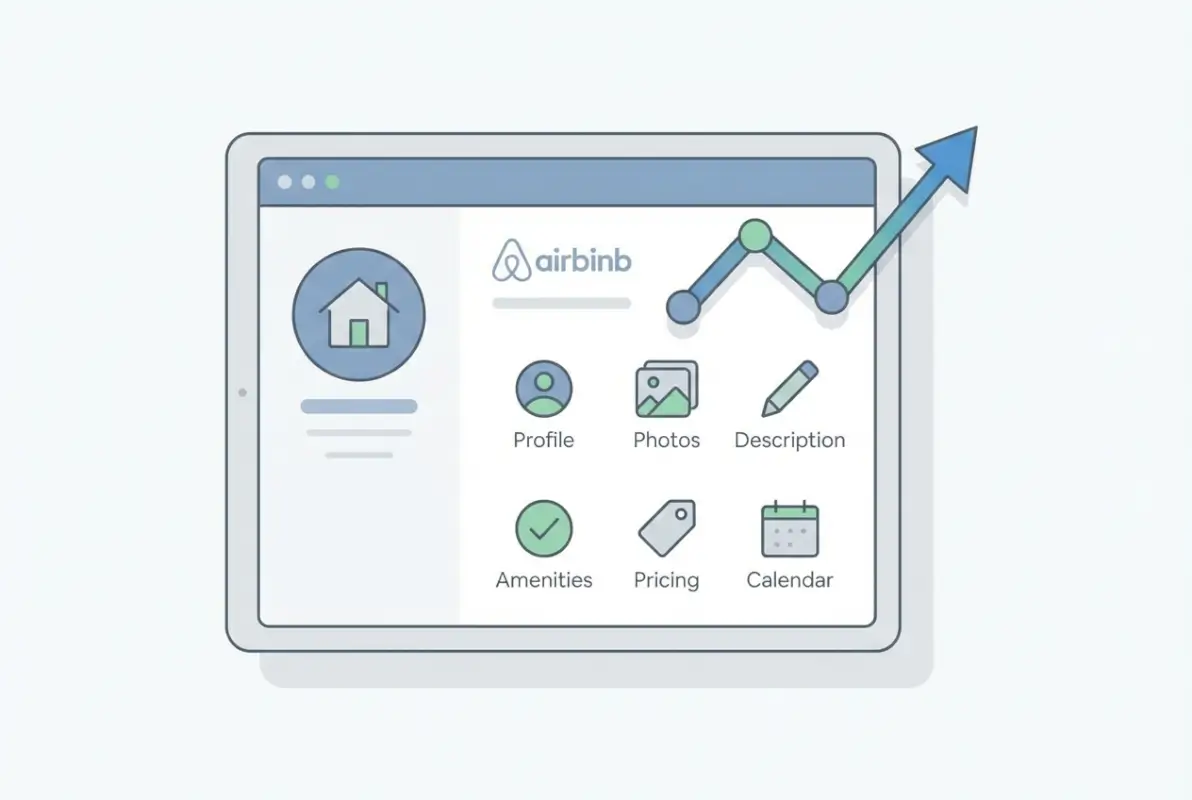
The system weighs dozens of factors simultaneously, but they cluster into four primary categories that you need to understand before optimizing anything else.
How the Algorithm Weighs Listing Quality, Popularity, Price, and Location
According to Airbnb’s own documentation, the search ranking formula prioritizes quality signals first—things like photo resolution and diversity, review ratings and recency, host response patterns, and communication quality. A listing with professional photography and 4.9+ star ratings from recent stays will naturally surface higher than a comparable property with blurry photos and stale reviews from two years ago.
Popularity signals create a feedback loop that benefits active listings. When guests save your listing to their wishlists, click through to view details, or send booking inquiries, the algorithm interprets those engagements as validation that your property resonates with searchers. More engagement begets better placement, which generates more engagement—assuming you maintain the quality that attracted initial interest.
Price competitiveness matters more than many hosts realize. The algorithm doesn’t just look at your nightly rate in isolation; it compares your total price (including cleaning fees and service charges) against similar listings in your area. If you’re consistently 20% above market rate without corresponding quality differentiation, you’ll get shown less frequently regardless of how beautiful your space is. Learning from strategies similar to those discussed in getting directories to rank on Google’s first page, pricing competitiveness directly impacts algorithmic favorability.
Location factors operate differently than the other three categories because they’re largely fixed. If a guest searches for properties within walking distance of downtown attractions, your suburban listing won’t surface no matter how optimized everything else is. However, you can influence location relevance by accurately tagging nearby points of interest and transit options in your listing details.
How Guests’ Behavior Affects Ranking (Personalization and Filters)
Here’s where it gets interesting: two guests searching identical parameters might see completely different result sets based on their browsing history and engagement patterns. Airbnb personalizes search results using behavioral data accumulated from each user’s previous searches, properties they’ve viewed, and bookings they’ve made.
A guest who consistently books entire homes with full kitchens will see those property types prioritized, even if they don’t explicitly filter for them. Someone who always selects Instant Book properties will see more of those surfaced prominently. This personalization happens invisibly but significantly impacts which listings get exposure to which guest segments.
Filter usage reshapes the available inventory pool before ranking even begins. When guests filter by specific amenities (pet-friendly, pool, EV charger), flexible cancellation policies, or Superhost status, the algorithm first narrows down listings matching those criteria, then applies ranking signals within that subset. If your listing doesn’t match the filters a significant portion of your target market uses, you’re essentially invisible to those searchers regardless of your ranking score.
Map-based searches introduce proximity weighting. Guests who interact heavily with the map interface or zoom into specific neighborhoods signal stronger location preferences, so the algorithm weights geographic proximity more heavily for those users. This is why maintaining accurate pin placement and highlighting nearby attractions can meaningfully affect visibility for location-conscious travelers.
Persistent Signals You Control
While you can’t control personalization algorithms or guest filter preferences, you have direct influence over the signals that consistently impact ranking across all search contexts. Photo quality remains the single highest-leverage factor under your control—professional imagery isn’t optional anymore, it’s table stakes for competitive visibility.
Calendar accuracy signals reliability and active management. The algorithm notices patterns: hosts who regularly update availability, respond quickly to inquiries, and maintain accurate booking calendars get preferential treatment because they represent lower risk of cancellations or guest issues. Even if you’re fully booked months out, occasional calendar refinements (adjusting minimum stays, updating seasonal pricing) tell the system you’re actively managing the listing.
Instant Book status removes friction from the booking process and demonstrates confidence in your listing’s readiness. Hosts comfortable with automated acceptance (subject to guest verification requirements) consistently see better search placement because the algorithm prioritizes listings that can convert quickly without extended messaging negotiations. Just as businesses optimize for Google’s first page visibility by reducing conversion friction, enabling Instant Book directly addresses Airbnb’s preference for streamlined booking experiences.
Competitive pricing isn’t about being the cheapest—it’s about positioning within a reasonable range for your property type and location. The algorithm gives preference to listings that balance value perception with revenue optimization. Setting prices 10-15% below comparable properties might boost short-term visibility but signals undervaluation; pricing 25%+ above comparable options without clear differentiation suppresses visibility. The sweet spot varies by market but generally falls within the middle third of comparable listings.
Optimize Your Visuals for Maximum Click-Through and Perceived Value
I remember scrolling through Airbnb search results a few years back, looking for a place in Austin during SXSW. After viewing maybe 40 listings, they all started blending together—except for three or four that made me pause mid-scroll. The difference wasn’t fancy properties or premium locations. It was photography that told a story and made me envision actually being there.
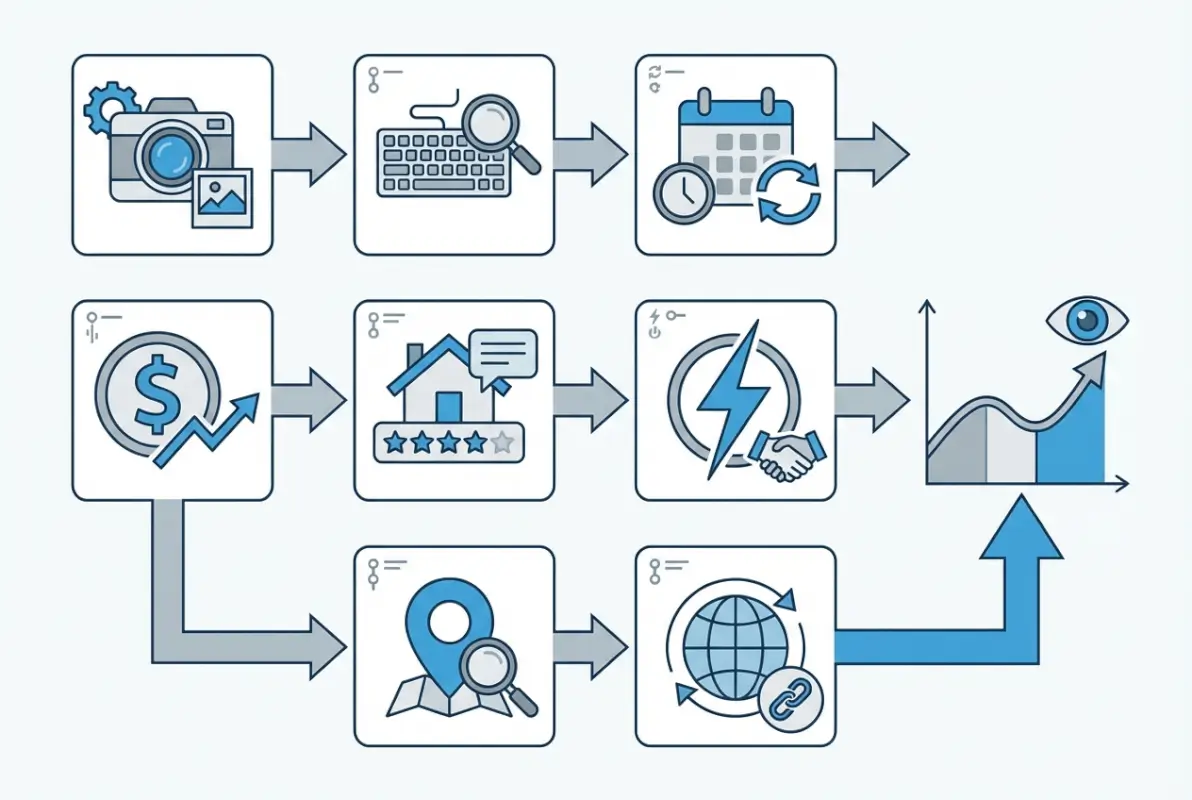
Visual optimization operates at two distinct levels: getting the click from search results (where only your cover image matters), and converting that click into a booking inquiry once guests land on your listing page (where your entire photo gallery comes into play). Most hosts focus exclusively on the second part while neglecting the first, which is like optimizing your website’s inner pages without considering how people find you in search results.
Professional Photography and Cover Image Strategy
Your cover image is a billboard that appears in search results alongside dozens of competing listings. It needs to communicate your property’s strongest selling point within approximately 1.5 seconds—the average time users spend evaluating each thumbnail before scrolling past. That’s not enough time for a viewer to appreciate your vintage hardwood floors or the charming architectural details you lovingly restored.
The most effective cover images follow a predictable pattern: they showcase the space that best represents your property’s value proposition, captured during optimal lighting conditions, with clear depth and visual interest. For a beachfront condo, that might be an ocean-view balcony shot at golden hour. For an urban loft, it could be your open-concept living space with dramatic natural light streaming through oversized windows. For a countryside cottage, perhaps your outdoor seating area with pastoral views.
Professional photographers understand how to make spaces appear simultaneously accurate and aspirational—a balance amateur photography struggles to achieve. They know how to stage rooms without making them look artificially styled, how to handle mixed lighting scenarios that create color cast issues, and how to shoot angles that maximize perceived space without distorting proportions.
Beyond technical execution, professional shoots deliver quantity: you’ll typically receive 25-40 high-resolution images covering every angle and feature of your property. This comprehensive coverage lets you refresh your gallery periodically, swap out seasonal shots, and test different cover images—all from a single shoot investment.
When selecting your cover image from the professional batch, avoid the temptation to lead with your most aesthetically beautiful shot. Lead with your most relevant shot for your target guest demographic. If business travelers represent 60% of your bookings, showcase the dedicated workspace with excellent natural light. If families dominate your booking calendar, feature the spacious living area where kids can play while parents relax.
Photo Sequencing and Gallery Storytelling
Once your cover image earns the click, your photo gallery needs to guide potential guests through a virtual tour that builds confidence and addresses common questions before they’re even asked. Think of your gallery as a narrative arc, not a random collection of pretty pictures.
Start strong with 3-4 images establishing the overall vibe and key spaces: entrance or exterior (establishing shot), main living area (where guests spend time), primary bedroom (where they sleep), and your standout feature (whether that’s a kitchen, view, outdoor space, or unique amenity). These opening images should answer the guest’s first question: “What’s it like to be in this space?”
The middle section dives deeper into details that matter for booking decisions: additional bedrooms with accurate bed configurations, bathroom amenities and size, kitchen equipment and counter space, storage and closet areas, and workspace or dining setups. This is where you address practical concerns that influence booking confidence.
| Photo Position | Purpose | Recommended Shots |
|---|---|---|
| 1 (Cover) | Stop the scroll | Strongest value proposition (view, space, unique feature) |
| 2-5 | Establish context | Living area, primary bedroom, standout amenity, exterior/entrance |
| 6-15 | Build confidence | All bedrooms, bathrooms, kitchen details, workspace, storage |
| 16-25 | Address objections | Parking, entry process, neighborhood context, seasonal variations |
| 26+ | Provide extras | Detail shots, alternative angles, special features, view variations |
Close your gallery with practical details that reduce pre-booking questions: parking arrangements and access, check-in process and entry systems, neighborhood context and nearby landmarks, and seasonal variations if relevant (that pool looks great in summer, but guests booking for November want to know what the space looks like in fall). Each of these elements addresses potential friction points that could derail a booking.
Use photo captions strategically, not just descriptively. Instead of “Master Bedroom,” write “King bed with premium linens and blackout shades for sleeping in.” Rather than “Kitchen,” caption it “Fully equipped kitchen with gas range, dishwasher, and espresso machine.” These enriched captions serve double duty: they provide context for guests browsing quickly, and they add keyword-rich text that helps your listing surface in searches for specific amenities.
Refresh your gallery seasonally or annually. Outdoor spaces look dramatically different across seasons, and showing summer photos to winter guests creates disconnect. If your property has seasonal appeal (ski access, beach proximity, fall foliage), consider maintaining two photo sets and swapping them as appropriate. This regular updating also signals active management to the algorithm.
Sharpen Your Listing Copy and Semantic Relevance
While photos get guests to click, words are what get them to book. Your listing copy needs to accomplish three simultaneous goals: satisfy algorithmic keyword matching, address practical guest questions, and create emotional resonance that tips browsers into bookers. That’s a lot of work for a few hundred words, which is why most listing descriptions fail at least one of those objectives.
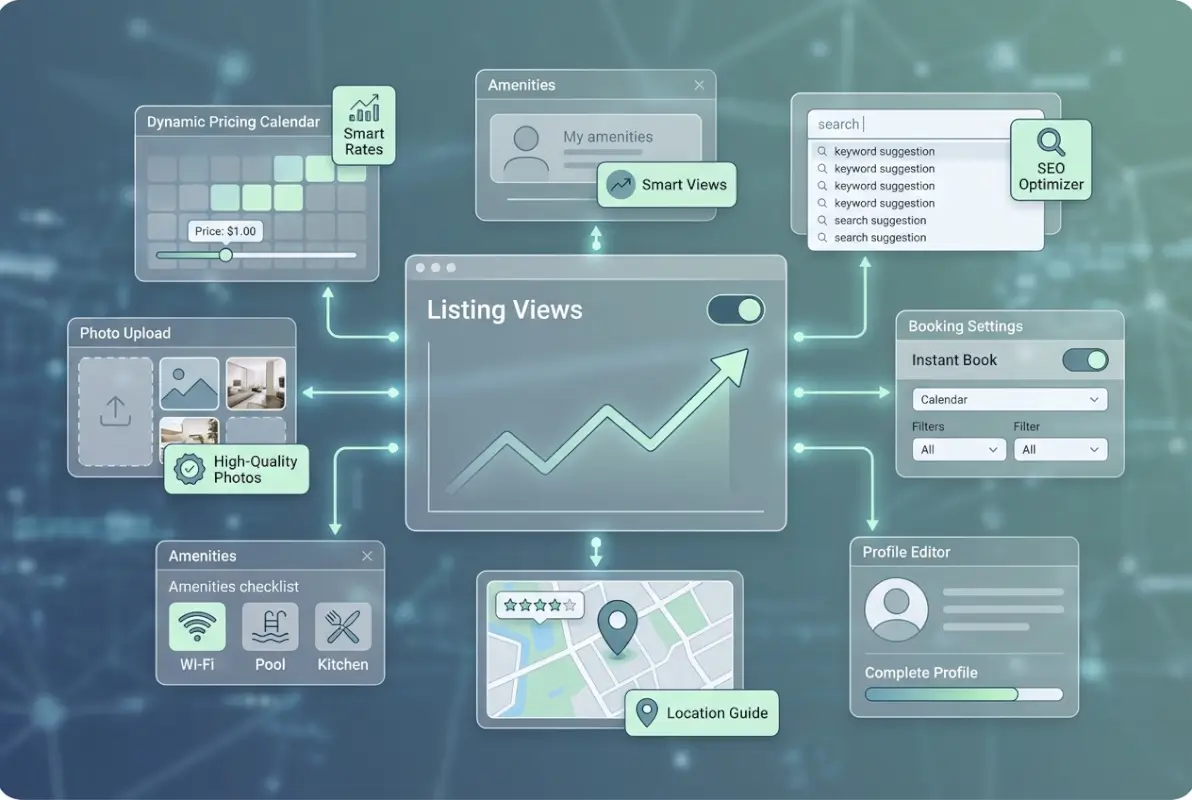
The key to effective listing copy is understanding that you’re writing for two distinct audiences with different priorities. The algorithm scans for semantic signals and keyword relevance to determine search applicability. Human guests skim for decision-relevant information while getting a feel for your hosting style and property personality. Great listing copy serves both audiences without feeling forced or keyword-stuffed.
Craft Keyword-Rich, Authentic Titles and Descriptions
Your listing title is prime real estate—roughly 50 characters that appear in search results, emails, and booking confirmations. It needs to communicate property type, location context, and your key differentiator without sounding like SEO spam. Compare these two approaches:
Weak: “Beautiful Downtown Apartment”
Strong: “Bright 2BR Loft in Arts District | Rooftop + Parking”
The second example packs in searchable terms (2BR, loft, Arts District, rooftop, parking) while remaining genuinely informative. Someone searching for “2 bedroom loft arts district parking” will get an algorithmic match, but it reads naturally enough that humans don’t perceive keyword manipulation.
Your description should open with a compelling summary paragraph that incorporates your property’s core search terms naturally. Don’t lead with “Welcome to our charming space!”—that wastes valuable keyword real estate. Instead, try something like: “This spacious two-bedroom craftsman cottage in East Nashville’s Five Points neighborhood features original hardwood floors, a fully equipped kitchen, dedicated workspace, and private parking—perfect for couples or small families exploring the city’s vibrant music scene.”
That opener naturally includes: property type (cottage), specific location (East Nashville, Five Points), key amenities (hardwood, kitchen, workspace, parking), and guest context (couples, families, music scene). It reads conversationally while hitting multiple algorithmic relevance signals.
Structure the rest of your description with scannable sections: “The Space” covering layout and standout features, “Guest Access” clarifying what’s available vs. shared, “The Neighborhood” highlighting local context and attractions, and “Getting Around” addressing transportation and parking. This organization helps both algorithmic parsing and human comprehension.
Avoid generic descriptor words that add no search value or decision information: “cozy,” “charming,” “perfect,” “amazing,” “stunning.” These fillers waste character count without improving relevance or conversion. Replace them with specific, searchable attributes: “10-foot ceilings,” “gas fireplace,” “walk-in shower,” “dedicated workspace,” “electric vehicle charger.”
Feature Amenities and Experiences That Guests Value
Airbnb’s amenity checklist is a direct line to algorithmic relevance for filtered searches. Every amenity you accurately tag makes your listing eligible to surface when guests filter by that feature. Yet many hosts rush through this section, checking only the obvious items while missing opportunities for improved discoverability.
Work through the amenity list methodically, considering both standard features and edge cases. Does your space have USB charging ports at bedside? Tag “USB outlets.” Is there a dedicated parking spot (even if it’s street parking that’s reliably available)? Tag “Free parking on premises” or “Free street parking.” Smart TV with Netflix? Tag “TV with streaming services.” Each accurate tag expands your potential audience.
High-value amenities worth investing in if you’re missing them: high-speed WiFi (test and post speeds), workspace with monitor and ergonomic chair, self check-in capability, air conditioning in warm climates, and in-unit laundry. These features appear frequently in filtered searches and directly impact booking rates across most markets.
Don’t just check boxes—elaborate in your description. Instead of simply tagging “WiFi,” write “Gigabit fiber internet (940 Mbps down) ideal for video calls and streaming.” Rather than just “Kitchen,” specify “Full kitchen with gas range, full-size refrigerator, dishwasher, and espresso machine.” These details improve search relevance while addressing guest questions before they’re asked.
Experience-based amenities matter increasingly as Airbnb positions itself beyond simple accommodation. If your property offers unique experiences—walking distance to specific attractions, proximity to hiking trails, views of notable landmarks, access to kayaks or bikes—feature these prominently. Guests increasingly search for “Airbnb near [attraction]” rather than just “Airbnb in [city],” making experiential proximity a visibility factor.
Calendar and Availability Signaling
Your calendar is an often-overlooked ranking signal that communicates active management and booking availability to the algorithm. Hosts who regularly update their calendars—even with minor adjustments—tend to maintain better search visibility than those who set it once and forget it for months.
The algorithm notices calendar activity patterns: frequency of updates, lead time on availability, minimum/maximum stay requirements, and consistency with actual booking behavior. A calendar that remains static for weeks signals potential disengagement, while regular refinements suggest active management and accurate availability.
You don’t need to make major changes; small adjustments count. Update minimum stay requirements for upcoming holidays, adjust weekend vs. weekday minimums, open up or close off longer booking windows, or refresh seasonal pricing. These micro-updates take minutes but maintain your listing’s “active” status in the algorithm’s assessment. The same principle applies when you maintain business directory listings—regular updates signal ongoing relevance and active management.
Keep your calendar open as far into the future as you’re comfortable committing. Listings with 6-9 months of availability tend to capture more searches than those with only 2-3 months open, particularly for guests planning trips well in advance or flexible travelers searching broadly. The wider your available window, the more search scenarios your listing qualifies for.
Price Strategically to Improve Both Views and Conversion
Pricing exists in this weird intersection between revenue optimization and visibility strategy, which is why so many hosts struggle with it. Set prices too high and you’ll get fewer bookings but potentially more revenue per booking. Set them too low and you’ll book constantly while leaving money on the table and potentially signaling lower quality. The sweet spot varies by market, season, and your specific property’s positioning.
What most hosts miss is that pricing affects visibility before it affects conversion. Guests can sort search results by price and apply budget filters that exclude your listing entirely if you’re priced outside their range. Even when guests don’t actively filter by price, the algorithm weighs price competitiveness as a ranking signal—being significantly above market rate for your property type suppresses visibility regardless of quality.
Use Airbnb’s Smart Pricing and Competitive Market Benchmarking
Smart Pricing automates rate adjustments based on supply and demand signals in your market: local event calendars, competitor pricing changes, seasonal trends, day-of-week patterns, and lead time to booking date. It’s not perfect—it sometimes suggests rates lower than optimal—but it provides a useful baseline and keeps your pricing responsive to market conditions.
Rather than accepting Smart Pricing suggestions blindly, use them as market intelligence. Enable Smart Pricing but set minimum and maximum bounds that reflect your property’s true value range. If Smart Pricing recommends $85 for a Tuesday in March, that tells you demand is soft; you can decide whether to accept that reality or maintain a higher rate and accept lower occupancy.
The real power of dynamic pricing comes from responding to market signals faster than static-priced competitors. When a major conference or festival gets announced, Smart Pricing (or manual rate increases) captures that demand premium immediately. When unexpected weather or event cancellations crater demand, quick rate adjustments keep you competitive for the reduced pool of travelers.
| Pricing Approach | Visibility Impact | Revenue Impact | Best For |
|---|---|---|---|
| Static premium (+20% vs market) | Lower visibility | High per booking, lower occupancy | Unique properties, limited availability |
| Market-rate (±5% vs comparables) | Competitive visibility | Balanced revenue optimization | Most properties in most markets |
| Value positioning (-10-15% vs market) | Maximum visibility | Lower per booking, high occupancy | New listings, low-season periods |
| Dynamic (Smart Pricing + manual override) | Adaptive visibility | Optimized across demand cycles | Hosts focused on total revenue |
Was this article helpful?