How to Know if Your Business Is Listed on Google: 5 Simple Steps
When your business doesn’t show up on Google, you’re essentially invisible to the 97% of consumers who search online for local services. I’ve seen countless small businesses lose thousands in revenue simply because they never claimed their free Google Business Profile—or worse, didn’t even realize they needed one. Here’s the truth nobody talks about: your competitors might be managing your business listing on Google right now without you knowing, feeding incorrect information to potential customers and driving them elsewhere.

The good news? Taking control of your Google presence is simpler than you think, and it’s completely free. Whether you’re a brick-and-mortar shop, a service-area business, or anywhere in between, your Google Business Profile (GBP) determines whether you appear in local search results, Google Maps, and those coveted “near me” searches that drive foot traffic. Let’s walk through exactly how to find out if you’re listed, claim what’s yours, and optimize it so customers actually find you.
TL;DR – Quick Takeaways
- Search for yourself first – Use Google Maps and Search to find existing listings with your business name, address, and phone
- Claim or create – Take ownership through the GBP console or create a new profile if none exists
- Verify immediately – Complete verification via phone, text, postcard, video, or email depending on your eligibility
- Complete everything – Fill out 100% of your profile fields for maximum visibility in local pack results
- Monitor continuously – Regular audits prevent suspensions, duplicates, and information inconsistencies
Step 1: Determine if Your Business Is Already Listed on Google
Before you do anything else, you need to know what’s already out there. Open Google Maps and type in your exact business name along with your city. Then try searching just your phone number. Finally, search your street address. You’d be surprised how many variations might exist—sometimes Google creates auto-generated listings from third-party data sources, and other times previous owners or employees set up profiles that got abandoned.
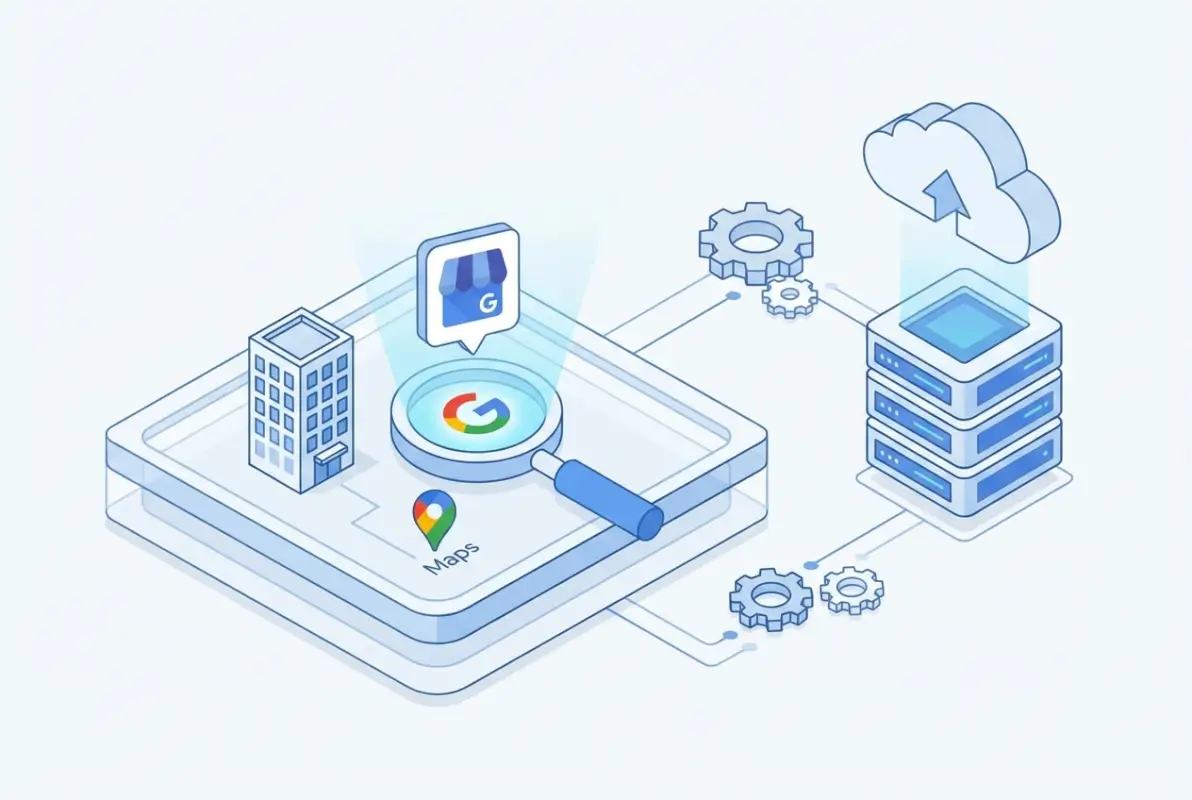
What you’re looking for here is whether a listing exists at all, and if it does, who controls it. Click on any listing you find and look for an “Own this business?” or “Claim this business” link. If you see that option, congratulations—your listing exists but isn’t claimed yet. If you don’t see it, either you already own it (check your Google account’s Business Profile manager), or someone else has claimed it.
Sometimes businesses have duplicate listings—maybe one from when you moved locations, another someone created by accident, or even fraudulent listings set up by competitors or scammers. If you spot duplicates, don’t panic. Google has processes to merge or remove them, but you’ll need to claim the correct one first. Understanding what makes a listing active and verified helps you distinguish between legitimate profiles and ghost entries that need removal.
What if you search every possible variation and find absolutely nothing? That actually makes your job easier—you’ll simply create a fresh listing from scratch in the next step. Just make certain you’ve tried searching variations of your business name (with and without LLC, Inc., etc.), your complete address, and your phone number in different formats before concluding nothing exists.
Step 2: Claim or Create Your GBP Listing
Now comes the moment of truth. If you found an unclaimed listing in Step 1, navigate to the Google Business Profile manager and sign in with the Google account you want to use for managing your business (pro tip: use a company Gmail account, not your personal one, so access doesn’t get locked if you leave the business). Click “Add your business” and search for it again—Google will show you existing matches. Select yours and click the “Claim this business” button.
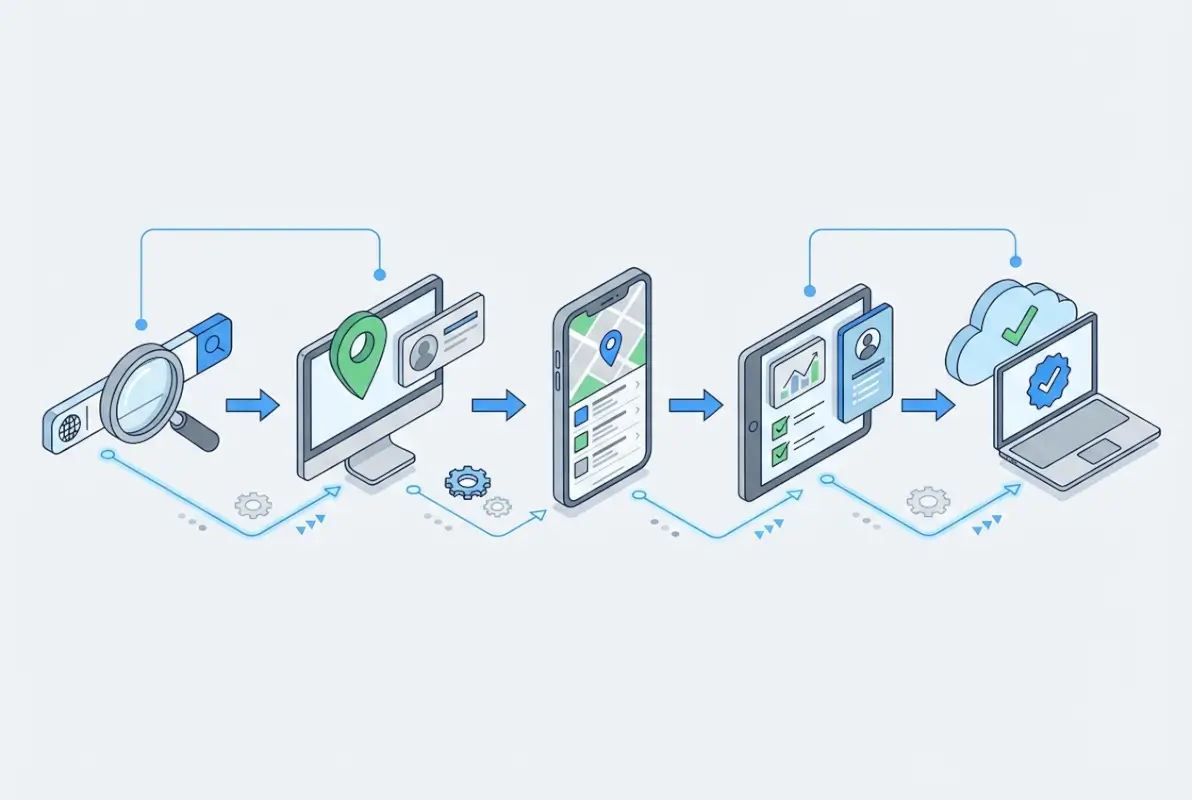
If no listing exists anywhere, the creation process is straightforward but requires attention to detail. You’ll enter your business name exactly as it appears on your signage and legal documents (consistency matters here). Then you’ll choose your primary category—this is critical because it determines which searches you’ll appear in. Don’t just pick something generic; if you’re a “family law attorney,” don’t select just “attorney” when the more specific category exists.
During creation, you’ll add your phone number (use a local number if possible—toll-free numbers sometimes get flagged), your website URL, and your business hours. Many people rush through this part, but accuracy now prevents headaches later. I remember working with a bakery owner who listed closing time as 6 PM when they actually closed at 7 PM—they lost evening customers for months before realizing the error. Double-check everything.
The system will also ask about your location type. Be honest: if customers can visit your physical location, say so. If you operate from home but don’t want customers showing up, choose the service area option. Google’s algorithms detect inconsistencies, and misrepresenting your business type can result in permanent suspension. For businesses exploring broader directory strategies, learning how structured directory listings work provides valuable context for maintaining consistency across platforms.
Step 3: Complete and Verify Your GBP Listing
Here’s where most businesses get stuck. Verification proves to Google that you’re the legitimate owner and not someone trying to hijack a competitor’s listing or create spam. The verification methods Google offers depend on your business type, location, and existing digital footprint. Common options include phone call, text message, email, postcard by mail, and increasingly, video or live video verification.
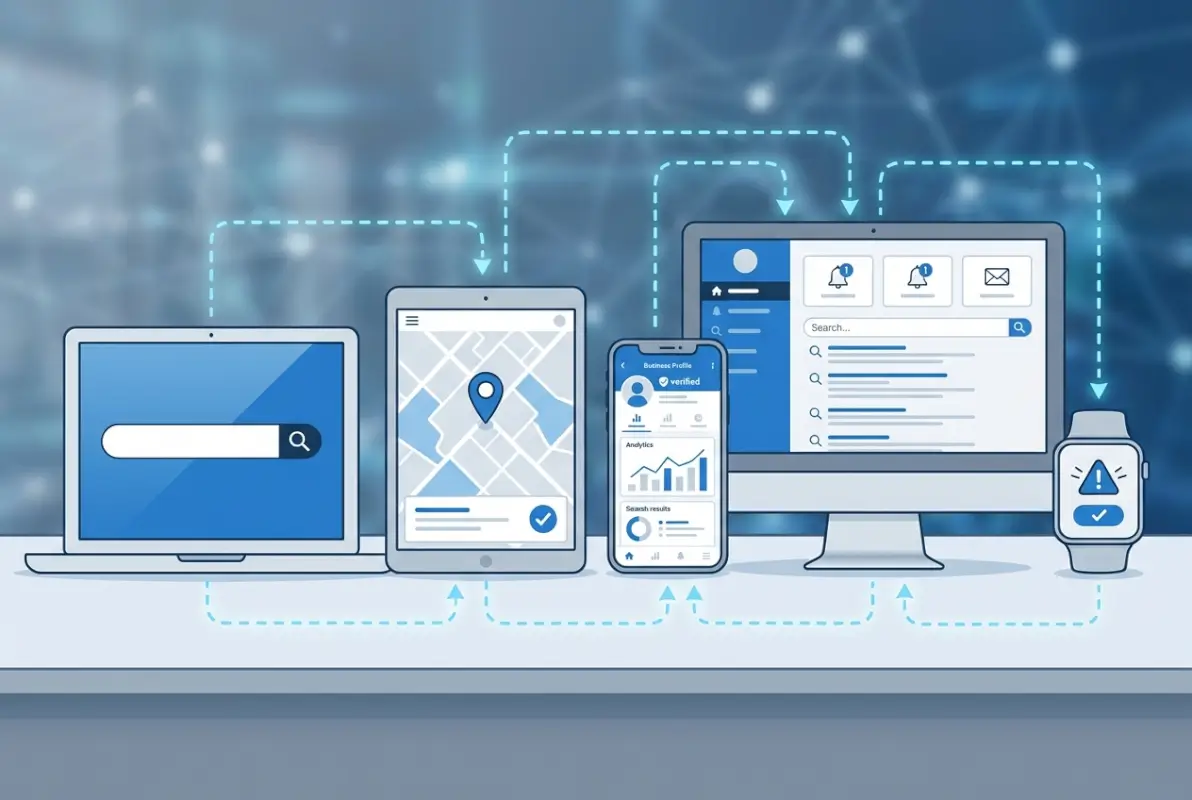
Postcard verification used to be the default—Google mails a postcard with a verification code to your business address, and you enter that code in the dashboard when it arrives (typically 5-14 days later). It’s reliable but slow. Phone and text verification happen instantly when available, making them the preferred choice. Email verification appears for some businesses with established online presence and verified domains.
| Verification Method | Timeline | Best For |
|---|---|---|
| Phone/Text | Instant | Most businesses when available |
| Minutes | Verified domain owners | |
| Postcard | 5-14 days | Brick-and-mortar with stable address |
| Video/Live Video | 24-48 hours | High-risk categories or when other methods fail |
Video verification has become more common recently, especially for businesses in categories Google considers sensitive (medical, legal, financial services). You’ll record a short video showing your business signage, interior, and possibly yourself explaining your services. Live video verification connects you with a Google representative via video call who confirms your business in real-time. While more involved, these methods often process faster than postcards.
If verification fails or you don’t receive your postcard, don’t create a new listing—that creates duplicates and makes the problem worse. Instead, request a new verification through the same listing. You can also connect your website through Google Search Console, which sometimes enables instant verification for sites Google already trusts. Ensure your NAP information on your website’s contact page exactly matches what you entered in GBP; inconsistencies flag Google’s fraud detection systems.
Step 4: Optimize Your GBP Profile for Visibility and Credibility
Getting verified is just the beginning. A bare-bones listing might get you on the map, but optimization determines whether you actually show up when customers search. Google’s local ranking algorithm considers hundreds of signals, but profile completeness consistently ranks among the most important factors. Think of your GBP as a living, breathing representation of your business—not a “set it and forget it” directory entry.

Start by filling out every single field Google offers. Add secondary categories if they’re relevant (you can have one primary and up to nine additional categories). Upload your business description using natural language that incorporates your services—this isn’t the place for keyword stuffing, but do mention what you actually do. Add attributes like “wheelchair accessible,” “free Wi-Fi,” “outdoor seating,” or industry-specific options that appear for your category.
Photos make an enormous difference. Businesses with photos receive 42% more requests for directions and 35% more click-throughs to their websites than those without. Upload exterior shots, interior views, product photos, team pictures, and shots of your work in progress. Update these regularly—fresh photos signal an active business. I’ve watched businesses jump from page two to the local pack simply by adding high-quality, well-lit photos that showcased their space.
Reviews are the currency of local search. Encourage satisfied customers to leave Google reviews by making it easy—send a direct review link via email or text after a successful transaction. Respond to every review, positive or negative, with personalized messages (not copy-paste templates). Google notices engagement rates, and businesses that actively manage their reviews tend to rank higher. When addressing negative reviews, stay professional and offer to resolve issues offline—it shows potential customers you care about satisfaction. For businesses managing multiple listings, understanding essential directory website elements helps maintain consistency across different platforms.
Don’t ignore Google Posts, either. These mini-updates appear in your listing and let you share news, offers, events, or products. They expire after seven days (or on the event date), so post weekly to keep your profile active. Posts with images and clear calls-to-action drive measurable engagement. The Q&A section is another underused feature—seed it with common questions and helpful answers so customers find information without calling you.
Booking buttons, appointment links, messaging features, and menu uploads (for restaurants) all improve user experience and send positive signals to Google’s algorithm. The more ways customers can interact with your listing, the more valuable Google considers it. Services and products sections let you showcase specific offerings with descriptions and photos—use them to target long-tail keywords naturally.
Step 5: Monitor, Audit, and Maintain Your GBP Listing
Your work doesn’t end once you’re verified and optimized. Google’s local ecosystem changes constantly—algorithms update, competitors emerge, and your own business information evolves. Regular maintenance prevents the kind of catastrophic issues I’ve seen, like businesses losing their entire listing due to unnoticed guideline violations or information becoming outdated and triggering suspensions.

Set a monthly reminder to audit your listing. Check that your NAP information remains consistent across Google, your website, and major directories like Yelp, Yellow Pages, and Facebook. Even small discrepancies (like “Street” vs. “St.” or different phone number formats) can dilute your local SEO signals. If you change locations, update hours for holidays, or get a new phone number, edit your GBP immediately—and then verify the changes appear correctly within 24-48 hours.
Monitor for suspicious activity. If you notice unexpected edits to your listing, someone may have gained unauthorized access. Enable two-factor authentication on the Google account managing your GBP. If your listing suddenly disappears from search, check your email for suspension notices from Google—they’ll explain the violation and provide reinstatement instructions. Common suspension triggers include using a virtual office address for a service area business, keyword stuffing in your business name, or accumulating fake reviews.
Stay informed about Google’s evolving guidelines and local ranking factors. What worked last year might violate policies today. Industry resources like Google’s official Business Profile Help publish regular updates about feature changes and policy clarifications. Participating in local SEO communities helps you stay ahead of algorithm changes before they impact your rankings.
For businesses serious about local visibility, consider linking your GBP to other Google services. Connect Google Analytics to your website to track referral traffic from your listing. Link Google Ads for Local campaigns that boost visibility. Some businesses become eligible for instant verification after establishing these connections and building trust across Google’s ecosystem. Those exploring comprehensive listing strategies might benefit from understanding what makes directory submissions successful across different platforms.
Advanced Tactics for Maximum Visibility
Once you’ve mastered the fundamentals, several advanced strategies can give you an edge over competitors who stop at basic optimization. Service menus for service-based businesses let you create detailed, searchable service pages right within your GBP. Each service can have its own description and price range, making you more likely to appear for specific service searches.
If you operate multiple locations, bulk management through Google’s Business Profile Manager streamlines updates across all profiles while maintaining unique information for each location. Just avoid creating duplicate listings for the same physical address with different service areas—that’s a fast track to suspension. For multi-location businesses, learning proven monetization strategies for directory platforms can inform how you structure your own listings across different properties.
The “open now” attribute significantly impacts click-through rates. Businesses showing as open during searches receive substantially more engagement. Ensure your hours are always current, including special hours for holidays. If you offer 24-hour service, mark that clearly. Google sometimes pulls hours from other sources if yours aren’t specified, potentially showing incorrect information.
Review velocity matters almost as much as review quantity. A steady stream of recent reviews signals an active, popular business. Five reviews this month beats fifty reviews from three years ago in Google’s current algorithm. Develop systematic processes for requesting reviews after transactions—email follow-ups, text messages with direct review links, or in-person requests with QR codes all work when executed consistently.
Frequently Asked Questions
Is Google Business Profile really free to use?
Yes, creating and maintaining a Google Business Profile is completely free. There are no subscription fees, listing charges, or hidden costs. Google provides GBP as a free tool to help businesses appear in Search and Maps, though some businesses choose to invest in Google Ads to boost visibility beyond organic listings.
How do I know if my GBP listing is verified?
Check your Google Business Profile dashboard for verification status. Verified listings display a verification badge and unlock all profile features. Unverified listings show a verification prompt with available methods like phone, text, email, postcard, or video. The dashboard clearly indicates which verification steps remain incomplete if your listing isn’t yet verified.
What should I do if I can’t find my business on Google?
First, search using exact business name, address, and phone number variations. Check Google Maps and Google Search separately. If nothing appears, create a new listing through the Business Profile manager. If a listing exists but you can’t claim it, click “Own this business?” and complete verification. For inaccessible listings, request ownership through Google’s support channels.
Which verification method is most common now?
Video verification and live video verification have become increasingly common, especially for sensitive business categories. Traditional methods like phone, text, email, and postcard remain available based on eligibility. Phone and text verification offer the fastest completion when available. Google determines which methods you’re eligible for based on business type, location, and trust signals.
Can I list a business without a physical storefront?
Absolutely. Service Area Businesses (SABs) are designed specifically for businesses that visit customers at their locations rather than hosting customers at a fixed address. You’ll hide your address and instead specify service coverage areas by city, county, or radius. Common examples include plumbers, electricians, consultants, and mobile services operating from home offices.
What factors most influence GBP visibility today?
Profile completeness, NAP accuracy, review quantity and quality, photo updates, and active management drive visibility. Recent industry analyses emphasize the importance of regular posts, complete service listings, and engagement signals like message response rates. Proximity to the searcher, relevance to the search query, and prominence (overall online reputation) form Google’s core local ranking framework.
How long does verification typically take?
Phone and text verification complete instantly when available. Email verification processes within minutes. Postcard verification takes 5-14 business days for mail delivery plus processing time. Video verification usually completes within 24-48 hours after submission. Live video verification schedules depend on Google representative availability but often resolve same-day or next-day.
Can competitors sabotage my Google Business listing?
While Google has security measures in place, competitors can submit suggested edits to your listing or report it for policy violations. Always enable two-factor authentication on your managing account and monitor your listing regularly for unauthorized changes. Google reviews edit suggestions before applying them, and most malicious attempts get rejected, but vigilance prevents issues.
Should I respond to negative reviews?
Yes, always respond professionally to negative reviews. Acknowledge the customer’s concern, apologize if appropriate, and offer to resolve the issue offline with contact information. Potential customers read your responses to gauge how you handle problems. Businesses that engage with negative feedback often convert skeptical browsers into customers by demonstrating accountability and customer service commitment.
How often should I update my GBP listing?
Update immediately when business information changes (hours, phone, address, services). Post new Google Posts at least weekly to signal active management. Add fresh photos monthly. Review and refine your business description quarterly. Check insights monthly to understand customer behavior. Regular activity improves rankings and keeps your profile accurate, preventing the algorithmic penalties associated with stale information.
Take Control of Your Google Presence Today
Your Google Business Profile is working for you or against you right now—there’s no middle ground. Customers searching for businesses like yours are finding someone; the question is whether they’re finding you or your competitors. The five-step process we’ve covered isn’t complicated, but it does require action. Don’t put this off until next quarter or when you “have more time.” Every day your listing remains unclaimed, incomplete, or unverified is a day you’re leaving money on the table.
Remember that local search is an ongoing game, not a one-time setup. The businesses that win consistently are those that treat their GBP like the valuable digital asset it is—monitoring it regularly, keeping information fresh, engaging with customers through reviews and messages, and staying informed about best practices. You’ve now got the roadmap; the only thing standing between you and better visibility is implementation.
If you’re managing multiple business listings or exploring directory opportunities beyond Google, the principles of accurate information, complete profiles, and active management apply universally. The digital presence you build today compounds over time, making your business easier to find with each passing month. Get started now, and six months from now you’ll thank yourself when you’re turning away customers because you’re too busy to take on more work.