How to Increase Your Google Business Listing Visibility: 6 Local SEO Tips
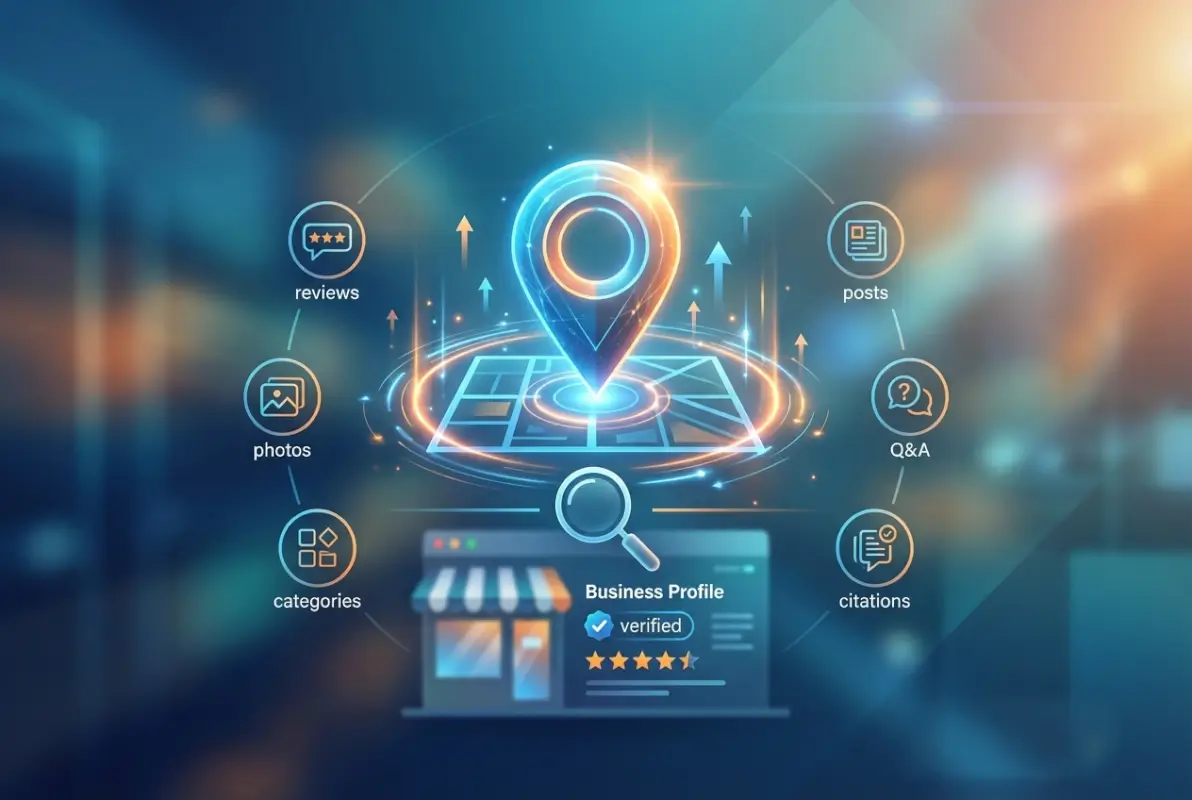
If you’ve ever searched for a local business and wondered why some listings appear right at the top of Google Maps while others are buried pages deep, you’re about to discover the exact mechanics behind that visibility gap. Here’s something most business owners miss: your Google Business Profile isn’t just a static listing—it’s a dynamic ranking signal that Google actively monitors for freshness, engagement, and trust indicators. The businesses dominating local search right now aren’t necessarily spending more on ads; they’re strategically activating specific GBP signals that Google’s algorithms prioritize. What I’m about to share goes beyond the basic “fill out your profile” advice you’ve heard before, this is about understanding the behavioral patterns and technical elements that actually move the needle on local visibility.

TL;DR – Quick Takeaways
- GBP signals dominate local rankings – Your profile completeness, activity level, and verification status directly impact map pack placement
- Active profiles outrank static ones – Regular posts, timely updates, and Q&A engagement signal relevance to Google’s algorithms
- Review quality trumps quantity – Recent, detailed, locally-relevant reviews with professional responses carry more weight than volume alone
- NAP consistency is non-negotiable – Inconsistent business information across directories actively suppresses your visibility
- Service definitions and visual content matter – Predefined services, high-quality images, and proper categorization are ranking factors often overlooked
- Integration amplifies results – Connecting your GBP to location-specific website pages with proper schema creates compound visibility effects
Optimize and Verify Your Google Business Profile (GBP Fundamentals)
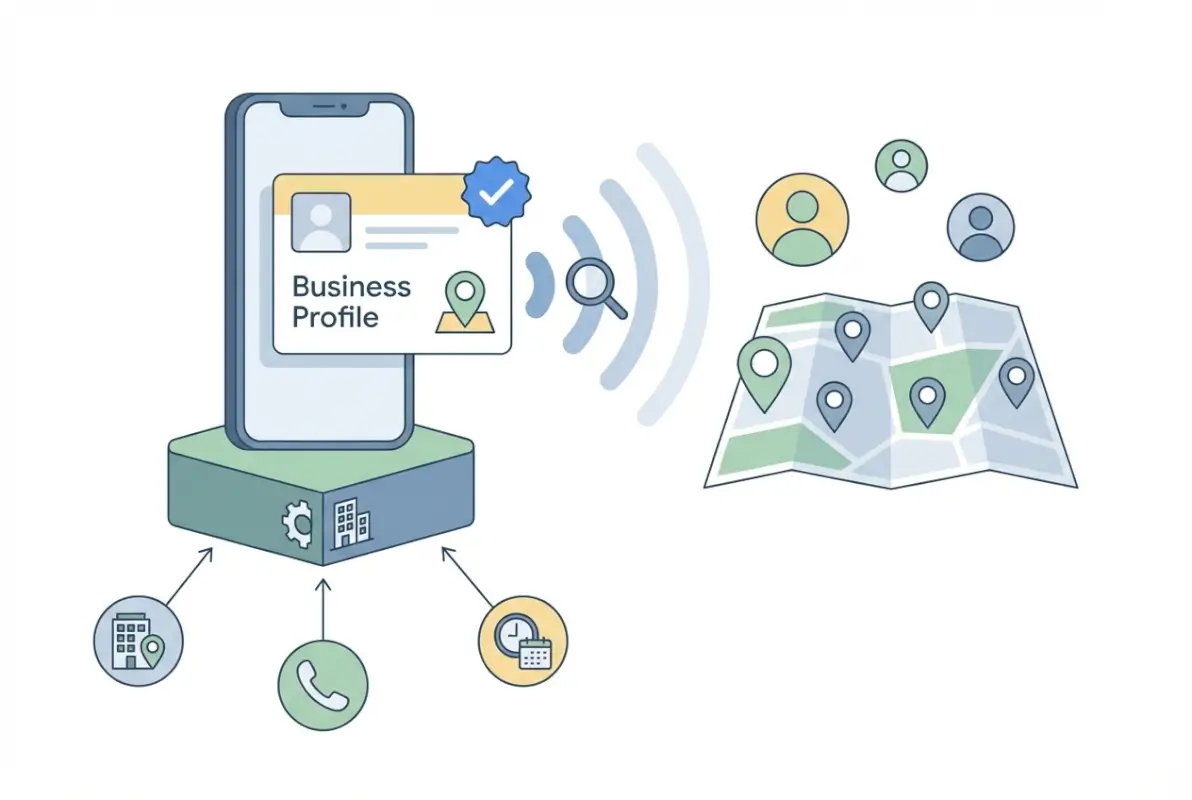
The foundation of local search visibility starts with a properly claimed, verified, and fully optimized Google Business Profile. Think of your GBP as your business’s digital storefront—if the front door is locked or the sign is unclear, potential customers will simply move on to the next option. What surprises many business owners is that verification isn’t a one-and-done process; Google periodically requires re-verification, especially if you make significant changes to your listing or if suspicious activity is detected.
Claiming and Basic Setup
The claiming process begins at the Google Business Profile Help Center, where you’ll search for your business to see if a listing already exists. Many businesses discover that Google has automatically generated a profile based on publicly available information, which means someone else could potentially claim it if you don’t act first. When claiming an existing listing, you’ll need to prove you’re authorized to manage it—typically through verification methods we’ll discuss next.
During initial setup, accuracy matters more than speed. I’ve seen businesses rush through this process only to face suspension issues later because they selected the wrong business type or tried to game the system with keyword-stuffed names. Your business name should match exactly what appears on your storefront, business license, and official documents (nothing more, nothing less).
Verification Methods (Including Video Verification Where Applicable)
Google offers multiple verification pathways depending on your business type and eligibility. The traditional postcard verification remains most common—Google mails a postcard with a verification code to your business address, which typically arrives within 5-7 business days. However, video verification has emerged as an alternative for eligible businesses, allowing you to verify in real-time by recording a walkthrough of your business location while following specific guidelines about what to show and say.
Phone and email verification options appear for some businesses, though Google’s eligibility criteria for these methods aren’t publicly disclosed. If offered these faster options, take advantage of them, but don’t be surprised if they’re not available—Google seems to reserve instant verification methods for established businesses with strong online footprints and low fraud risk profiles.
Ongoing Verification Considerations and Re-verification Rules
Here’s something that catches businesses off guard: verification status isn’t permanent. If you change your business address, update your primary category significantly, or if Google detects unusual activity patterns, you may need to re-verify. I remember working with a service-area business that expanded to three new cities and added those service areas to their GBP—Google immediately flagged the profile for re-verification because the geographic expansion looked suspicious to their algorithms.
Maintaining verification means avoiding practices that trigger Google’s fraud detection systems. These include sudden bulk changes to multiple listing attributes simultaneously, frequent address modifications, or patterns that suggest you’re operating multiple similar businesses from the same location. For businesses managing multiple locations, this becomes particularly important when implementing changes across your portfolio.
Complete and Accurate Business Information
Once verified, your next priority is ensuring every data field in your GBP is complete, accurate, and consistent with how your business appears elsewhere online. Google’s ranking algorithms evaluate profile completeness as a trust signal—incomplete profiles suggest abandoned or unreliable businesses. But completeness alone isn’t enough; the information must also align perfectly with what appears on your website, in online directories, and in real-world locations.
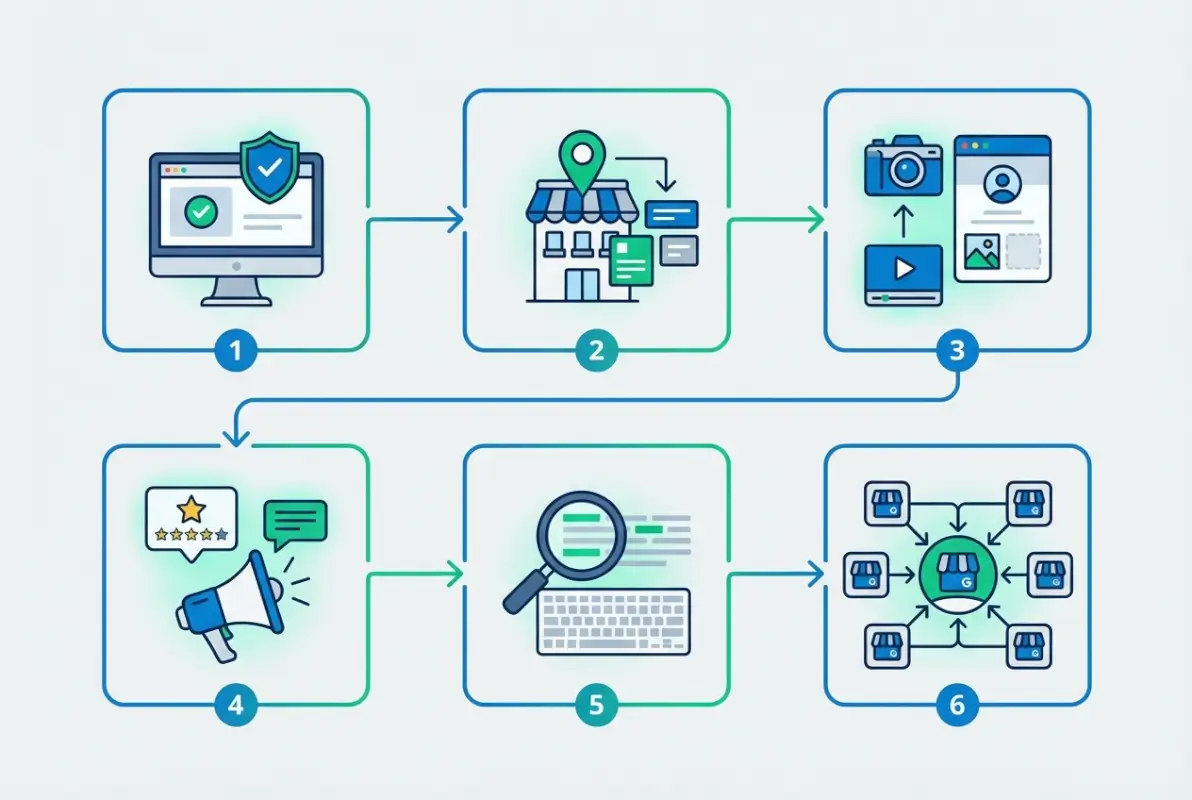
NAP Consistency Across Platforms
NAP (Name, Address, Phone number) consistency is arguably the most critical technical factor in local SEO. Google cross-references your business information across hundreds of data sources to verify authenticity. When your address appears as “123 Main Street” on your GBP but “123 Main St.” on your website and “123 Main Street, Suite 5” in other directories, you’re creating conflicting signals that dilute your credibility in Google’s eyes.
The solution requires an audit of everywhere your business information appears online. Start with major data aggregators like Data Axle, Neustar Localeze, and Foursquare, since these platforms feed information to hundreds of smaller directories. Then check industry-specific directories relevant to your business type. For local businesses seeking comprehensive visibility strategies, understanding how to get your business listed on directories essential steps becomes foundational to maintaining that consistency.
| NAP Element | Common Inconsistency | Correct Format |
|---|---|---|
| Business Name | Adding keywords or location | Legal business name only |
| Address | Street vs St., Suite variations | Match USPS format exactly |
| Phone Number | Tracking numbers, extensions | Primary local number consistently |
| Hours | Outdated or approximate times | Exact operational hours, updated |
Address Type (Retail Storefront vs. Service-Area Business) and Map Pin Accuracy
How you configure your address visibility depends entirely on whether customers visit your physical location or you travel to them. Retail storefronts, restaurants, and offices where customers come to you should display their full address and ensure the map pin drops precisely on the correct building. Service-area businesses (SABs) like plumbers, electricians, or cleaning services should hide their address and instead define service areas.
The map pin location deserves special attention because Google uses it to determine proximity for “near me” searches. If your pin is even slightly misplaced—perhaps dropping in a parking lot behind your building or on an adjacent property—you’re losing visibility for searches happening literally right outside your door. You can adjust pin placement within your GBP dashboard by clicking the map and dragging the marker to the precise entrance of your business.
Hours of Operation (Including “Open Now” Signals)
Your business hours aren’t just informational—they’re active ranking signals. Google gives preference in local results to businesses currently open when someone searches, because open businesses can immediately serve the searcher’s intent. This “open now” boost means that keeping your hours accurate and current directly impacts how often you appear in time-sensitive searches.
Holiday hours and special hours require proactive management. The restaurants that dominate searches for “open on Christmas” or “open late near me” are those that have explicitly set special hours in their GBP for those occasions. Google allows you to set special hours up to a year in advance, so best practice involves reviewing and setting holiday hours at the beginning of each quarter.
Visual Identity and Foundational Assets
Visual elements in your GBP serve dual purposes: they help potential customers evaluate whether your business matches their needs, and they signal professionalism and legitimacy to Google’s quality algorithms. Profiles with high-quality, regularly updated photos receive more clicks and engagement, which Google interprets as a relevance signal that can boost your overall visibility.
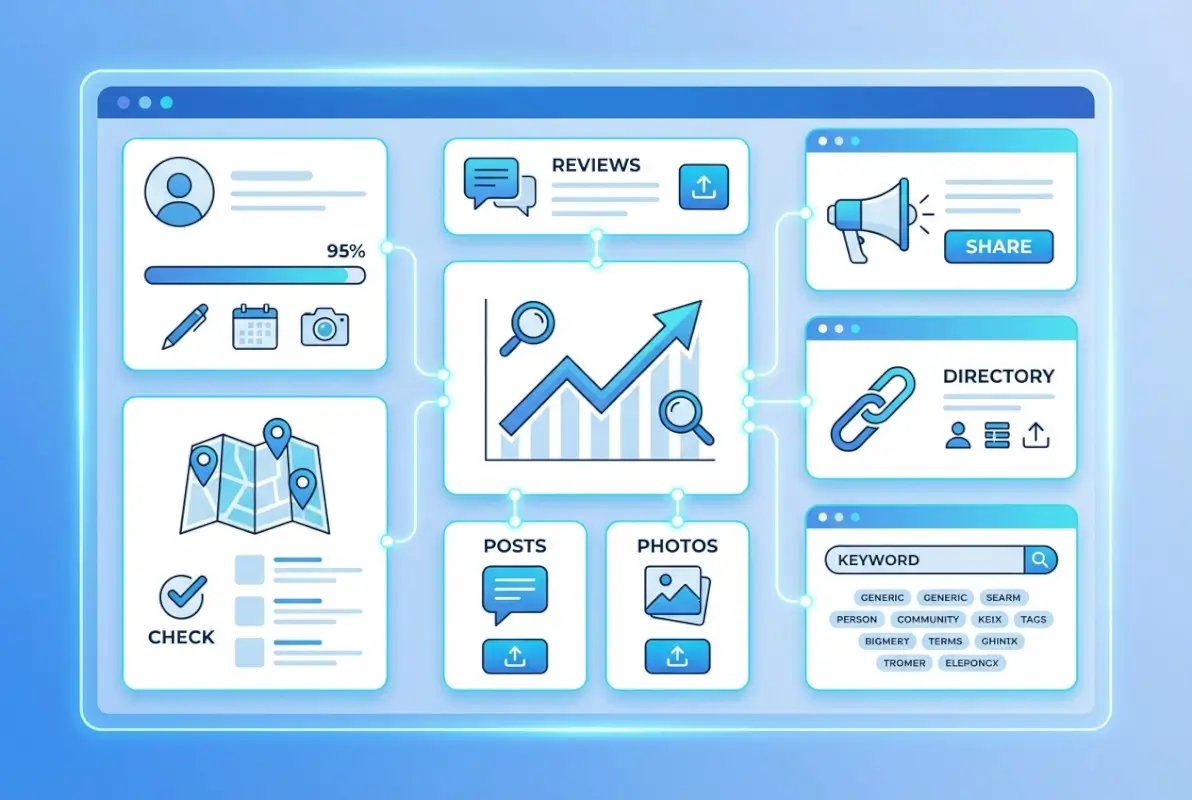
Logo, Cover Photos, Storefront and Interior Photos
Your logo and cover photo are the first visual elements users see in search results and map listings. The logo should be your actual business logo with transparent background, uploaded at minimum 720px × 720px (square format). The cover photo functions like a billboard—choose an image that immediately communicates what you do and why someone should choose you over competitors.
Storefront photos establish legitimacy and help customers find your physical location. Take exterior shots during daylight hours that clearly show your building, signage, and any distinguishing features. Interior photos should showcase your space, products, services, or team in action. Google’s data shows that businesses with interior photos receive more direction requests and calls than those without.
Photo optimization extends beyond just uploading images. File names matter—instead of “IMG_1234.jpg”, use descriptive names like “downtown-seattle-coffee-shop-interior.jpg” that include location and business type keywords. While Google doesn’t publicly confirm they extract metadata from image files, following SEO best practices for all digital assets creates consistency across your entire online presence.
Service-Area Visuals (Where Relevant)
For service-area businesses, visual content takes on different importance since you don’t have a storefront to showcase. Focus instead on action shots of your team providing services, completed projects, or before-and-after transformations. A landscaping company might show lawn transformations, a plumber could display complex installations they’ve completed, and a cleaning service should showcase sparkling results.
These service photos build trust by proving capability and professionalism. They also provide implicit local signals when photos include recognizable local landmarks, neighborhood styles, or regional characteristics. A roofing company showing projects on distinctive architectural styles common to their service area is inadvertently reinforcing their local relevance to both users and algorithms.
GBP Category and Services
Category selection might seem straightforward, but it’s actually one of the most strategically important decisions in your GBP optimization. Your primary category determines which searches Google considers you relevant for and which competitors you’re measured against in ranking algorithms. Choose too broad, and you’re competing with every business remotely related to your industry; choose too narrow, and you’re invisible for searches that should include you.
Primary vs. Secondary Categories
Your primary category should represent your business’s core offering—the main thing you want to be found for in local searches. Google provides a predefined list of categories to choose from, and selecting the most specific, accurate option is crucial. A business that does both plumbing and HVAC should choose whichever generates more revenue or strategic importance as primary, then add the other as secondary.
Secondary categories (you can add up to nine additional categories) expand your visibility into related search verticals without diluting your primary positioning. A coffee shop might choose “Coffee Shop” as primary, then add “Breakfast Restaurant,” “Wi-Fi Spot,” and “Bakery” as secondaries. Each additional relevant category creates opportunities to appear in more search scenarios, though the primary category carries significantly more ranking weight.
Predefined Services and Service Listings
Google allows businesses to add predefined services from category-specific menus, and these service listings have become increasingly important ranking signals. For a dental practice, this might include “Teeth Cleaning,” “Root Canal,” “Orthodontics,” and other specific services. Each service you add creates additional keyword associations and helps Google match your business to more specific search queries.
Service descriptions provide space to add detail about each offering, and while character limits vary by category, you should use this space to include relevant keywords naturally. Describe what the service includes, who it’s for, and any unique aspects of how you deliver it. These descriptions won’t appear in all listing views, but they provide valuable context that Google’s algorithms can reference when determining relevance for specific searches.
Health Checks and Governance
A suspended or compromised GBP can devastate local visibility overnight. Businesses invest months building their profile’s authority only to lose everything because of governance oversights or guideline violations. Proactive management and security practices protect your investment and ensure continuity of your local search presence.
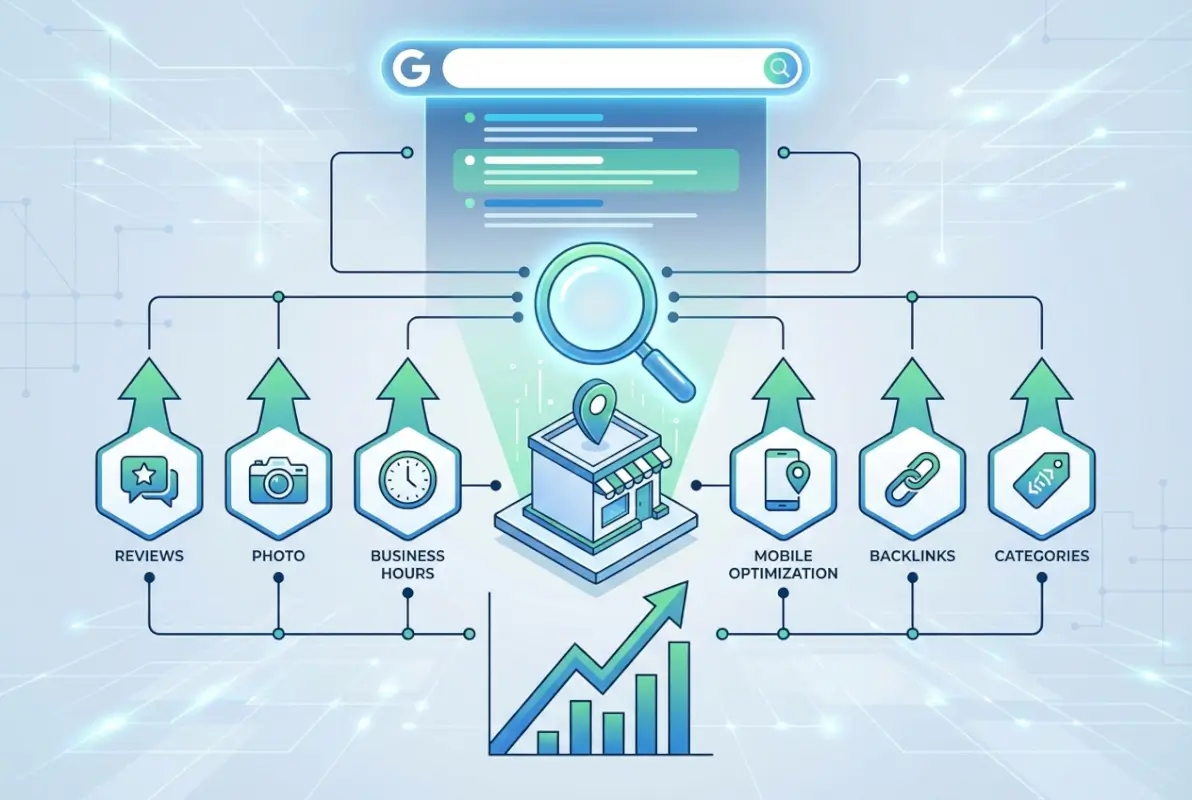
Managing Ownership, Access, and Security
Your GBP should have clearly defined ownership and limited management access. The business owner should maintain primary ownership through a dedicated Google account (not a personal Gmail that might be shared or compromised), with additional managers granted only necessary access levels. Google offers three access tiers: Owner (full control, can remove others), Manager (can edit but can’t manage users), and Site Manager (limited editing capabilities).
Security protocols should include two-factor authentication on all accounts with GBP access and regular audits of who has access permissions. I’ve consulted with businesses that discovered former employees or previous marketing agencies still had management access years after relationships ended—creating both security risks and potential for accidental or malicious changes to the listing.
Guidelines Compliance to Avoid Suspensions
Google’s Business Profile Guidelines outline what is and isn’t allowed, and violations can result in suspension without warning. Common violations include keyword stuffing in business names, creating listings for non-eligible businesses (like rental properties or affiliate locations), operating virtual offices presented as physical locations, and attempting to create multiple listings for the same location.
The suspension process can be lengthy and frustrating. Google typically provides minimal explanation, requiring you to identify the violation yourself, correct it, and submit a reinstatement request through the support system. During suspension, your listing disappears from Google Search and Maps entirely—all visibility lost. Prevention through strict guideline adherence is infinitely preferable to cure through the reinstatement process.
Leverage GBP Posts, Updates, and Offers to Signal Activity
Static GBP listings underperform active ones because Google prioritizes businesses that demonstrate ongoing engagement with their profile. GBP posts function like social media updates but appear directly in your business listing, providing fresh content that signals vitality and gives Google new material to evaluate for relevance. Businesses that post regularly—at least weekly—see measurable improvements in both engagement metrics and search visibility compared to those that treat their GBP as a set-it-and-forget-it asset.

Regular Cadence and Content Types (Offers, Events, Updates, Products/Services)
Google offers several post types, each serving different purposes. Offer posts highlight promotions or discounts and include specific terms, dates, and redemption codes. Event posts promote upcoming happenings with date, time, and registration details. Standard update posts share news, announcements, or general content. Product and service posts (available for eligible categories) showcase specific offerings with photos, descriptions, and pricing.
A sustainable posting cadence means different things for different businesses. Restaurants might post daily specials and weekend events multiple times per week. Professional services might post once or twice weekly about industry insights, new services, or client success stories. The key is consistency rather than volume—establishing a predictable rhythm that keeps your profile active without overwhelming your team’s capacity to maintain it.
Content ideas that work well in GBP posts include seasonal services or promotions, behind-the-scenes looks at your business, staff spotlights, customer success stories (with permission), industry tips or advice, community involvement announcements, and responses to frequently asked questions. Each post should include a clear call-to-action, whether that’s “Call to book,” “Visit our website,” or “Stop by today.”
Highlight Time-Sensitive Content and Features
Google periodically rolls out new post types and features, with recent additions including “What’s Happening” functionality for restaurants and hospitality businesses. According to reporting from The Verge, these features allow businesses to share real-time updates about wait times, special menu items, or current conditions—information that significantly influences consumer decision-making.
Time-sensitive content creates urgency that drives immediate action. Flash sales, limited-time offers, same-day availability, or “happening now” type announcements take full advantage of the moment someone is actively searching for your type of business. A restaurant posting about available patio seating on a beautiful afternoon or a salon announcing last-minute appointment openings can capture searchers in high-intent moments.
Visual and Multimedia Posts
Posts with images or videos dramatically outperform text-only updates in engagement metrics. Every post should include a high-quality, relevant image that catches attention in the listing. The visual should relate directly to the post content—if you’re announcing a promotion on a specific service, show that service being performed or the results it produces.
Video content in GBP posts remains underutilized by most businesses, creating opportunity for those who leverage it. Short video clips (30-60 seconds) showing your business in action, introducing team members, demonstrating products, or providing quick tips can significantly increase engagement. File naming and any accompanying metadata should follow the same optimization practices discussed earlier—descriptive, keyword-inclusive names that reinforce topical relevance.
Measuring Impact of GBP Posts
The GBP dashboard provides insights into post performance, including views, clicks, and calls generated from each post. These metrics help you identify which content types and topics resonate most with your audience, allowing you to refine your posting strategy over time. Successful posts often share common characteristics—they’re visually compelling, offer clear value or information, include specific calls-to-action, and speak directly to customer needs or questions.
Beyond individual post metrics, monitor your overall profile performance trends during periods of active posting versus periods of dormancy. Most businesses see noticeable increases in profile views, direction requests, and phone calls when maintaining consistent posting schedules compared to months when they neglect this activity.
Prioritize Reviews and Q&A for Trust Signals
If there’s one ranking factor that combines algorithmic weight with direct user influence, it’s reviews. Google evaluates both the quantity and quality of your reviews, their recency, how you respond to them, and the sentiment and topics they contain. Meanwhile, potential customers use reviews as the primary decision factor when choosing between similar businesses. This dual impact makes review generation and management perhaps the single highest-leverage activity in local SEO.
Collecting and Managing Reviews (Tone, Specifics, Local Context)
The best reviews aren’t generic five-star ratings with “Great service!” comments—they’re detailed, specific accounts that mention particular services, employee names, or unique aspects of the experience. These rich reviews provide both credibility for human readers and topical signals for Google’s algorithms to associate your business with specific services and qualities.
Encouraging detailed reviews without violating Google’s policies requires finesse. You can’t offer incentives, require reviews as a condition of service, or write reviews yourself. What you can do is make asking part of your customer workflow—training team members to say something like, “If you were happy with the service today, we’d really appreciate if you’d share your experience on Google.” You can also send follow-up emails with review request links (shortened Google review URL for your specific business).
Review request timing matters significantly. Ask too early, and customers haven’t fully experienced the value you’ve provided; ask too late, and the moment has passed. For restaurants, the request might come at the end of the meal or in a same-day follow-up email. For contractors, wait until the project is complete and the customer has had a few days to appreciate the results. Professional services might wait until a specific outcome or milestone has been achieved.
| Review Quality Factor | Why It Matters | How to Encourage |
|---|---|---|
| Detailed content | Provides topical signals and credibility | Ask specific questions in review requests |
| Service mentions | Associates business with specific offerings | Mention service by name when requesting feedback |
| Recency | Signals ongoing quality and activity | Maintain consistent review generation process |
| Reviewer credibility | Google weighs reviews from established accounts more heavily | Focus on actual customers with real Google accounts |
Responding Professionally to Reviews (Both Positive and Negative)
Review responses serve multiple purposes: they show future customers that you’re engaged and care about feedback, they provide opportunities to add additional context or information, and they signal to Google that you’re an active, attentive business owner. Response rate itself appears to be a minor ranking factor, with businesses that respond to most or all reviews often enjoying visibility advantages over those that ignore feedback.
Positive review responses should be brief but personalized—thank the reviewer by name, reference something specific they mentioned, and perhaps add a relevant detail about their experience or invite them back. Cookie-cutter responses that could apply to any review waste the opportunity to demonstrate genuine engagement. Negative reviews require more careful handling but present opportunities to demonstrate professionalism and problem-solving abilities that future customers will notice.
When responding to negative reviews, acknowledge the customer’s experience, apologize for any shortcomings (without admitting fault that could have legal implications), explain what happened if appropriate, and offer to make things right through a direct conversation. Never argue, get defensive, or attack the reviewer—these responses damage your reputation far more than the original complaint. Remember that your response is primarily for future readers, showing how you handle problems when they arise.
Review Signals and Artificial Engagement Cautions
Google’s algorithms evaluate review patterns to detect manipulation. Red flags include sudden spikes in review volume, multiple reviews from the same IP addresses or devices, reviews with similar language or structure, reviews from accounts with no other review history, and geographic patterns that don’t match your actual customer base. Businesses caught violating review policies may face filtering of suspicious reviews, profile suspension, or permanent removal from Google Business Profile.
The safest