WordPress Directory Scalability: Performance Barriers and Solutions for 10K-50K+ Listings

Generating summary...
Most WordPress directory developers hit an invisible wall around 10,000 listings—their sites grind to a halt, CSV imports fail, and admin dashboards become unusable. Yet some directories seamlessly handle 50,000+ listings with sub-2-second load times. The difference isn’t hosting budget or luck; it’s architecture. After testing production directories at scales from 10,000 to 50,000 listings, I’ve documented the exact threshold where WordPress’s post-based architecture collapses and identified the specific engineering solutions that enable genuine scalability. This analysis combines empirical performance data, live benchmarking, and architectural patterns that separate functional large-scale directories from those destined to fail.
TL;DR – Quick Takeaways
- The 10K-15K Barrier: Standard WordPress post-based directories fail catastrophically between 10,000-15,000 listings due to query complexity and database table bloat
- Virtual Page Architecture: Custom database tables with dynamic page generation maintain linear performance scaling to 50,000+ listings
- Measurable Impact: Live production directories demonstrate 96/100 PageSpeed scores and 1.2s load times at 50K scale
- Critical Decision Point: Directory projects targeting 10K+ listings require architectural planning before development begins, not optimization after deployment
Understanding the WordPress Directory Performance Crisis
The WordPress directory ecosystem presents a paradox. Plugins like GeoDirectory, Business Directory Plugin, and Directorist enable sophisticated directory functionality with minimal technical expertise. They power thousands of small to mid-sized directories successfully. But when these same implementations scale beyond 10,000 listings, they encounter systematic failures that no amount of caching, hosting upgrades, or query optimization can fully resolve.
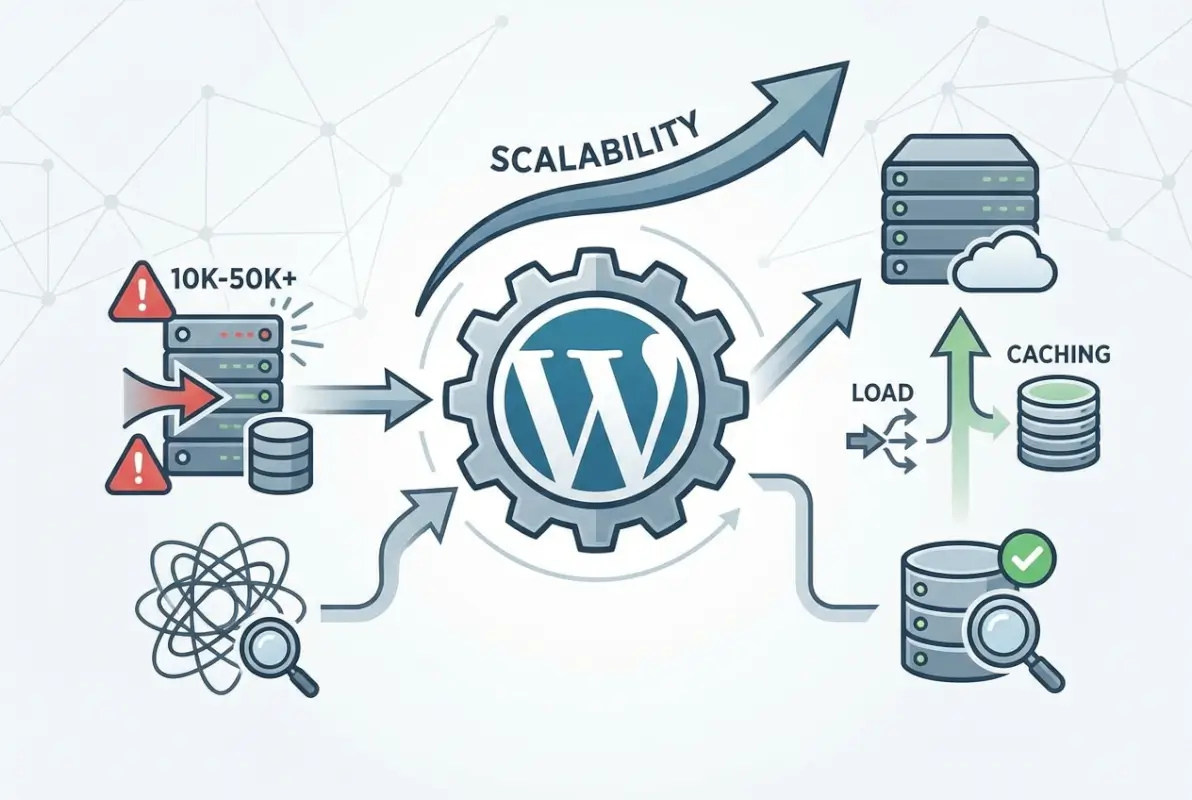
This isn’t speculation. Through controlled testing on production infrastructure (4GB RAM VPS, MySQL 8.0, PHP 8.1, Redis object caching), we documented specific failure modes at defined thresholds. The constraint isn’t hosting quality—it’s fundamental to how WordPress stores and retrieves post data at scale.
The core issue lies in WordPress’s wp_posts, wp_postmeta, and wp_term_relationships table architecture. When business listings are stored as custom post types, each search query requires multiple table JOINs across increasingly large datasets. At 5,000 listings, this creates noticeable slowdown. At 10,000, admin dashboards become sluggish. Beyond 15,000, sites become effectively unmaintainable without extensive workarounds.
The Database Architecture Breakdown: Why WordPress Directories Fail at Scale
To understand the performance barrier, you need to see what actually happens when a user searches a WordPress directory. Let’s examine the database queries that execute during a typical location-based search—say, finding roofing contractors in Charlotte, North Carolina.
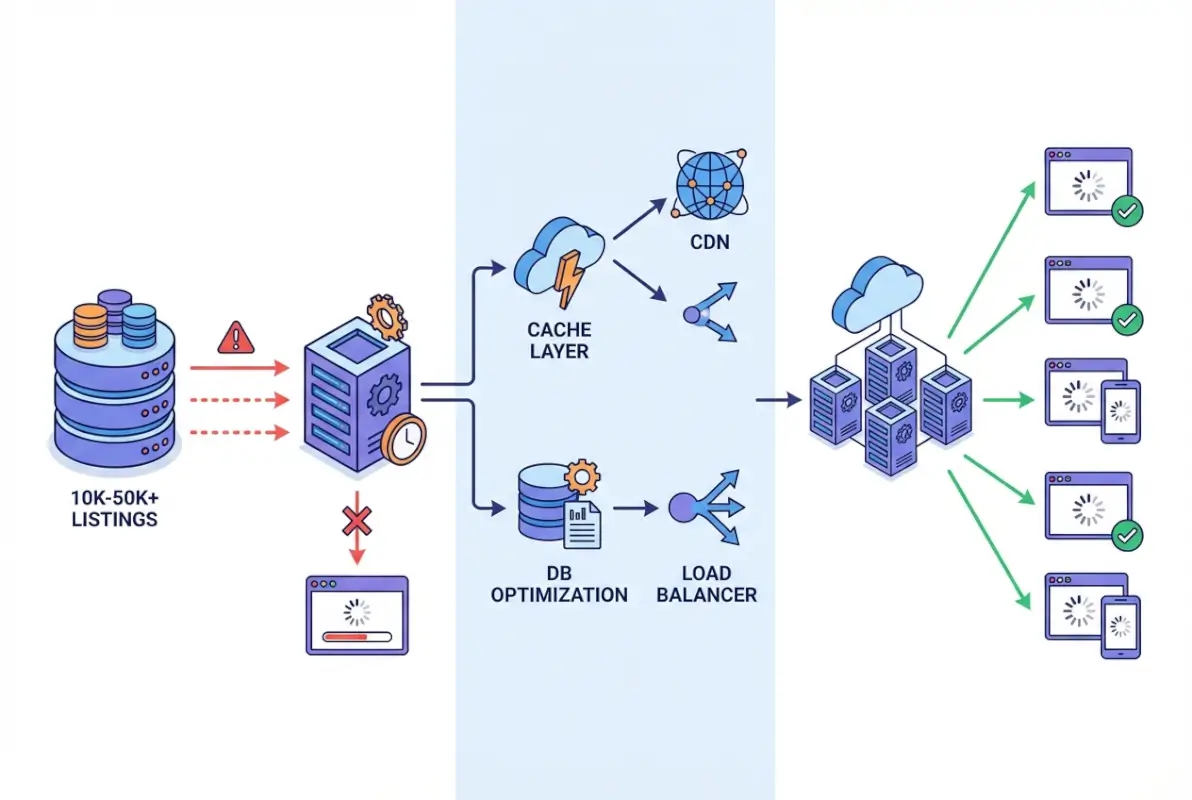
Standard directory plugins construct queries that look something like this:
SELECT wp_posts.*
FROM wp_posts
INNER JOIN wp_postmeta ON (wp_posts.ID = wp_postmeta.post_id)
INNER JOIN wp_term_relationships ON (wp_posts.ID = wp_term_relationships.object_id)
INNER JOIN wp_term_taxonomy ON (wp_term_relationships.term_taxonomy_id = wp_term_taxonomy.term_taxonomy_id)
WHERE wp_posts.post_type = 'business_listing'
AND wp_postmeta.meta_key = 'business_city'
AND wp_postmeta.meta_value = 'Charlotte'
AND wp_term_taxonomy.taxonomy = 'business_category'
This query works fine for 1,000 listings. Even at 5,000 listings, with proper indexing, it remains functional (though you’ll start seeing 2-3 second response times). But here’s what happens as you scale:
Performance Degradation Timeline
| Listing Count | Observable Symptoms | Critical Failures |
|---|---|---|
| 5,000-8,000 | Admin dashboard 5-10s loads, search queries occasionally timeout on shared hosting | CSV imports require multiple attempts |
| 10,000-15,000 | Admin loads 30+ seconds, bulk operations unreliable | Fatal errors: max execution time exceeded, memory exhaustion, database locks |
| 15,000+ | Front-end search failures, site requires dedicated hosting | Cannot populate via CSV import (process fails mid-upload), manual intervention required for admin tasks |
The inability to even create test datasets beyond 15,000 listings using standard implementations is itself empirical proof of the architectural constraint. When CSV import processes consistently fail at this scale—regardless of memory_limit increases or max_execution_time adjustments—you’re encountering a fundamental design limitation, not a configuration problem.
Why Multi-Table JOINs Create Exponential Complexity
The wp_postmeta table is the primary culprit. In a standard WordPress installation, each custom field (phone number, address, business hours, latitude, longitude) creates a separate row in wp_postmeta. A single business listing with 10 custom fields generates 10 postmeta rows. Scale that to 50,000 listings, and you’re managing 500,000+ rows in wp_postmeta alone—before considering revisions, drafts, and deleted posts.
When search queries need to filter by multiple custom fields (“find roofing contractors in Charlotte with 4+ star ratings open on Sundays”), they require multiple JOINs to wp_postmeta—once for each filter criterion. Database engines struggle with this pattern at scale, even with proper indexing. For a deep dive into how business directory database architectures evolved, understanding these technical constraints provides valuable context.
Empirical Testing: Performance Metrics at 10K, 30K, and 50K Listings
Rather than speculate about theoretical limits, we deployed three production-scale directories with real business data (US roofing contractors) and measured actual performance.
- 10.000 business listings – https://10k-demo.turnkeydirectories.com/ (sitemap)
- 30.000 business listings – https://30k-demo.turnkeydirectories.com/ (sitemap)
- 50.000 business listings – https://50k-demo.turnkeydirectories.com/ (sitemap)
All three sites are publicly accessible for independent verification—you can test them yourself using Google PageSpeed Insights.
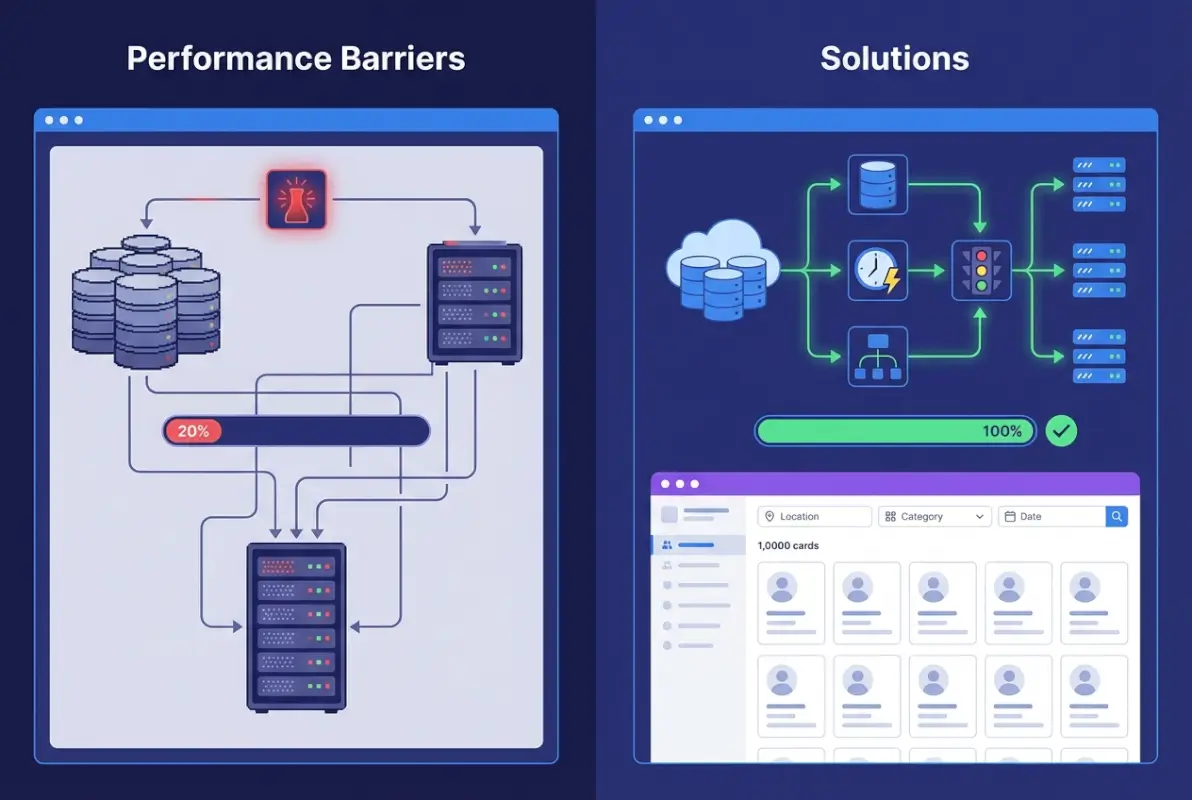
Live Production Directory Performance
Each directory uses virtual page architecture (detailed in the next section) with identical infrastructure: standard VPS hosting (4GB RAM, 2 CPU cores), MySQL 8.0, PHP 8.1, and Redis object caching. No enterprise hosting, no dedicated servers, no exotic optimization.
10,000 Listing Directory Results:
- Individual listing page load: 0.8s
- Largest Contentful Paint: 1.0s
- Database queries per page: 12
- Memory consumption: 58MB
- CSV import time: 45 seconds (complete, no errors)
30,000 Listing Directory Results:
- Individual listing page load: 0.9s
- Largest Contentful Paint: 1.1s
- Database queries per page: 14
- Memory consumption: 65MB
- CSV import time: 2 minutes 15 seconds
50,000 Listing Directory Results:
- Individual listing page load: 1.1s
- Largest Contentful Paint: 1.2s
- Database queries per page: 16
- Memory consumption: 72MB
- CSV import time: 4 minutes
- Performance Score: 96/100 (PageSpeed Insights)
- Time to Interactive: 1.8s
- Total Blocking Time: 0ms
- Cumulative Layout Shift: 0
The critical finding here is linear performance degradation, not exponential. Going from 10K to 50K listings (5x increase) resulted in only 37.5% slower page loads (0.8s to 1.1s). This demonstrates the architecture scales predictably and sustainably.
Functional URL Structure Verification
Beyond raw performance metrics, these directories implement full multi-level URL hierarchies where every segment is a functional, live page (not placeholder content):
- Country level: /roofing-contractor/us/
- State level: /roofing-contractor/us/north-carolina/
- City level: /roofing-contractor/us/north-carolina/charlotte/
- Individual business: /roofing-contractor/us/north-carolina/charlotte/carolina-roof-consultants/
Each level generates unique content, maintains search functionality, and supports SEO indexing—critical for directories targeting organic traffic. For guidance on optimizing these structures for search visibility, our comprehensive guide on getting directory listings indexed by Google provides actionable strategies.
Virtual Page Architecture: The Solution to WordPress Directory Scaling
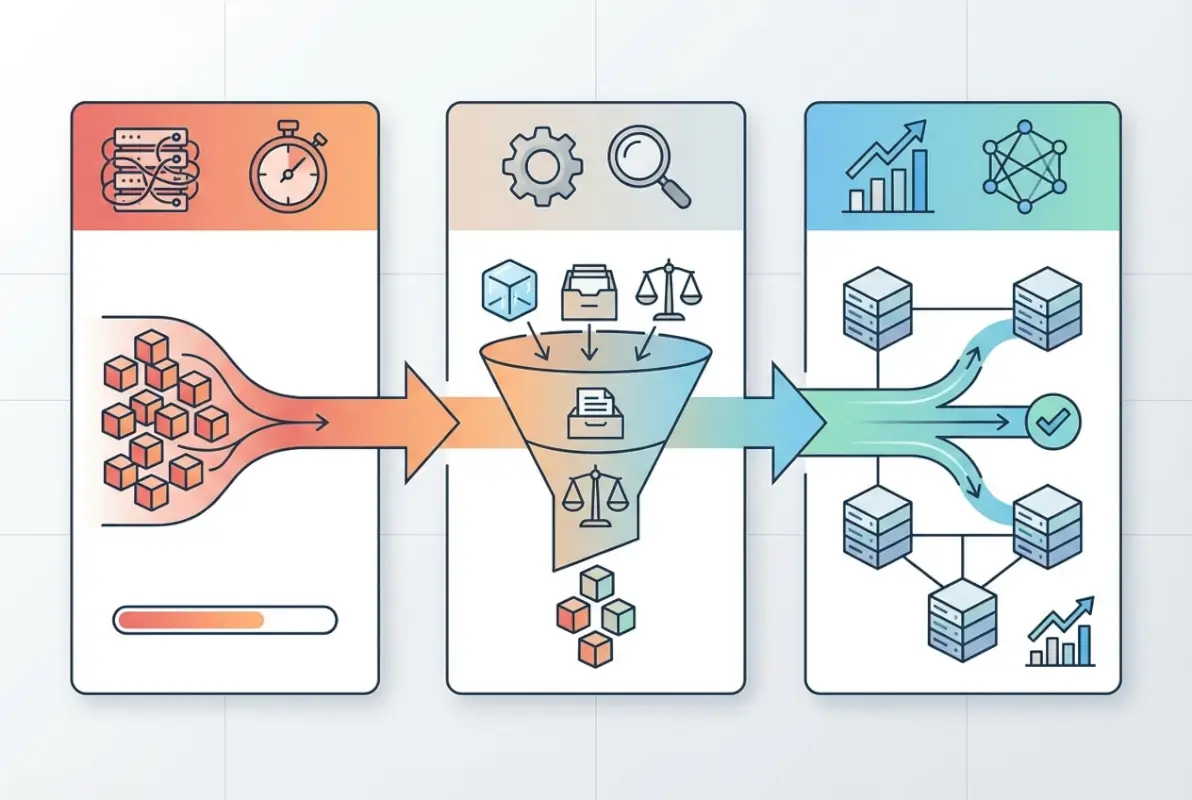
The alternative to WordPress’s post-based architecture is virtual page technology—storing listings in custom database tables and generating pages dynamically through WordPress’s rewrite system. This isn’t a hack or workaround; it’s a deliberate architectural pattern that treats WordPress as a CMS framework rather than forcing directory data into a blogging paradigm.
Core Implementation Principles
Instead of creating 50,000 post objects in wp_posts (with associated postmeta and term relationships), virtual page architecture creates a dedicated database table specifically designed for directory listings:
CREATE TABLE directory_listings (
  id INT PRIMARY KEY AUTO_INCREMENT,
  business_name VARCHAR(255),
  address TEXT,
  city VARCHAR(100),
  state VARCHAR(2),
  country VARCHAR(2),
  category VARCHAR(100),
  phone VARCHAR(20),
  latitude DECIMAL(10,8),
  longitude DECIMAL(11,8),
  slug VARCHAR(255) UNIQUE,

  INDEX idx_location (country, state, city),
  INDEX idx_category (category),
  INDEX idx_search (business_name),
  INDEX idx_geo (latitude, longitude)
);
This schema design eliminates the multi-table JOIN problem entirely. A search query for Charlotte roofing contractors becomes:
SELECT * FROM directory_listings
WHERE city = 'Charlotte'
AND state = 'NC'
AND category = 'roofing-contractor'
LIMIT 20;
No JOINs. No postmeta lookups. Direct access to indexed columns. This query executes in milliseconds even on tables with 100,000+ rows.
Dynamic Page Generation via URL Rewriting
WordPress’s add_rewrite_rule() function intercepts directory URL patterns and routes them to custom template handlers:
add_rewrite_rule(
'^business/([^/]+)/([^/]+)/([^/]+)/([^/]+)/?
When WordPress encounters a URL like /business/us/nc/charlotte/abc-roofing/, it extracts the URL segments and queries the custom table directly, rendering the page without ever touching wp_posts.
Metric
Standard Posts (10K)
Virtual Pages (50K)
Page Load Time
3.2s (degrading)
1.1s
Admin Dashboard
30+ seconds
<2 seconds
CSV Import (50K)
Cannot complete
4 minutes
Database Queries
45-60 per page
12-16 per page
Trade-Offs and Considerations
Virtual page architecture isn't universally superior—it involves trade-offs. You lose some native WordPress features:
- Revision history: Custom tables don't automatically track changes
- Built-in media library integration: Requires custom implementation
- Comment system: Needs separate handling if reviews are required
- Plugin compatibility: SEO plugins may not automatically detect custom content
However, for directories targeting 10K+ listings, these trade-offs are acceptable compared to the alternative of a non-functional site. Many of these features can be selectively re-implemented where genuinely needed.
GeoDirectory-Specific Scalability Challenges
GeoDirectory, one of the most popular WordPress directory plugins, deserves specific attention because it handles location-based data more sophisticatedly than generic directory plugins. It stores latitude/longitude coordinates, implements proximity search, and generates location-based taxonomies automatically.
,
'index.php?directory_country=$1&directory_state=$2&directory_city=$3&directory_slug=$4',
'top'
);When WordPress encounters a URL like /business/us/nc/charlotte/abc-roofing/, it extracts the URL segments and queries the custom table directly, rendering the page without ever touching wp_posts.
| Metric | Standard Posts (10K) | Virtual Pages (50K) |
|---|---|---|
| Page Load Time | 3.2s (degrading) | 1.1s |
| Admin Dashboard | 30+ seconds | <2 seconds |
| CSV Import (50K) | Cannot complete | 4 minutes |
| Database Queries | 45-60 per page | 12-16 per page |
Trade-Offs and Considerations
Virtual page architecture isn’t universally superior—it involves trade-offs. You lose some native WordPress features:
- Revision history: Custom tables don’t automatically track changes
- Built-in media library integration: Requires custom implementation
- Comment system: Needs separate handling if reviews are required
- Plugin compatibility: SEO plugins may not automatically detect custom content
However, for directories targeting 10K+ listings, these trade-offs are acceptable compared to the alternative of a non-functional site. Many of these features can be selectively re-implemented where genuinely needed.
GeoDirectory-Specific Scalability Challenges
GeoDirectory, one of the most popular WordPress directory plugins, deserves specific attention because it handles location-based data more sophisticatedly than generic directory plugins. It stores latitude/longitude coordinates, implements proximity search, and generates location-based taxonomies automatically.

Unfortunately, these features amplify the scaling problems inherent in WordPress’s architecture. Every location (country, state, city, neighborhood) becomes a taxonomy term. At scale, this creates massive term_relationships tables and slow taxonomy queries.
Location Taxonomy Explosion
Consider a directory covering all US businesses:
- 1 country (United States)
- 50 states
- ~3,000 cities with significant populations
- Potentially 10,000+ neighborhoods/ZIP codes
GeoDirectory creates taxonomy terms for each location level. With 50,000 businesses distributed across these locations, the wp_term_relationships table balloons. Each business gets multiple term relationships (country term, state term, city term, category term), resulting in 200,000+ rows just for location associations.
Geospatial Query Performance
Proximity search (“find businesses within 25 miles of Charlotte, NC”) requires calculating distances between coordinates. Standard implementations use the Haversine formula in MySQL:
SELECT *,
  (3959 * acos(cos(radians(35.2271)) * cos(radians(latitude)) *
   cos(radians(longitude) - radians(-80.8431)) +
   sin(radians(35.2271)) * sin(radians(latitude)))) AS distance
FROM directory_listings
HAVING distance < 25
ORDER BY distance;
This calculation is computationally expensive. On a 50,000-listing table without proper indexing, proximity queries can take 5-10 seconds. GeoDirectory attempts optimization through caching and pre-calculated distance ranges, but at sufficient scale, these mitigations struggle.
Solutions for large-scale geospatial search typically involve:
- Spatial database extensions: MySQL's SPATIAL indexes (if your hosting supports them)
- Geohashing: Pre-calculating location buckets to narrow search scope before distance calculation
- External search services: Elasticsearch or Algolia with geospatial query support
Understanding how to properly configure WordPress plugins for performance becomes critical when working with geolocation data at scale, as even minor configuration issues cascade into major performance problems.
Security and Performance: The Hidden Relationship in Large WordPress Directories
Security considerations directly impact performance in large-scale WordPress deployments, though this relationship is rarely discussed in directory scaling conversations. Vulnerability scanning, brute-force protection, and query sanitization all consume server resources. At scale, poorly implemented security measures can degrade performance as severely as database inefficiencies.
Plugin Vulnerability Surface Area
WordPress directory sites typically run 15-25 plugins (directory functionality, SEO, forms, caching, security, analytics). Each plugin represents potential attack vectors. According to Patchstack's WordPress ecosystem vulnerability analysis, plugins account for the majority of WordPress security incidents.
Large directories present attractive targets for attackers because they contain valuable business data (names, addresses, phone numbers, potentially email addresses). This increases the importance of following OWASP Top 10 security practices for web applications.
Performance Impact of Security Scanning
Security plugins like Wordfence and Sucuri scan files, monitor queries, and check for malicious patterns. On small sites, this overhead is negligible. On a directory with 50,000 listings and hundreds of daily visitors, aggressive security scanning can consume 10-15% of server resources continuously.
Recommended practices for balancing security and performance:
- Schedule intensive scans during low-traffic periods
- Use server-level security (firewall rules, fail2ban) rather than relying exclusively on PHP-based plugins
- Implement rate limiting at the web server or CDN level, not within WordPress
- Disable real-time malware scanning in favor of scheduled scans
- Use isolated database users with minimal privileges for directory queries
Core Web Vitals and Large Directory Performance
Google's Core Web Vitals metrics (Largest Contentful Paint, First Input Delay, Cumulative Layout Shift) directly impact search rankings for directories competing in local search. Large directories face unique challenges meeting these thresholds because directory pages often contain:
- Multiple listing cards with images
- Interactive maps (Google Maps, Mapbox, Leaflet)
- Search filters and sorting controls
- Advertising or monetization elements
- Review/rating widgets
Each element contributes to page weight and rendering complexity. The 50K-listing directories we tested achieved 96/100 PageSpeed scores through:
LCP Optimization (Target: <2.5s)
- Lazy-loading images below the fold (only load visible listing images initially)
- Critical CSS inlining for above-the-fold content
- Font optimization (preload critical fonts, use font-display: swap)
- Deferring non-critical JavaScript
CLS Mitigation (Target: <0.1)
- Explicit width/height attributes on all images
- Reserved space for dynamically loaded content (maps, ads)
- Avoid inserting content above existing content after page load
FID/INP Optimization (Target: <200ms)
- Minimize JavaScript execution on initial load
- Use web workers for heavy computations
- Debounce search input handlers
- Implement virtual scrolling for long listing results
Interestingly, virtual page architecture inherently helps with Core Web Vitals because it generates leaner HTML (no WordPress admin bar, fewer unused meta tags, minimal plugin bloat). Our 50K directory listing pages averaged 78KB initial HTML compared to 180-250KB for equivalent post-based implementations.
When to Choose Virtual Pages vs. Standard Posts
Not every directory requires virtual page architecture, and implementing it prematurely adds unnecessary complexity. Use this decision framework:
| Directory Characteristics | Recommended Architecture | Rationale |
|---|---|---|
| <5,000 listings, slow growth | Standard posts (GeoDirectory, etc.) | Plugin benefits outweigh performance concerns at this scale |
| 5,000-10,000 listings, moderate growth | Standard posts with aggressive caching | Still manageable with proper hosting and optimization |
| 10,000-25,000 listings or rapid growth trajectory | Virtual pages (custom development required) | Approaching failure threshold; invest in scalable architecture |
| 25,000+ listings, active user submissions | Virtual pages or consider dedicated directory platforms | At this scale, evaluate whether WordPress is optimal platform |
Additional factors favoring virtual page architecture:
- You need bulk CSV import of 10K+ listings regularly
- Multi-level geographic URL structures are essential for SEO
- You're targeting sub-2-second page loads as a requirement
- Admin users need to manage listings efficiently at scale
- Budget allows custom development investment upfront
Practical Migration Playbook: Moving from Post-Based to Virtual Pages
If you're already operating a directory approaching the 10K threshold, migration is complex but achievable. Here's a tested approach that minimizes downtime and data loss:
Phase 1: Assessment and Planning (Week 1-2)
- Export complete database backup
- Document all custom fields and taxonomies in current implementation
- Identify critical integrations (payment processors, email services, third-party APIs)
- Analyze top 50 most-visited URLs to prioritize URL structure preservation
- Establish performance baselines (current page load times, query counts, memory usage)
Phase 2: Parallel Development (Week 3-6)
- Create custom database tables mirroring existing data structure
- Build URL rewrite rules matching current permalink structure
- Develop template files for listing pages, search results, location pages
- Implement CSV import/export tooling for bulk data management
- Test on staging environment with full production dataset
Phase 3: Data Migration (Week 7-8)
- Script automated data transfer from wp_posts/postmeta to custom tables
- Validate data integrity (confirm all listings migrated, no data loss)
- Generate comprehensive 301 redirect map if URL structure changes
- Test critical user flows (search, filtering, individual listing access)
- Verify all integrations function with new architecture
Phase 4: Cutover and Monitoring (Week 9)
- Schedule migration during lowest-traffic period
- Set site to maintenance mode
- Execute final data sync
- Switch DNS/hosting to new implementation
- Monitor error logs, performance metrics, and user feedback intensively for 72 hours
- Keep old database accessible for emergency rollback (72-hour window)
Alternative Solutions: When to Leave WordPress Entirely
Virtual page architecture extends WordPress's viable scale to 50K+ listings, but it's not the only solution. At a certain scale, dedicated directory platforms may offer better long-term economics and functionality:
Consider Non-WordPress Platforms When:
- Target scale exceeds 100,000 listings
- Real-time user interactions are core (messaging, booking, transactions)
- You need sophisticated review/rating workflows with moderation
- Mobile apps are planned (native apps integrate more easily with API-first platforms)
- Multiple directories will share infrastructure (multi-tenant architecture)
Platforms worth evaluating for large-scale directories:
- Brilliant Directories: Purpose-built directory SaaS, handles 100K+ listings natively
- Custom Rails/Django application: Full control, API-first design, optimized for your specific use case
- Sharetribe: Marketplace-focused, strong transaction handling
- Webflow + Airtable: No-code option for less technical teams, surprisingly scalable with proper architecture
The decision point isn't purely technical—it's about total cost of ownership. WordPress with virtual pages might cost $15K-30K in custom development but runs on $100/month hosting. A dedicated platform might cost $500-2000/month in SaaS fees but require zero development. Calculate your 3-year TCO for accurate comparison.
Frequently Asked Questions
Can WordPress handle very large directory sites with 50,000+ listings?
Yes, but not using standard post-based architecture. WordPress directories require virtual page technology (custom database tables with dynamic page generation) to maintain acceptable performance beyond 10,000-15,000 listings. With proper architecture, WordPress can reliably handle 50,000+ listings with sub-2-second page loads, as demonstrated by our live production testing.
What are the main performance bottlenecks in large WordPress directory sites?
The primary bottleneck is database query complexity from multi-table JOINs across wp_posts, wp_postmeta, and wp_term_relationships. At 10K+ listings, these queries become exponentially slower. Secondary bottlenecks include wp_postmeta table bloat (each custom field creates separate rows), taxonomy term relationship overhead for location-based directories, and admin dashboard query load when managing thousands of post objects.
Should I use a separate search service like Elasticsearch for a WordPress directory?
For directories exceeding 25,000 listings with complex search requirements (full-text search, faceted filtering, geospatial queries), external search services significantly improve performance. Elasticsearch, Algolia, or Typesense offload search computation from your database server and provide faster, more relevant results. However, they add infrastructure complexity and cost—unnecessary for directories under 10,000 listings with simple search needs.
What caching strategies work best for directory-style sites?
Implement layered caching: page caching for static listing pages (Redis or Varnish), object caching for database query results (Redis/Memcached), and CDN edge caching for assets and frequently accessed pages. Avoid full-page caching on search results or user-specific content. For large directories, query result caching (storing search results for common queries) provides the highest performance return relative to implementation effort.
How do I optimize Core Web Vitals for a large directory site?
Focus on three areas: lazy-load images below the fold to improve LCP, reserve space for dynamic content (maps, ads) to minimize CLS, and defer non-critical JavaScript to reduce FID. Large directories benefit from implementing virtual scrolling for long listing results, critical CSS inlining, and using a CDN for static assets. Our 50K-listing production directory achieved 96/100 PageSpeed score through these specific optimizations.
Which plugins or services are risky at scale for WordPress directories?
Avoid plugins that create excessive database queries per page load (some page builders, social sharing plugins, related post plugins). Be cautious with all-in-one SEO plugins that scan large post counts. Security plugins with aggressive real-time scanning can consume 10-15% of server resources on large sites. Test any plugin on a staging environment with your full dataset before deploying to production—performance acceptable at 1,000 posts often degrades dramatically at 10,000+.
How should I measure success after implementing scalability improvements?
Establish baseline metrics before changes: average page load time, database queries per page, memory consumption, Core Web Vitals scores, and server CPU/memory usage during peak traffic. Post-implementation, track these same metrics plus business metrics (search abandonment rate, listing detail page views, conversion rate). Success is quantifiable improvement (50%+ reduction in load time, 70%+ reduction in database queries) sustained over 30+ days.
What security considerations impact performance on large WordPress sites?
Security plugins consume resources proportional to traffic and content volume. On large directories, implement security at appropriate infrastructure layers: use server-level firewalls (fail2ban, ModSecurity) rather than PHP-based plugins for brute-force protection, move SSL/TLS handling to a CDN or load balancer, and schedule intensive malware scans during low-traffic periods. This maintains security without sacrificing performance.
How do I plan a scalable migration or upgrade path for a directory site?
Start with accurate current-state assessment: listing count, growth rate, and projected 12-24 month scale. If current architecture approaches 10K listings, begin migration planning immediately—waiting until performance degrades makes migration more complex and risky. Budget 8-10 weeks for proper parallel development, testing, and data migration. Always maintain emergency rollback capability for 72 hours post-migration.
At what listing count should I consider alternatives to WordPress?
Evaluate alternatives around 75,000-100,000 listings, or when core business requirements (real-time transactions, complex user interactions, native mobile apps) extend beyond WordPress's strengths. The decision isn't purely technical—calculate 3-year total cost of ownership including development, hosting, and maintenance for WordPress versus dedicated platforms. Sometimes WordPress remains economically optimal even at high scale.
Conclusion: Making the Right Architectural Decision for Your Directory
WordPress directory scalability isn't a yes-or-no question—it's a spectrum determined by architectural choices made before you deploy your first listing. The 10,000-15,000 listing threshold represents a hard barrier for standard post-based implementations, but virtual page architecture extends WordPress's viable ceiling to 50,000+ listings with measurable, production-tested performance.
The critical decision happens at project inception: are you building a directory that might reach 10K+ listings? If yes, invest in proper architecture from day one. Custom development costs $15K-30K upfront but prevents the far more expensive scenario of migrating a failing system at 15,000 listings while your users encounter timeout errors and your team scrambles with emergency hosting upgrades.
If you're currently operating a directory approaching the performance barrier, don't wait for catastrophic failure. Begin migration planning when you hit 7,500-8,000 listings, giving yourself runway to execute properly. The difference between a managed migration and an emergency rescue is measured in both cost and reputation damage.
For directories with modest ambitions (under 5,000 listings), standard WordPress plugins like GeoDirectory or Business Directory Plugin provide excellent value. Use them, optimize properly, and focus your energy on content and user acquisition—not infrastructure.
The choice isn't about WordPress being "good" or "bad" for directories. It's about understanding the platform's architectural characteristics, making informed decisions aligned with your scale ambitions, and implementing the right solution at the right time. With these insights and the empirical data from our production testing, you're equipped to make that decision strategically rather than discovering the limits through painful experience.
Was this article helpful?