How Secure Is a Church Online Directory? 6 Best Practices for Data Privacy

Generating summary...
When your congregation hands over their home addresses, phone numbers, and family details to an online church directory, they’re placing profound trust in your hands. Yet many church leaders don’t realize that the same digital tools connecting their community can become vectors for scammers, identity thieves, and data brokers. The security of a church online directory isn’t just an IT question—it’s a ministry question that touches the safety and privacy of every member you serve.
Here’s what most articles won’t tell you: security isn’t a checkbox feature you buy from a vendor. It’s a shared responsibility between your church’s governance, your staff’s daily habits, and the platform provider’s technical controls. The difference between a secure directory and a data breach waiting to happen often comes down to simple practices that cost nothing but require intentional leadership.
TL;DR – Quick Takeaways
- Security is shared – Your directory’s protection depends equally on vendor controls (encryption, access management) and your church’s governance (policies, training, oversight).
- Privacy mode matters – Leading platforms now offer directory visibility restrictions and opt-in controls to prevent scammer abuse and unwanted data harvesting.
- Six core practices – Encryption, role-based access, data minimization, member consent, breach readiness, and ongoing audits form the foundation of directory security.
- Frameworks exist – NIST Cybersecurity and Privacy Frameworks provide church-appropriate guidance even when legal requirements don’t apply.
- Vendor evaluation is critical – Not all church directory platforms offer the same protections; assessing encryption, MFA, and retention policies upfront prevents problems later.
Understanding the Security Landscape for Church Directories
The first question most church administrators ask is deceptively simple: “How secure is our online directory?” The honest answer requires unpacking what security actually means in this context. A church directory holds personally identifiable information (PII)—names, addresses, phone numbers, email addresses, family relationships, and sometimes donation history or volunteer roles. In the wrong hands, this data enables targeted scams (the “pastor emergency” phishing attack remains disturbingly common), identity theft, and unwanted solicitation.
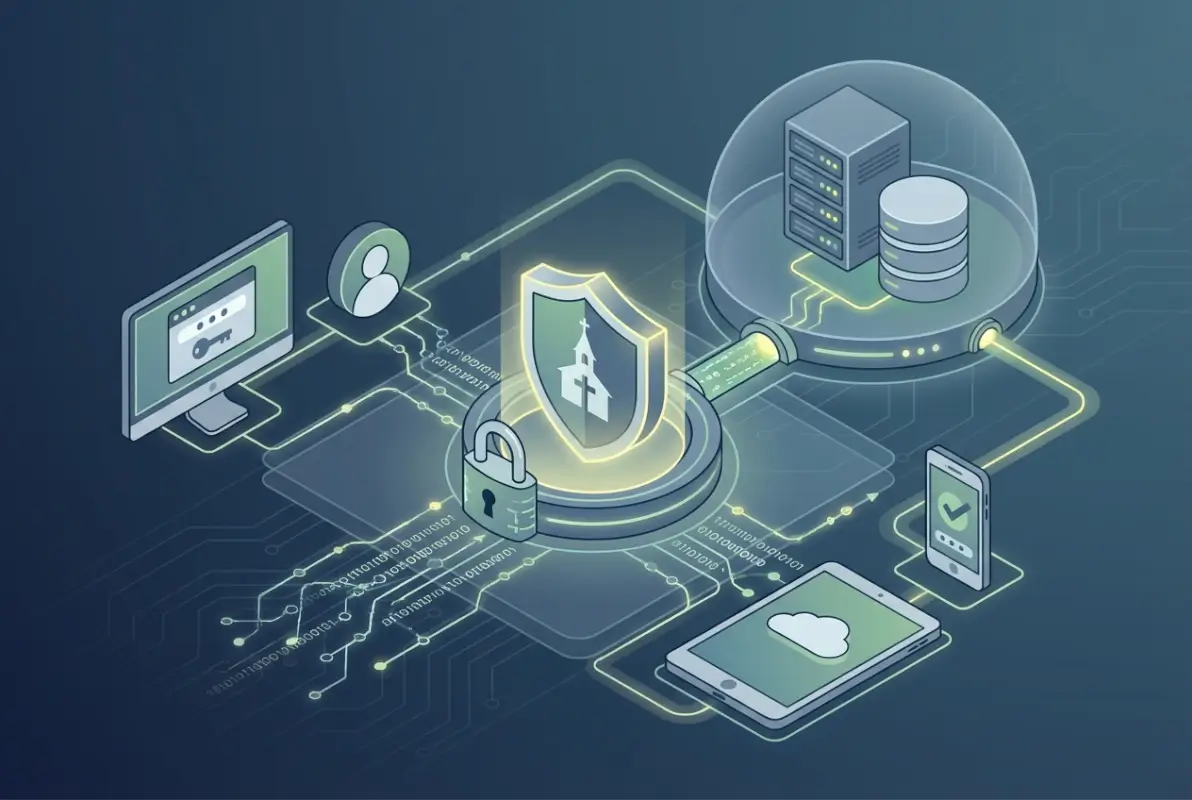
Security for church directories encompasses three interconnected dimensions. First, technical controls protect data from unauthorized access through encryption, access restrictions, and secure infrastructure. Second, administrative controls establish who can view or edit directory information, how long data is retained, and what happens when someone leaves the congregation. Third, human factors determine whether volunteers understand security risks, whether members consent to data collection, and whether leadership responds effectively to incidents.
The threat landscape facing churches has evolved significantly. Social engineering attacks targeting church staff have increased as scammers recognize that faith communities often operate with high trust and limited cybersecurity training. Data brokers actively scrape publicly accessible directories to build marketing profiles. Even well-meaning members sometimes misuse directory access for personal business promotion or political campaigns.
The Cybersecurity and Infrastructure Security Agency (CISA) has developed specific guidance for faith-based communities, recognizing that houses of worship face unique security challenges. Churches often combine open, welcoming environments with sensitive data management—a tension that requires thoughtful balancing rather than either extreme of complete openness or fortress mentality.
Core Security Controls Every Church Directory Needs
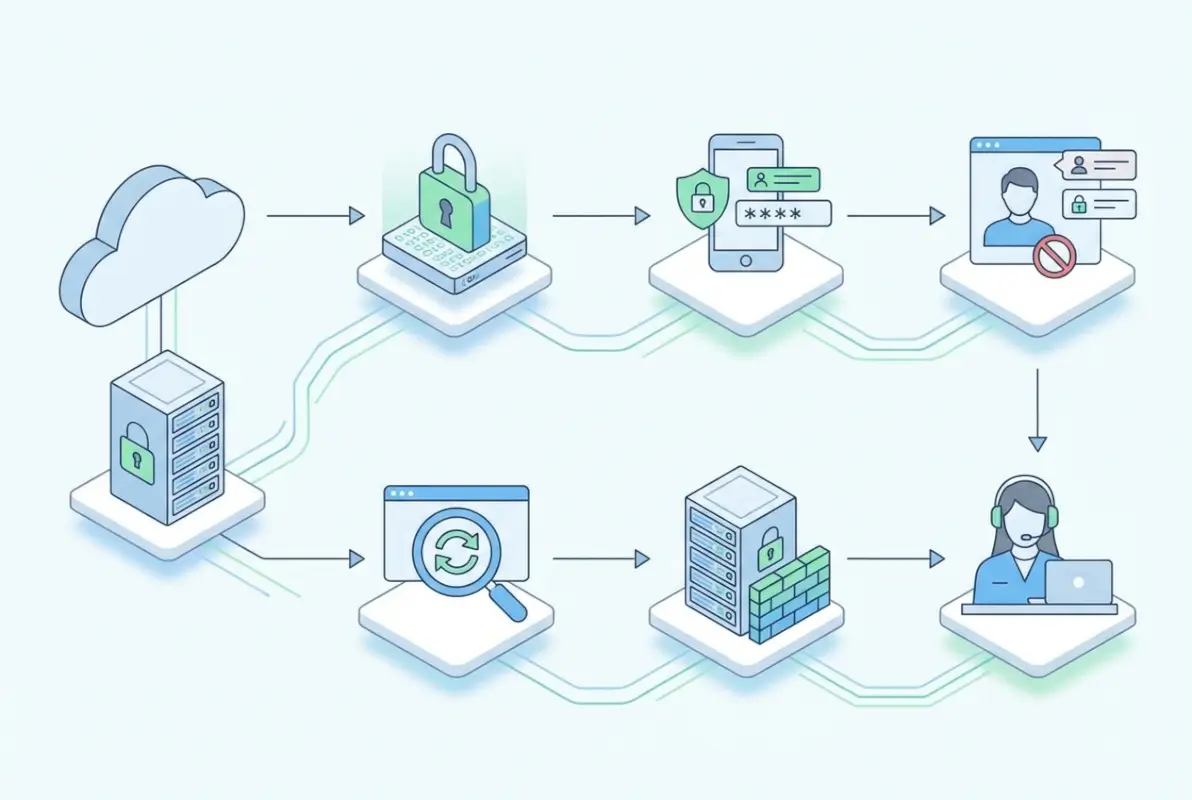
Effective directory security rests on five foundational technical controls. These aren’t optional extras for large churches with IT budgets; they’re baseline requirements for any platform handling member information. Understanding these controls helps church leaders ask the right questions when selecting or auditing a directory system.
Data in Transit and at Rest
Encryption sounds technical, but the concept is straightforward: when data moves between a member’s device and your directory server, it should be scrambled so eavesdroppers see only gibberish. Similarly, data stored on servers should be encrypted so a stolen hard drive or backup tape doesn’t expose member information. Every reputable church directory platform now uses HTTPS (the lock icon in your browser) to encrypt data in transit. This is table stakes, not a premium feature.
Encryption at rest—protecting stored data—receives less attention but matters equally. Ask vendors specifically whether directory data is encrypted when stored, what encryption standards they use (AES-256 is current best practice), and where encryption keys are managed. If a vendor can’t answer these questions clearly, that’s a significant red flag.
Access Management and Least Privilege
The principle of least privilege means every user should have the minimum access needed for their role—nothing more. Your children’s ministry volunteer needs to see contact information for families in their program; they don’t need access to donor records or the entire congregation directory. Role-based access control (RBAC) implements this principle by defining permission sets for different user types.
| Role | Typical Access | Should NOT Access |
|---|---|---|
| Member (self) | Own family record, opt-in directory | Full congregation data, giving records |
| Ministry volunteer | Contacts for their program participants | Unrelated ministries, admin functions |
| Staff administrator | Full directory, role management, reports | System configuration (IT only) |
| IT administrator | All system access, configuration, logs | Nothing (full access with accountability) |
Multi-factor authentication (MFA) adds a crucial second layer of protection beyond passwords. When staff or volunteers log in, they must provide both something they know (password) and something they have (a code from their phone). This prevents the most common attack vector—stolen or weak passwords—from compromising your directory. ACS Technologies emphasizes in their data protection guidance that enabling MFA for all administrative accounts should be among the first security steps any church takes.
Data Minimization and Retention
Churches often collect far more information than they actually need. Does your directory really require members’ birthdays, or just birth months for celebration purposes? Do you need both home and mobile phone numbers, or would one suffice? Every additional data field increases your risk exposure and privacy obligations.
Data minimization starts with honest assessment: what information do we genuinely need to fulfill our ministry purposes? Everything else is optional at best, liability at worst. The same principle applies to retention. When a family leaves your congregation, how long should their information remain in your directory? Forever creates accumulating risk; immediate deletion may conflict with legitimate recordkeeping needs. A well-documented retention policy—perhaps retaining basic records for seven years for legal and historical purposes, while purging detailed contact information after departure—balances these concerns.
Data Integrity and Breach Readiness
Regular backups protect against both malicious attacks (ransomware) and honest mistakes (accidental deletion). But backups themselves need protection—encrypted backup files stored securely, with tested restoration procedures. I’ve seen churches discover their backup strategy didn’t work only when they desperately needed it.
Tamper-evident logging creates an audit trail showing who accessed what information and when. This serves dual purposes: deterring inappropriate access (people behave better when they know actions are logged) and enabling investigation when something goes wrong. If a member reports receiving suspicious contact from someone who shouldn’t have their information, access logs help trace the source.
Breach readiness means having a plan before you need it. Who gets notified first? How quickly must members be informed? What remediation steps are available? The NIST Cybersecurity Framework’s “Respond” function provides structure for incident response planning that churches can adapt to their scale and resources.
Security Audits and Vendor Management
When you use a third-party directory platform, you’re trusting that vendor with your congregation’s data. That trust should be verified, not assumed. Request information about the vendor’s security practices: Do they conduct regular security audits? Have they achieved any security certifications? How do they handle vulnerability reports? What’s their track record with breaches?
For churches considering whether a directory is considered a type of business portal, understanding vendor security becomes even more critical when the platform integrates multiple functions beyond simple contact management. More integration points mean more potential vulnerabilities.
Privacy-First Design Principles for Church Directories
Security protects data from unauthorized access; privacy governs what data you collect, how you use it, and what rights members have over their information. Privacy and security work together, but they’re not the same thing. You can have a perfectly secure database of information you shouldn’t have collected in the first place.
Transparent Privacy Policies and User Notices
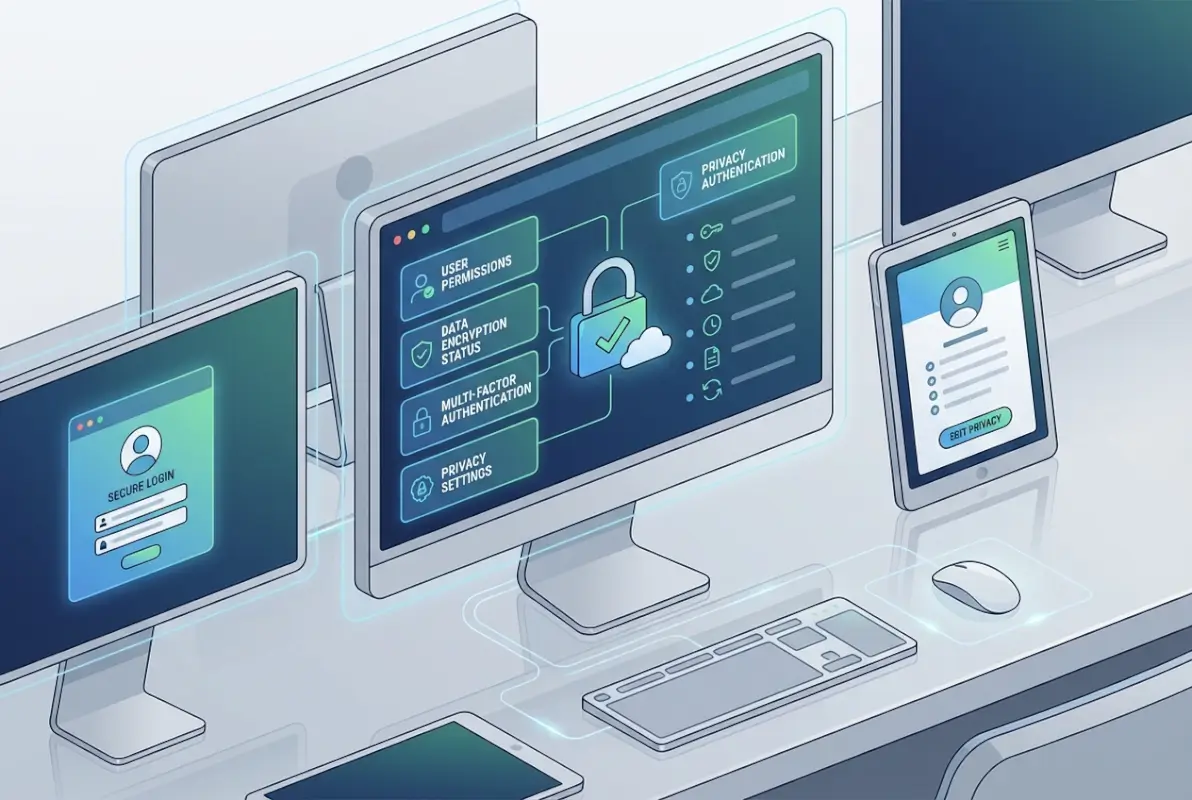
Every church directory should have a clear, accessible privacy policy explaining what information is collected, why it’s collected, how it’s used, who can access it, and how long it’s retained. This doesn’t need to be a 50-page legal document—in fact, shorter and clearer is better. Members should understand what they’re agreeing to when they provide their information.
Good privacy notices answer predictable questions upfront. Will their information be shared with other organizations? Can they opt out of certain uses? Who should they contact with privacy concerns? When was this policy last updated? Plain language matters more than legal precision for most churches.
Member Controls and Consent
Privacy mode features, like those highlighted in Planning Center’s recent directory protection guidance, give members control over their visibility. Some members may want to be findable by other members; others prefer their information accessible only to staff. Granular controls accommodate both preferences rather than forcing an all-or-nothing choice.
Consent should be active, not assumed. When someone joins your church, they should explicitly agree to directory inclusion and understand what that means. For sensitive data like health information or family situations, separate consent ensures members knowingly share that information rather than assuming it was somehow automatically known.
| Information Type | Recommended Visibility | Consent Level |
|---|---|---|
| Name, email | Member opt-in directory | Active consent |
| Address, phone | Staff and approved volunteers | Active consent with explanation |
| Family/children | Ministry-specific access only | Separate explicit consent |
| Health, pastoral care needs | Pastoral staff only | Explicit, purpose-specific |
Data Subject Rights and Compliance
Even where legal requirements like GDPR or CCPA don’t apply to your church, honoring data subject rights builds trust. Members should be able to review what information you hold about them, request corrections to inaccurate data, and ask for deletion when they leave the congregation. Making these processes simple and responsive demonstrates respect for member autonomy.
The NIST Privacy Framework offers structured guidance for privacy risk management that doesn’t require legal expertise to implement. Churches can adopt its principles—accountability, transparency, individual participation, data minimization, and security—as ministry values regardless of regulatory obligations.
Privacy-Preserving Features
Default settings matter enormously. Should new members be automatically added to the public directory, or should they opt in? Should their full address be visible, or just city and state? Privacy by design means choosing defaults that protect member privacy, then allowing individuals to selectively share more if they choose.
Some platforms now offer graduated visibility levels: information available to all members, information visible only to staff, and information restricted to specific ministry teams. This nuanced approach recognizes that privacy isn’t binary—people want connection with their community while maintaining appropriate boundaries.
Practical Implementation for Church Leadership
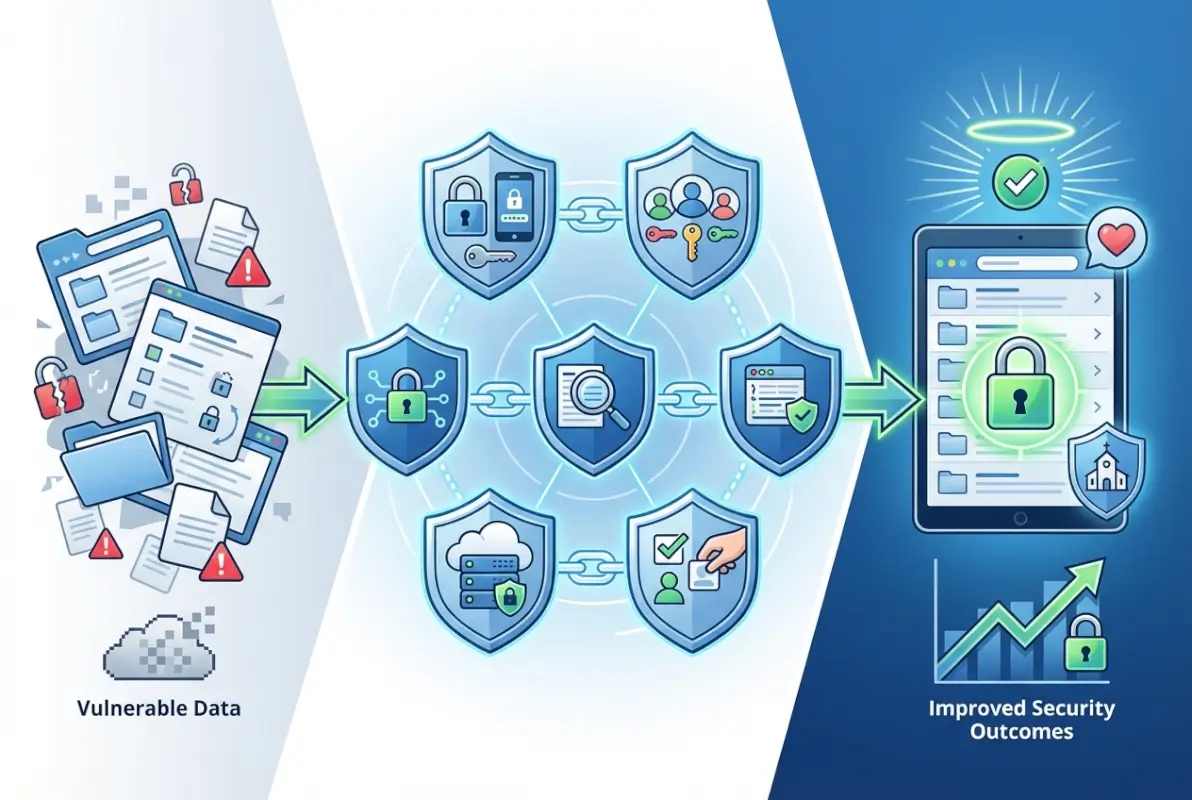
Frameworks and principles only matter when translated into actual practice. Church leaders need concrete steps they can take this week, this month, and this year to improve directory security and privacy. These practices don’t require large budgets or technical expertise, just intentional leadership and consistent follow-through.
Policy, Governance, and Roles
Somebody needs to own data privacy in your church. For smaller congregations, this might be a staff member with other responsibilities; larger churches might designate a volunteer with relevant professional experience. The key is clear accountability—when a privacy question arises, everyone knows who makes the call.
A simple data governance policy documents your commitments: what data you collect, how you protect it, who can access it, and what rights members have. This doesn’t need to be elaborate. A well-written three-page policy beats a comprehensive fifty-page document nobody reads. Review and update it annually, or whenever you make significant changes to your directory system.
Security Hygiene for Volunteers
Your directory is only as secure as the least security-conscious person with access. That reality makes volunteer training essential, not optional. Annual security awareness sessions should cover recognizing phishing emails, creating strong passwords, protecting login credentials, and reporting suspicious activity.
Consider these practical training topics that directly relate to directory security:
- Never share your login credentials, even with other trusted volunteers
- Log out of shared computers; don’t leave directory sessions open
- Verify unusual requests for member information (the “pastor emergency” scam works by creating urgency)
- Understand which information can be shared and with whom
- Report lost devices or suspected account compromise immediately
Make MFA mandatory for all administrative access. Yes, it adds friction. Yes, volunteers will complain initially. The inconvenience is trivial compared to the consequences of a compromised account. Understanding how often to update online directory access credentials should be part of your regular security hygiene.
Incident Readiness
Hope for the best, plan for the worst. Your incident response plan should cover several scenarios: suspected unauthorized access, confirmed data breach, accidental disclosure, and system outages. For each scenario, document who needs to be notified (leadership, affected members, possibly authorities), what immediate containment steps to take, and how to communicate transparently.
Practice matters. Running through a tabletop exercise—”what would we do if…”—reveals gaps in your plan before an actual incident does. These don’t need to be elaborate productions; a 30-minute staff meeting walking through a scenario builds muscle memory and confidence.
Technology Stack Considerations
When evaluating directory platforms, create a security assessment checklist based on the controls discussed earlier. Use this to compare vendors objectively rather than relying on sales presentations. Questions to ask include:
- What encryption standards are used for data in transit and at rest?
- How does the platform implement role-based access control?
- Is multi-factor authentication available for all user types?
- What data retention controls and automated purging options exist?
- How are backups secured and tested?
- What security audits or certifications has the vendor completed?
- How does the platform handle data export if you change vendors?
- What is the vendor’s incident notification policy?
Churches managing business listings across multiple directories face additional complexity in maintaining consistent security across platforms. Centralized credential management and regular access audits become even more important in multi-platform environments.
Community Trust and Transparency
Privacy practices should be visible, not hidden in policy documents. Consider creating a simple “How We Protect Your Information” page on your website explaining your approach in plain language. When members see that you’ve thought carefully about their privacy, they’re more likely to keep their information current and engage with church systems.
Annual privacy reviews provide an opportunity to communicate updates, remind members of their rights, and demonstrate ongoing stewardship. A brief announcement in your newsletter or bulletin—”We’ve reviewed our directory privacy practices and made updates available at…”—keeps privacy visible without being heavy-handed.
Measuring and Improving Security Over Time
Security isn’t a destination; it’s an ongoing practice that requires regular assessment and adjustment. Churches need practical ways to measure whether their directory security is improving, staying static, or degrading over time. Metrics don’t need to be complex to be useful.

Metrics and Key Performance Indicators
Start with a handful of measurable indicators that directly relate to security health:
| Metric | Target | Frequency |
|---|---|---|
| Percentage of users with MFA enabled | 100% for admins, 80%+ for others | Monthly |
| Failed login attempts | Trending stable or down | Weekly |
| Time since last backup verification | Under 30 days | Monthly |
| Inactive user accounts | Reviewed quarterly, removed if 6+ months inactive | Quarterly |
| Access policy violations | Zero tolerance, but track for training needs | As detected |
These metrics reveal patterns over time. A spike in failed login attempts might indicate an attack attempt or simply a volunteer who forgot their password. Either way, it merits attention. Tracking the percentage of users with MFA enabled shows whether your security improvements are being adopted or ignored.
Independent Assessments
Periodically, bring in fresh eyes to review your practices. This doesn’t require hiring an expensive security consultant. A member with IT or security experience in their professional life, or a colleague from another church, can provide valuable perspective. Ask them to review your documented policies, test your access controls, and identify gaps you might have missed.
For churches with budgets for external review, a limited-scope security assessment focused specifically on directory access and data protection provides targeted value. The goal isn’t achieving certification (though some churches pursue SOC 2 or similar frameworks), but rather identifying and addressing practical vulnerabilities.
Continuous Improvement Loop
Schedule annual privacy and security reviews as standing agenda items. What changed this year? Did we add new integrations or data collection? Have any incidents or near-misses revealed weaknesses? What member feedback have we received? This review feeds into policy updates, training refinements, and platform adjustments.
Document lessons learned from incidents, even minor ones. When someone accidentally sends member information to the wrong email list, that’s not just an oops—it’s a training opportunity and a process improvement trigger. Create a brief incident log noting what happened, how it was addressed, and what changes prevent recurrence.
Real-World Scenarios and Common Pitfalls
Abstract security principles make more sense when grounded in concrete situations churches actually face. Let’s examine three common scenarios and how the practices discussed above apply.
Scenario: Staff Directory with Publicly Visible Profiles
Many churches publish staff directories on their public website to help visitors know who to contact. This serves legitimate ministry purposes but creates privacy tensions. Staff members deserve privacy protections, yet their role requires some public presence.
A privacy-respecting approach differentiates between role information and personal information. Publish work email addresses and office phone numbers, but not personal cell phones or home addresses. Include ministry descriptions and office hours without detailing family situations unless staff explicitly consent. Allow staff members to review and approve their public profiles rather than assuming they’re comfortable with whatever you post.
For the internal staff directory (accessible only to other staff and approved volunteers), more detailed information makes sense—but still with appropriate boundaries. The bookkeeper doesn’t need to know the youth pastor’s home address unless there’s a specific ministry reason.
Scenario: Directory with Donor and Volunteer Data
When your directory system integrates donation tracking and volunteer management, sensitivity increases dramatically. Financial information is particularly private; volunteer histories can reveal personal situations (someone volunteering with recovery ministry, for example).
Strict access segmentation becomes essential. Staff managing volunteer schedules need very different access than those processing donations. Create role definitions that separate these functions, and audit regularly to ensure access hasn’t crept beyond what’s needed. Consider whether donation data needs to be in the same system as directory information at all, or if separate platforms with limited integration points might reduce risk.
For churches exploring how to sell backlinks to local businesses for directory sites, the integration of commercial interests with member data requires especially careful privacy consideration and clear disclosure.
Scenario: Breach Response Timeline
Imagine it’s Tuesday morning and a volunteer reports receiving a suspicious email that appears to come from your pastor, asking for member phone numbers. You investigate and discover that the volunteer’s account was compromised, and the attacker accessed directory information for approximately 200 families. What now?
Hour 1: Immediately disable the compromised account. Change any shared administrative passwords. Pull access logs to determine exactly what information was viewed or exported. Notify your church leadership and designated data privacy lead.
Hours 2-4: Continue investigation to understand full scope. Was data only viewed, or was it exported? How many records were affected? What specific fields were accessed? Consult with legal counsel if available. Determine notification obligations.
Day 1: Begin member notification process. Affected families deserve prompt, honest communication about what happened, what information was exposed, what steps you’ve taken, and what they should watch for (phishing attempts, suspicious calls). Provide specific guidance, not just apologies.
Week 1: Complete immediate remediation: strengthen access controls, require password resets for all users, enable MFA if not already mandatory, conduct security training refresher for all volunteers with directory access. Document the incident thoroughly.
Month 1: Review and update policies based on lessons learned. Consider whether access was too broad, whether logging was sufficient for investigation, and whether response procedures worked as intended. Communicate updates to congregation.
This timeline illustrates why breach readiness planning matters—you can’t figure out these steps while managing an active incident.
Frequently Asked Questions
How secure is an online church directory compared to paper directories?
Online directories can be significantly more secure than paper when properly configured, offering encrypted storage, access controls, audit trails, and automatic backups that paper cannot provide. However, they also create risks paper doesn’t—remote access, integration vulnerabilities, and data persistence. The security depends entirely on implementation; a poorly secured online directory is far riskier than a paper directory kept in a locked office.
What information should a church directory collect and display?
Collect only information necessary for your ministry purposes. Essential fields typically include names, contact preferences (email or phone), and family relationships. Optional fields like addresses or birthdays should require explicit consent. Display should be even more restrictive—many members are comfortable providing information to the church office but not having it visible to all members. Use graduated visibility levels based on member preferences.
How can a church protect against scammers targeting directory information?
Enable privacy mode features that restrict directory visibility to authenticated members only. Never make member information publicly searchable. Train volunteers to verify unusual requests for member contact information, especially those creating artificial urgency. Implement access logging so inappropriate directory use can be detected and addressed. Educate members about common scams so they recognize and report suspicious contacts.
Do church directories need to comply with data privacy laws like GDPR or CCPA?
Legal requirements vary by jurisdiction, congregation size, and operational details. Many churches fall under religious organization exemptions, but exemption doesn’t mean best practices should be ignored. Consult legal counsel for specific compliance questions, but adopt privacy frameworks like NIST guidance regardless of legal obligation. Treating member data respectfully is good stewardship whether or not law requires it.
What should I look for when evaluating a church directory provider’s security?
Verify encryption standards for data in transit and at rest, confirm role-based access controls with granular permissions, check for multi-factor authentication availability, review data retention and deletion policies, ask about backup procedures and disaster recovery, request information on security audits or certifications, understand incident notification procedures, and evaluate data export capabilities. Don’t rely on marketing claims—ask for technical specifics.
How should a church respond to a data breach in their directory?
Immediately contain the breach by disabling compromised accounts and changing credentials. Investigate scope thoroughly using access logs. Notify leadership and affected members promptly with specific information about what was exposed and what actions they should take. Document the incident completely. Remediate vulnerabilities that enabled the breach. Review and update policies based on lessons learned. Transparency and rapid response minimize damage far more than attempting to hide or downplay incidents.
Are there privacy standards churches should follow even when not legally required?
Yes—the NIST Cybersecurity Framework and NIST Privacy Framework provide excellent guidance scaled to organizational size and resources. CISA faith-based community resources offer sector-specific recommendations. These frameworks represent security and privacy best practices regardless of legal requirements. Adopting recognized standards also provides documentation that your church exercises reasonable care should questions arise later.
Can members request deletion of their information from the church directory?
Churches should honor reasonable deletion requests as a matter of respect and good practice. When someone leaves the congregation, they generally shouldn’t remain in active directories. Reasonable retention for legitimate purposes—like historical records or tax documentation—may apply to some information, but ongoing directory listing after departure serves no ministry purpose. Create clear procedures for members to request review, correction, or deletion of their information.
How often should we update our directory security practices?
Conduct annual comprehensive reviews of policies, access controls, and vendor security practices. Review access permissions quarterly to remove inactive accounts and ensure appropriate least-privilege implementation. Update passwords and credentials according to your security policy (three to six months for administrative accounts). Address security patches and platform updates as vendors release them. Continuous small improvements matter more than infrequent major overhauls.
Should we allow members to access the directory through a mobile app?
Mobile access provides convenience but introduces additional security considerations. Ensure the app enforces the same authentication requirements as web access, particularly multi-factor authentication. Verify that the app doesn’t store sensitive data insecurely on devices. Consider whether lost-device scenarios create unacceptable risk for your congregation. Mobile access isn’t inherently insecure, but it requires the same careful security implementation as any access method.
Building Trust Through Thoughtful Data Stewardship
The security of your church’s online directory ultimately reflects your congregation’s values. When you implement encryption, access controls, and privacy protections, you’re making a statement: the people who trust us with their information deserve our careful stewardship. When you create clear policies and honor member preferences, you demonstrate respect for autonomy and dignity. When you prepare for incidents and respond transparently, you show that trust is more valuable than reputation management.
These practices don’t require unlimited budgets or technical expertise. They require intentional leadership, consistent follow-through, and genuine commitment to protecting the people you serve. Start where you are—perhaps enabling MFA this month, reviewing access permissions next month, and updating privacy policies the month after. Small, steady improvements compound over time into robust security posture.
The churches that get directory security right don’t view it as a compliance checkbox or technical problem to solve. They recognize it as ministry—caring for their community by protecting information entrusted to them. Your members hand over addresses, phone numbers, and family details because they trust your church. Honor that trust with practices that demonstrate their privacy and security genuinely matter.
If you’re considering whether Google My Business is a directory in the same sense as a church member directory, you’ll recognize that the security considerations differ significantly—public business information versus private congregational data requires entirely different protection approaches. The principles of access control, data minimization, and transparent policies apply universally, but implementation varies based on the sensitivity of information and the trust relationships involved.
Your church directory can be both accessible and secure, both useful and privacy-respecting. The practices outlined here—rooted in NIST frameworks, industry best practices, and real-world church experience—provide a roadmap for achieving that balance. The journey toward better security and privacy doesn’t end; it continues as an ongoing commitment to the people who make your community what it is.
Was this article helpful?