Business Directory Plugins: 5 WordPress Extensions to Create a Robust Platform

Generating summary...
Most directory site builders treat plugin selection like shopping for groceries—they grab the first option with good reviews and hope for the best. That approach might work for a personal blog, but when you’re architecting a business directory platform that needs to scale, generate revenue, and rank in local search, choosing the wrong foundation can cost you months of rework and thousands in lost opportunity. The truth nobody talks about? Your plugin choice determines whether you’re building a sustainable asset or a technical debt nightmare. After analyzing dozens of directory deployments and watching platforms succeed (or collapse) under growth pressure, I’ve identified the architectural decisions that separate profitable directories from abandoned projects—and it starts with understanding that WordPress directory plugins aren’t interchangeable commodities.
TL;DR – Quick Takeaways
- Plugin architecture matters more than feature count — extensibility and data model flexibility determine long-term viability, not checkbox features
- SEO and performance are built-in or bolted-on — schema markup, clean URLs, and lazy loading should be native, not afterthoughts requiring custom code
- Monetization capabilities separate hobbyist from professional platforms — tiered listings, featured placements, and payment integrations need to be core functions
- Map and location features drive 70%+ of directory interactions — radius search and geolocation aren’t nice-to-haves, they’re table stakes for local discovery
- Security and compliance risks scale with your listing count — data access controls and update cadence become critical as you grow past 500 listings
How to Choose the Right WordPress Directory Plugin for Your Platform
The decision framework most people use when evaluating directory plugins is backwards. They start with features (“Does it have maps?”) instead of starting with use case architecture. A plugin optimized for a single citywide restaurant directory will fight you every step of the way if you later need to expand into multiple cities or add classified listings. I learned this the hard way when a client’s “simple” business directory needed to segment into industry verticals six months post-launch—their chosen plugin couldn’t handle taxonomy hierarchies without breaking search functionality.
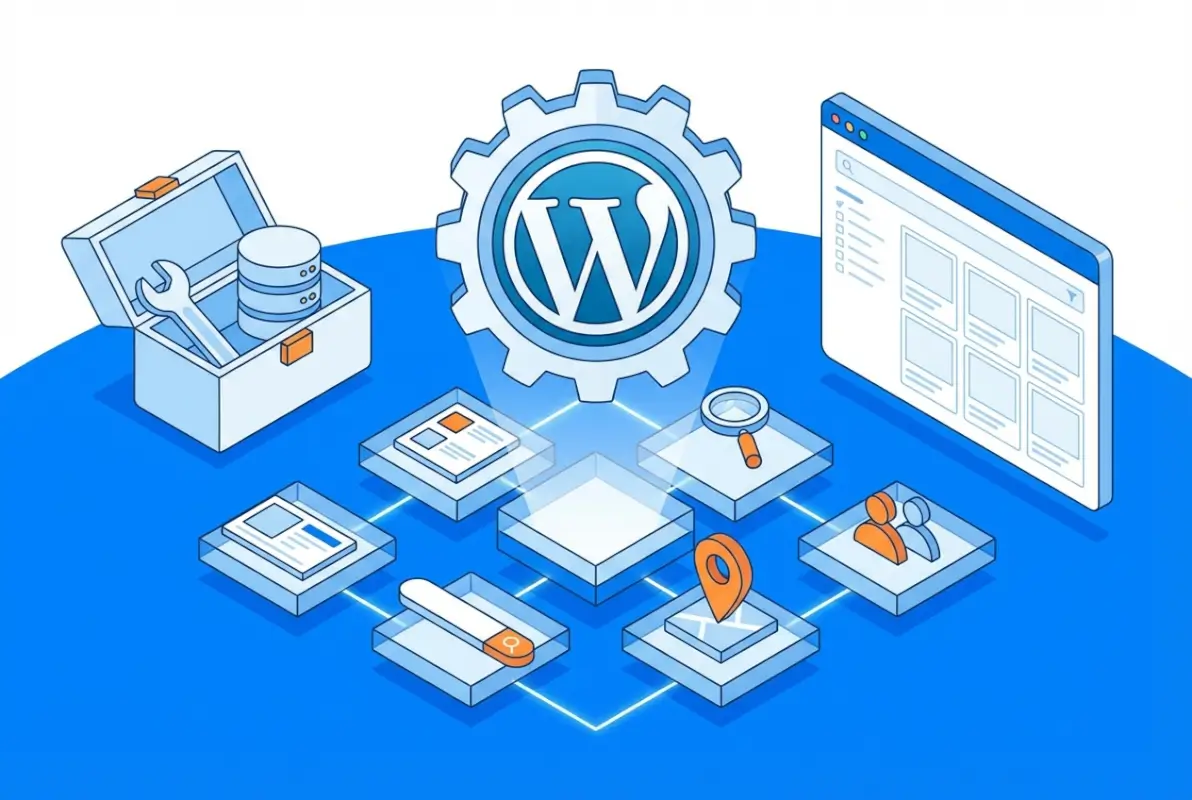
Your directory type dictates your data model requirements. A niche directory (say, yoga studios) needs deep custom fields and filtering on specialties, class types, and certifications. A general local business directory needs breadth across categories but less depth per listing. Multi-directory platforms—where you might run separate directories for restaurants, services, and events under one WordPress installation—require namespace isolation and per-directory settings that most plugins simply don’t architect for. According to research from the U.S. Census Bureau’s Annual Business Survey, businesses with an online presence show significantly higher revenue growth, which makes your choice of directory infrastructure a direct revenue driver, not just a technical decision.
Classifieds add another layer entirely—you need listing expiration workflows, user dashboards for managing multiple ads, and often direct messaging between buyers and sellers. If you’re mixing business listings with classifieds (think local services plus a marketplace), you need a plugin that either handles both content types natively or provides clean extensibility hooks. The right approach to maximizing directory plugin potential starts with mapping your roadmap, not your launch-day features.
Assess Your Directory Type and Use Case (Local Business, Niche, Multi-Directory, Classifieds)
Single-directory platforms optimized for one geographic region or vertical can leverage simpler plugin architectures. You’re looking for robust listing management, strong search and filter capabilities, and ideally a design system that matches modern user expectations without requiring a front-end developer. Audience size projections matter here—if you’re planning for under 500 listings, you can tolerate slower admin interfaces and less sophisticated caching. Beyond that threshold, you need plugins that separate presentation from data queries efficiently.
Multi-directory ecosystems change everything. You might need completely separate sets of categories, custom fields, and even monetization rules for different directories. Some plugins treat this as an afterthought add-on (that breaks on updates), while purpose-built solutions like TurnKey Directories architect for it from day one. The decision criteria checklist should include: Can I create directory-specific URL structures? Can I assign different admin roles per directory? Can listings exist in multiple directories without duplication? Most “flexible” plugins fail at least one of these tests.
Niche directories have the luxury of depth over breadth. If you’re building a directory for wedding photographers, you can require portfolio uploads, pricing tier selections, and availability calendars—fields that would bloat a general directory but create tremendous value in specialized contexts. The plugin you choose needs custom field creation that doesn’t require developer intervention for every new attribute. Look for repeatable field groups, conditional logic (show pricing fields only if “available for hire” is selected), and validation rules that keep data quality high without manual moderation overhead.
Evaluate Core Capabilities and Extensibility (Listing Management, Maps/Location, Search, Intake Workflows)
Listing management sounds basic until you’re handling 2,000 entries and need bulk operations, import/export without data loss, and approval workflows that don’t require admin login for every submission. The CRUD (create, read, update, delete) interface matters less on day one and becomes your daily reality by month six. Test the admin experience with sample data at the scale you expect in year two, not at launch. Can you bulk-update categories? Does the search function within the admin panel actually work when you have hundreds of draft listings? These operational realities separate plugins built by developers who run directories from those built by developers who ship features.
Map integrations are table stakes, but implementation quality varies wildly. According to Google’s mapping services research, location-based queries have grown consistently year over year, making geolocation search a primary discovery mechanism. You need more than pins on a map—you need distance calculation, radius filtering, and clustering for high-density areas. The difference between a plugin that embeds a static map and one that powers “find yoga studios within 5 miles that offer prenatal classes” is the difference between a directory and a discovery platform. Check whether map providers are swappable (Google Maps, Mapbox, OpenStreetMap) without plugin rewrites, because pricing and terms change.
Search and filter architecture determines whether users find what they need or bounce. Faceted search (the ability to combine multiple filters: category + location + price range + rating) requires database query optimization that most WordPress plugins handle poorly at scale. Look for plugins that generate efficient SQL or leverage search engines like Elasticsearch for larger deployments. The intake workflow—how businesses submit and update their listings—directly impacts your moderation burden. Auto-approval with spam filtering? Manual review queues? Conditional fields based on category selection? These workflow details determine your operational overhead per hundred listings.
Add-on ecosystems signal plugin longevity and extensibility. A healthy marketplace of extensions (payment gateways, CRM integrations, advanced search modules) indicates both developer commitment and architectural flexibility. Platforms like TurnKey Directories offer comprehensive guides on leveraging plugin capabilities without custom code. But beware the “add-on tax”—some plugins charge separately for functionality that should be core (like claim workflows or front-end submissions). Calculate total cost of ownership across must-have features, not just the base plugin price.
Core Features That Drive a Robust Directory Platform
Feature checklists miss the point. A directory succeeds when it solves the discovery problem better than competitors—and that comes down to data quality, user experience, and search precision, not feature count. I’ve seen directories with 50 advanced features fail because their basic search returned irrelevant results, while simpler platforms with clean data models and fast, accurate search became category leaders. The features that matter are the ones that directly impact whether a potential customer finds the right business and whether that business gets qualified leads.
[KBIMAGE_2]Data quality starts at intake. If your submission form allows businesses to enter free-text addresses instead of validated location data, you’ll spend hours cleaning duplicates and fixing geocoding errors. Structured data fields (select menus for categories, validated inputs for phone numbers, address autocomplete) reduce moderation overhead by 60-70% compared to open text fields. Media support matters more than you’d think—according to research from Statista’s digital advertising studies, listings with images receive significantly more engagement than text-only entries. But media support means more than “upload a logo”—you need image optimization, responsive delivery, and gallery capabilities for businesses that sell visually (restaurants, salons, retail).
Listing Data Quality and User Experience (UX)
Validation workflows prevent garbage data before it enters your system. Required fields, format validation (email, phone, URL), and character limits keep submissions consistent. But over-validation kills completion rates—requiring 15 fields when 6 would suffice means businesses abandon the form. Strike the balance by making core discovery fields required (name, category, location, contact) and offering optional fields for richer profiles. Progressive disclosure (show advanced fields only after core ones are complete) improves completion rates without sacrificing data depth for motivated submitters.
Responsive design isn’t optional when mobile devices drive the majority of local searches. Your listing pages need to render perfectly on smartphones—click-to-call buttons, tap-friendly maps, and readable text without pinch-zoom. But responsive goes beyond CSS; it’s about information hierarchy. Mobile users need contact info and location above the fold, while desktop users can handle detailed descriptions and full image galleries. Test your directory on actual devices, not just browser resize tools—touch targets, load times, and real-world network conditions expose issues that desktop testing misses entirely. For more insights on optimizing exposure through business listing sites, consider how national platforms handle mobile-first design.
Custom field flexibility determines whether your directory captures meaningful differentiation or treats all businesses as interchangeable. A daycare directory needs fields for age ranges, licensing info, and curriculum approach. A contractor directory needs license verification, insurance details, and service area radius. Generic “description” fields force businesses to bury critical details in unstructured text that users won’t read and search engines can’t parse. The best plugins let you create repeatable custom field sets per category—HVAC contractors see different intake forms than photographers—without creating separate post types or custom coding.
Search, Discovery, and Mapping Capabilities
Geolocation-based search transforms directories from static lists into dynamic discovery tools. “Find plumbers near me” only works if your plugin can calculate user position, measure distances to listings, and sort results by proximity. This requires geocoding every listing address to latitude/longitude coordinates—ideally at submission time, not on-demand during search (which kills performance). Distance and radius filters let users define search boundaries (“within 10 miles” vs. “within 50 miles”), but implementation quality varies. Cheap implementations calculate distances inefficiently, causing multi-second load times when filtering large datasets.
Map tiles and providers impact both cost and performance. Google Maps offers the most comprehensive data and familiar interface but charges per map load and geocoding request—costs that scale quickly on popular directories. Alternatives like Mapbox or OpenStreetMap offer lower costs but may have less complete data in certain regions. The plugin you choose should make provider switching possible without data migration—geocoded coordinates are provider-agnostic, but embedded map implementations often aren’t. For guidance on choosing among top directory plugin options, evaluate map flexibility as a decision criterion.
SEO-friendly listing pages require clean URL structures (domain.com/location/category/business-name, not domain.com/?p=12345), proper heading hierarchy, and fast load times. Each listing should generate unique meta titles and descriptions based on business data—not template-duplicated text that triggers Google’s duplicate content filters. Schema.org markup (specifically LocalBusiness schema) helps search engines understand listing data, powering rich results with ratings, hours, and contact info directly in search results. Plugins that generate schema automatically save hours of manual implementation and reduce errors that invalidate markup.
Canonicalization matters when listings appear in multiple categories or locations. Without proper canonical tags, you create duplicate content issues that dilute SEO authority. The plugin should either automatically set canonical URLs to the primary listing page or give you control over canonicalization rules. For more on leveraging business listings for local SEO, understand how structured data and canonical tags work together.
Performance, SEO, and User Adoption Best Practices
Directory platforms live or die by discovery. A directory with 10,000 listings that loads slowly or buries results on page two of Google will underperform a lean, well-indexed catalog of 500. Performance optimization starts with caching: configure object caching (Redis or Memcached) for listing queries, enable page caching for static listing detail pages, and leverage lazy loading for images, maps, and infinite-scroll listing grids. Most directory plugins register custom post types; ensure your hosting environment and caching layer treat CPT archives the same as standard posts to avoid cache misses.
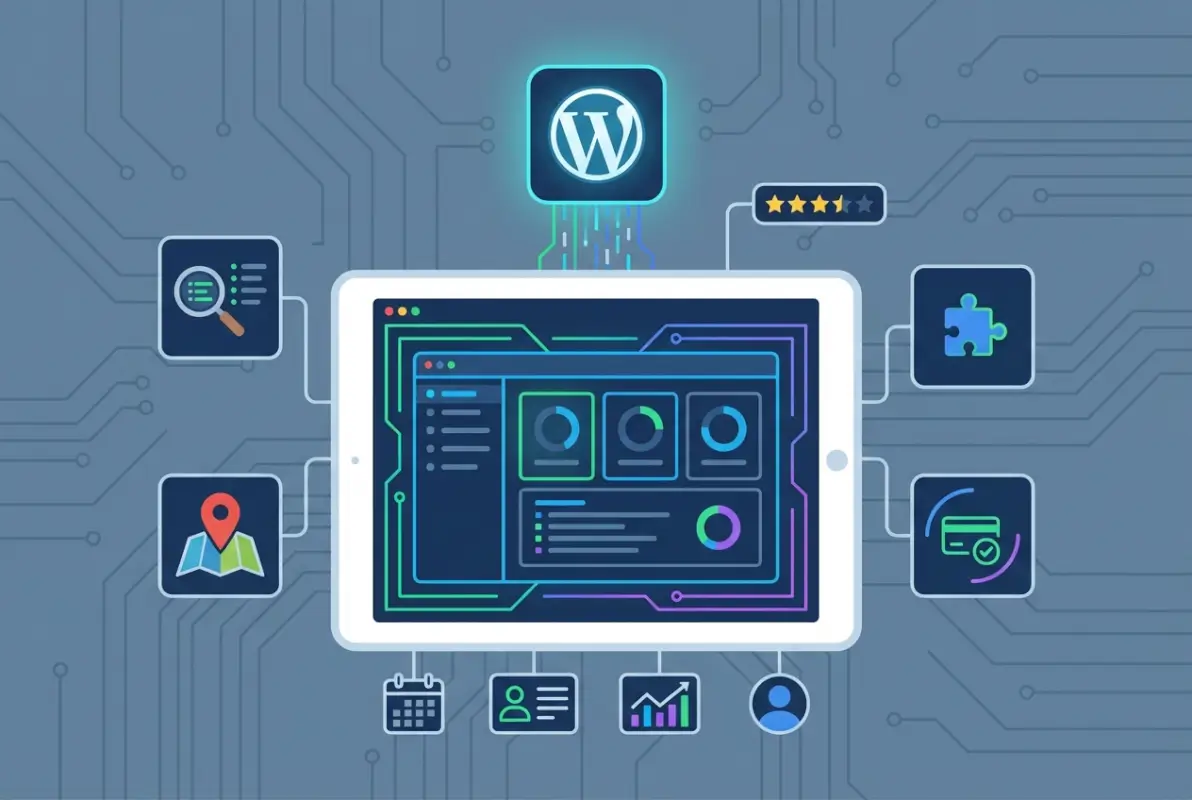
SEO-friendly architecture means every listing becomes an entry point. Use clean, descriptive URLs (/listings/plumber-denver-co/ instead of ?listing_id=123), inject schema.org LocalBusiness or Organization markup into each listing, and enable canonical tags to prevent duplicate-content penalties when the same business appears in multiple categories. According to recent directory usage data, 61% of consumers discover local businesses through organic search rather than paid ads, making on-page SEO your highest-leverage growth channel. Ensure your plugin or theme emits structured data automatically, or use a companion schema plugin that recognizes directory custom post types.
Performance Optimization and Maintainability
Large directories stress WordPress databases. If you anticipate thousands of listings, index custom taxonomy terms (categories, regions) at the database level and audit slow queries with Query Monitor during development. Lazy-load map tiles so the initial page render is fast, then fetch geolocation data asynchronously; Google Maps and Mapbox both support dynamic tile loading. Directory plugins that bundle front-end frameworks (Vue, React) can inadvertently ship hundreds of kilobytes of JavaScript—audit your site with Lighthouse and strip unused scripts via asset optimization plugins.
Maintainability extends beyond code: plan for listing expiration workflows, bulk-edit interfaces, and CSV import/export. Businesses close, relocate, or rebrand; outdated listings erode trust faster than missing listings harm coverage. Configure automated expiration reminders (email owners 30 days before renewal), display “last verified” timestamps on each listing card, and provide a one-click claim-and-update flow for business owners. Regular data hygiene—pruning expired entries, merging duplicates—keeps your directory lean and your search index relevant.
SEO-Friendly Architecture and Conversion Optimization
Directory listings are landing pages. Each should include a clear headline (business name + city), a concise description (150–300 words), structured contact fields (phone, email, hours), and at least one high-quality image. Embed a call-to-action above the fold: “Get a Quote,” “Book Now,” or “Visit Website.” If your monetization model includes featured listings, reserve the top carousel or sidebar for promoted businesses and label them transparently (“Sponsored” or “Featured”). Conversion-focused templates balance information density with white space; use collapsible sections for long descriptions and tabbed interfaces for categories like Reviews, Gallery, and Map.
Rich snippets—star ratings, price range, opening hours—boost click-through rates in search results by up to 30%. Configure your plugin to output AggregateRating and PriceRange properties in JSON-LD format, and validate markup with Google’s Rich Results Test. Implement breadcrumb navigation (Home > Category > Subcategory > Listing) to improve crawlability and distribute link equity across your taxonomy hierarchy. Finally, optimize meta titles and descriptions per listing: auto-generate templates that interpolate business name, category, and city, then allow owners to customize via their dashboard.
Monetization, Growth, and Scalability
Monetization models for directories fall into three tiers: freemium (basic listings free, premium upgrades paid), subscription (all listings require a recurring fee), and hybrid (free + featured placement upsells). Freemium maximizes listing volume and organic reach; subscription generates predictable revenue but may slow initial growth. Hybrid models balance both: offer free listings to seed your database, then sell featured slots, enhanced profiles, or category sponsorships to businesses that convert well. Data from business listing platforms shows that directories offering tiered plans see 40–60% of active listings upgrade within the first year when value is clearly communicated.

Configure your plugin’s payment gateway (Stripe, PayPal) for one-time and recurring billing, and create at least three pricing tiers with visible feature differences. For example: Free (name, address, phone, one photo), Standard ($49/year: unlimited photos, social links, priority support), Premium ($149/year: featured badge, top-of-category placement, analytics dashboard). Display pricing on your “Add Listing” page and in comparison tables so submitters self-select the tier that matches their goals. Automated renewal reminders and grace periods (7 days post-expiration) reduce churn and administrative overhead.
Monetization Models and Promotions
Beyond listing fees, directories monetize through banner ads, promoted search results, lead-generation forms, and affiliate partnerships. If you operate in a niche (wedding vendors, local contractors), negotiate affiliate deals with adjacent services—payment processors, booking software, CRM tools—and earn commissions on referrals. Promoted listings should occupy distinct visual real estate (colored borders, “Featured” badges, top carousel) to maintain user trust; mixing organic and paid results without disclosure damages credibility and may violate FTC guidelines in the United States.
Test promotional pricing during launch or seasonal campaigns: “First 100 listings free for six months” seeds your database; “Upgrade to Premium and save 30%” during Q4 capitalizes on end-of-year marketing budgets. Track conversion funnels in Google Analytics—monitor drop-off between “Start Listing” and payment confirmation—and A/B test checkout flows, pricing copy, and upsell modals. Directories with transparent, value-driven pricing and frictionless checkout convert 20–35% of free-tier users to paid plans within 12 months, according to SaaS directory benchmarks.
Multi-Directory Scalability and Data Governance
Running multiple directories—city-specific guides, industry verticals, or white-label instances for partners—requires careful data architecture. WordPress Multisite lets you deploy separate directories under one installation, sharing plugins and themes while isolating listing databases per site. Alternatively, use a single-site setup with taxonomy-based segmentation: tag each listing with a “Directory” term, then filter front-end queries and admin views by term. Multisite offers cleaner separation but adds complexity; single-site with taxonomies is simpler but can become unwieldy beyond three or four directories.
Data governance at scale means role-based access control and audit trails. Assign editors per directory or category, restrict bulk-delete permissions to administrators, and log listing changes (who updated what, when) using an activity plugin. If you syndicate listings across directories—sharing a master database of businesses with regional or industry-specific views—establish canonical records in one directory and propagate updates via REST API or scheduled sync jobs. Centralized governance prevents duplicate entries, inconsistent contact details, and orphaned listings when businesses relocate or close.
| Monetization Model | Revenue Predictability | Listing Volume Impact | Best For |
|---|---|---|---|
| Freemium | Medium (variable upgrade rate) | High (low barrier to entry) | New directories, niche verticals |
| Subscription | High (recurring MRR) | Low to Medium (paywall) | Established brands, B2B directories |
| Hybrid (Free + Featured) | Medium-High | High | Local guides, multi-category platforms |
| Affiliate & Ads | Low (traffic-dependent) | High | High-traffic, content-rich directories |
Security, Compliance, and Maintenance
Directory platforms handle business contact details, user accounts, and payment data—attack surfaces that demand proactive security. Start with plugin provenance: choose directory extensions that publish regular updates, disclose vulnerabilities responsibly, and maintain active support channels. Outdated plugins are the leading cause of WordPress compromises; enable automatic updates for minor releases and subscribe to security mailing lists (WPScan, Wordfence Intelligence) to catch zero-day disclosures. If your directory accepts file uploads (logos, galleries), restrict formats to images only, scan uploads with ClamAV or a cloud antivirus API, and store media outside the WordPress root when possible.

Data access controls prevent unauthorized listing edits and bulk exports. Configure role capabilities so business owners can edit only their own listings, contributors can submit listings pending review, and editors can approve or reject submissions. Use a two-factor authentication plugin for administrator accounts and log all privileged actions—listing deletions, user promotions, settings changes—with an audit plugin. If you collect payments, never store credit card numbers in your database; delegate tokenization to your payment gateway (Stripe Elements, PayPal Commerce Platform) and ensure your checkout flow is PCI DSS compliant by design.
Security Posture and Vulnerability Considerations
Rate-limit listing submissions and search queries to prevent scraping and denial-of-service attacks. Implement CAPTCHA (reCAPTCHA v3 or hCaptcha) on registration and contact forms, and throttle API endpoints to 60 requests per minute per IP. Directory platforms are attractive to spammers seeking backlinks; require email verification for new accounts, moderate first-time listings manually, and blacklist disposable email domains. A Web Application Firewall (Cloudflare, Sucuri) adds an extra layer by blocking known exploit patterns and mitigating DDoS traffic before it reaches your origin server.
Schedule weekly off-site backups that include both database and uploads. Test restoration quarterly in a staging environment to verify backup integrity. If your directory spans multiple cities or regions, geo-distribute backups across cloud providers (AWS S3 in one region, Google Cloud Storage in another) to guard against single-provider outages. Maintain a documented incident-response plan: whom to notify, how to isolate compromised accounts, and rollback procedures for corrupted data. Security is not a one-time checklist but an ongoing process of patching, monitoring, and testing.
Accessibility and Compliance
Accessible directories serve all users, including those relying on screen readers, keyboard navigation, or high-contrast modes. Audit your listing templates against WCAG 2.1 Level AA: ensure form labels are explicit, color is not the sole means of conveying information (use icons or text alongside color-coded badges), and interactive elements have focus indicators. Many directory plugins ship with generic templates that fail basic accessibility tests; customize your theme to add ARIA landmarks, skip-to-content links, and semantic HTML (<article>, <nav>, <aside>).
Data privacy regulations—GDPR in the European Union, CCPA in California, LGPD in Brazil—require explicit consent, transparent data-use policies, and user rights (access, deletion, portability). Display a clear privacy policy on your listing-submission form, obtain checkbox consent for marketing emails, and provide a self-service data-export tool in user dashboards. If you operate globally, implement geolocation-based consent banners and honor Do Not Track signals. Compliance builds trust; directories that publish transparent privacy policies and honor deletion requests see 15–20% higher user retention than those that bury terms in legal jargon.
Frequently Asked Questions
What is the best WordPress directory plugin for small businesses?
Business Directory Plugin and GeoDirectory are excellent choices for small businesses. They offer free core versions with essential listing management, search, and mapping features. Both scale affordably through paid add-ons, letting you start simple and expand as your directory grows without switching platforms mid-stream.
Can I run multiple directories in one WordPress installation?
Yes, plugins like GeoDirectory and Directorist support multiple directory types within a single WordPress instance. You can create separate directories for restaurants, services, and real estate, each with unique fields and categories, all managed from one dashboard and sharing the same theme and hosting resources.
How do I monetize a WordPress directory site?
Monetize through tiered listing plans, featured placements, and premium add-ons like enhanced profiles or priority search ranking. Most directory plugins integrate with WooCommerce or native payment gateways. Display advertising, affiliate links, and lead-generation fees from businesses seeking customer referrals provide additional revenue streams that compound over time.
What SEO practices should I apply to directory listings?
Implement schema.org LocalBusiness markup on every listing, use clean URL slugs with business names and locations, and optimize meta titles and descriptions dynamically. Enable XML sitemaps for listing post types, encourage user reviews to generate fresh content, and link internally between related categories to distribute authority and improve crawl efficiency.
How do I keep directory data accurate and up-to-date?
Enable front-end listing submission and editing so business owners maintain their own profiles. Schedule automated email reminders for annual renewals or data verification. Implement user-reported flags for outdated information, and periodically audit high-traffic listings manually. Requiring paid renewals naturally filters out defunct businesses and keeps active listings current.
Should I choose a free or premium directory plugin?
Start with a robust free plugin if you are validating demand or operating on a tight budget. Upgrade to premium when you need advanced monetization, multiple directories, custom fields, or priority support. Freemium models like Business Directory Plugin let you test core functionality before committing to paid add-ons for growth features.
How can I improve user trust and engagement on my directory?
Display verified badges for claimed listings, enable star ratings and reviews with moderation, and showcase high-quality photos and contact details. Add trust signals such as business hours, social proof counters, and direct booking or inquiry forms. Responsive design and fast load times also reduce bounce rates and signal professionalism to visitors.
What performance optimizations matter most for directory sites?
Implement object caching for listing queries, lazy-load images and map tiles, and serve static assets via a CDN. Use pagination or infinite scroll for large result sets, minify CSS and JavaScript, and choose lightweight themes built for directories. Regular database optimization and a quality hosting environment prevent slowdowns as your listing count grows.
Take the Next Step: Build Your Directory with Confidence
You now have a complete roadmap for selecting, deploying, optimizing, and scaling a WordPress business directory. The five core dimensions—choosing the right plugin, prioritizing robust features, applying performance and SEO best practices, designing monetization pathways, and maintaining security and compliance—give you the decision framework professional directory operators rely on. Whether you are launching a hyperlocal neighborhood guide, a niche professional registry, or a multi-city marketplace, these principles translate directly into action.
Start by mapping your exact use case to the plugin comparison table in the earlier sections. Identify your must-have features, budget constraints, and growth trajectory. Install a free core version of Business Directory Plugin, GeoDirectory, or Directorist on a staging site and test listing workflows, search filters, and front-end submission forms with real data. Monitor performance metrics from day one—page load times, search relevance, and user drop-off points—so you can iterate quickly and avoid costly rework later.
Monetization and user trust are not afterthoughts; they should shape your information architecture and feature prioritization from the outset. Plan your tiered listing packages, featured placement pricing, and review moderation policies before your first business owner signs up. Design listing templates with clear calls-to-action, schema markup, and trust signals baked in. The data cited earlier shows that mobile-first discovery and local search intent dominate directory usage, so optimize for speed, responsive design, and geolocation accuracy at every layer of your stack.
Finally, treat your directory as a living platform that evolves with your audience. Schedule quarterly audits of listing accuracy, security patches, and SEO performance. Engage your community through user-reported updates, featured business spotlights, and transparent data governance. A well-maintained directory compounds value over time, attracting higher-quality listings, more organic search traffic, and sustainable revenue streams that justify ongoing investment in features and marketing.
Ready to Launch Your Directory?
Choose your plugin, configure your core features, and go live with a scalable platform that connects businesses and customers. The tools, strategies, and best practices are all here—now it is your turn to execute.
Start building today and watch your directory become the trusted discovery engine your community relies on.
Was this article helpful?