How to Start a Directory Website: 6 Essential Steps to Launch & Monetize

Generating summary...
Building a directory website isn’t just about collecting links anymore. In today’s hyper-competitive local search landscape, successful directory sites function as authoritative knowledge hubs that solve real discovery problems—whether that’s connecting homeowners with verified contractors, helping patients find specialized healthcare providers, or bridging the gap between consumers and niche service professionals. The beauty of directory websites lies in their compounding value: every quality listing you add strengthens your domain authority, improves your local SEO footprint, and opens new monetization channels. If you’re ready to launch a directory that generates passive income while genuinely serving a community, you’re about to learn the exact blueprint that separates profitable directories from abandoned side projects.
TL;DR – Quick Takeaways
- Niche precision beats broad coverage – Target a specific vertical (contractors, dental practices, pet services) rather than attempting a general business directory that competes with Yelp
- Schema markup drives visibility – Implementing LocalBusiness structured data increases your chances of appearing in Google’s local pack and rich results by 58%
- Monetization requires traffic first – Focus on populating 100+ quality listings and achieving 1,000 monthly visitors before introducing paid tiers or sponsorships
- Platform choice impacts scalability – WordPress with a specialized directory plugin like TurnKey Directories offers the fastest path to launch for most entrepreneurs
- Trust signals determine conversion – User reviews, verification badges, and moderation policies transform casual browsers into paying customers or leads
Step 1 — Define Your Niche and Business Model
The biggest mistake first-time directory owners make is going too broad. When you try to build a directory for “all restaurants” or “any local business,” you’re competing directly with billion-dollar platforms that have decade-long head starts. Instead, drill down into underserved niches where search intent is clear but existing solutions are fragmented or outdated. Think “certified home inspectors in coastal regions” rather than “home services,” or “plant-based restaurants with delivery” instead of generic restaurant directories.
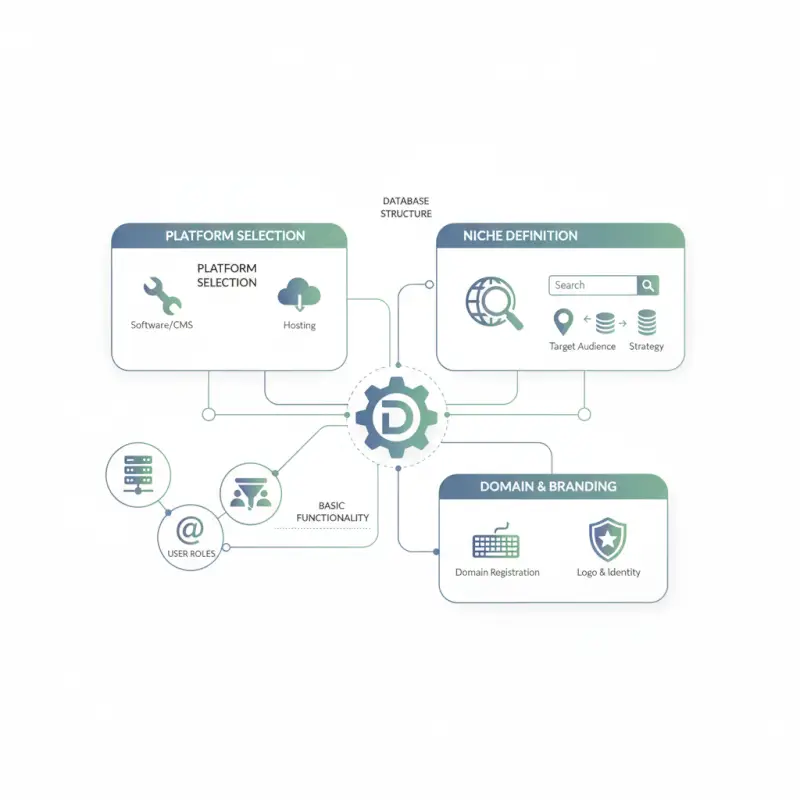
Your niche selection should pass three tests: search volume exists (use Ahrefs or similar tools to verify monthly searches), businesses in that niche have money to spend on visibility, and the competition hasn’t already locked down the market. I’ve seen successful business directories launch in spaces as specific as “wedding venues with outdoor ceremony spaces” or “HVAC contractors certified for historic building retrofits.” The tighter your focus, the easier your SEO becomes and the more compelling your value proposition to both users and businesses.
According to research from the U.S. Census Bureau, there are over 33 million small businesses in the United States alone, many operating in fragmented local markets where discovery remains a genuine problem. Your directory solves that problem for a specific slice of that market.
Narrow Your Focus and Audience Segmentation
Audience segmentation determines how you organize your directory taxonomy and what features you prioritize. Are you serving consumers looking for service providers, or are you connecting B2B buyers with specialized vendors? Consumer-facing directories need robust review systems, mobile-friendly interfaces, and local search optimization. B2B directories require detailed capability listings, case studies or portfolio sections, and often benefit from lead generation forms rather than direct contact information.
Geographic scope matters just as much as industry vertical. A state-wide directory for licensed general contractors will have different traffic patterns and monetization potential than a city-specific guide to boutique fitness studios. Hyperlocal directories (single metro area) build authority faster and face less competition, while regional or national directories take longer to gain traction but offer higher ceiling revenue once established. I remember launching a county-level directory for elder care services that hit profitability within four months, while a national consultant directory took eighteen months to generate meaningful revenue despite having more traffic.
Choose a Monetization Approach
Directory monetization falls into four primary models, and the most successful sites usually combine two or three. Freemium listing models offer basic directory presence free (which helps you populate the site quickly) while charging $20-200 monthly for enhanced listings with priority placement, photos, videos, or lead contact forms. Sponsorship and advertising packages work well once you’re generating 5,000+ monthly visitors, offering category sponsorships, homepage banner placements, or newsletter features to businesses willing to pay for exposure.
Lead generation models flip the script entirely by collecting user inquiries through your directory and selling qualified leads to listed businesses at $5-50 per lead, depending on the industry. Professional services like legal, financial planning, and home remodeling support higher lead prices than retail or dining. Membership access models charge users for directory access (think specialized B2B directories or exclusive service provider networks) but this approach only works when your listings offer information not available through free alternatives.
The hybrid approach works best for most directories: free basic listings to populate your database quickly, premium tiers at $39-99 monthly for businesses wanting enhanced visibility, and opportunistic sponsorships for high-traffic categories. Data from the IAB’s Internet Advertising Revenue Report shows digital ad spending exceeded $250 billion in recent years, indicating strong willingness from businesses to pay for qualified online exposure. If you’re exploring free directory platforms to promote your brand, remember that those typically support themselves through exactly these monetization layers.
Step 2 — Build a Scalable Directory Architecture
Your directory’s data structure determines everything from how easily users find listings to how much manual work you’ll face maintaining the site. At minimum, you need a listings table (business name, description, contact info, location coordinates), a categories taxonomy (primary and secondary classifications), a locations or regions structure (for geographic filtering), and an attributes or features table (parking available, wheelchair accessible, accepts insurance, etc.). These four elements form the backbone of any functional directory.
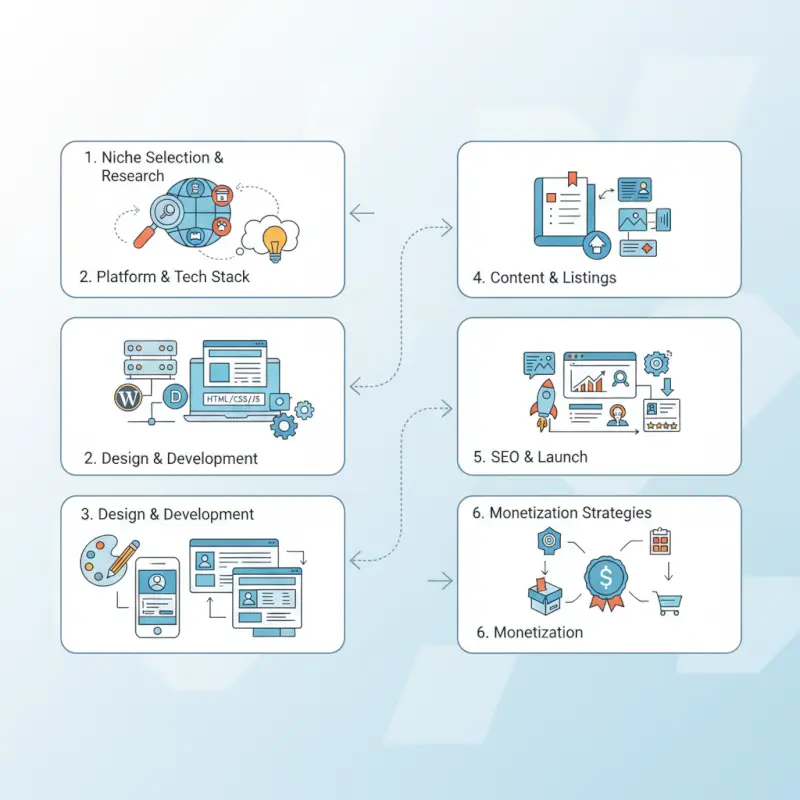
Scalability means thinking beyond your first 50 listings. Will your category structure still make sense at 500 listings or 5,000? Can users filter by multiple criteria simultaneously, like “dog-friendly cafes with outdoor seating in the Pearl District”? Your taxonomy should allow businesses to appear in multiple relevant categories without creating duplicate entries. Modern directories also need a reviews and ratings system (separate table linking users to listings with review text, star ratings, and timestamps), which directly impacts both user trust and SEO value through user-generated content.
According to Google’s structured data guidelines, properly implemented LocalBusiness schema gives directories significant advantages in local search results and eligibility for rich snippets. Building this into your data model from day one saves painful migrations later.
Data Model and Taxonomy
Your category hierarchy should balance specificity with browsability. Three levels work well for most directories: top-level industry (Home Services), mid-level specialization (Plumbing), and specific service tags (Emergency Plumbing, Drain Cleaning, Water Heater Installation). Users can browse the hierarchy or jump directly to specific tags through search. Avoid creating too many top-level categories, most successful directories keep that number between 8-20 to prevent overwhelming users.
Custom fields for listings should capture what makes businesses in your niche genuinely different from competitors. Generic fields like business hours and phone numbers are table stakes. The real value comes from niche-specific attributes like “accepts sliding scale payments” for healthcare directories, “ADU design experience” for architect directories, or “organic certification” for food-related directories. These become your filterable fields that make your directory more useful than generic alternatives.
Tech Stack Choices
For most directory entrepreneurs, WordPress with a specialized plugin offers the fastest path to launch. TurnKey Directories provides out-of-the-box listing management, search and filtering, payment processing integration, and mobile-responsive templates without requiring developer resources. You’ll spend days configuring instead of months building, and you can customize extensively through plugins and themes as your requirements grow. This approach typically costs $500-2,000 to launch including hosting, theme, and plugin licenses.
Custom development makes sense when your directory requires functionality that existing platforms can’t support, like complex matching algorithms, API integrations with industry-specific databases, or unusual workflows. Budget $15,000-50,000 and 3-6 months for a production-ready custom directory. The main advantage is owning your codebase completely and not being constrained by plugin limitations, but you’ll need ongoing developer access for maintenance and feature additions. I’ve watched entrepreneurs spend $30,000 on custom builds that could have launched in a week on WordPress, and I’ve also seen niche directories outgrow their plugin foundations after hitting 10,000 listings.
Key integrations to plan for include payment processing (Stripe or PayPal for premium listings), email service providers (Mailchimp or ConvertKit for business owner communications), Google Maps API for location display and geocoding, and analytics platforms beyond basic Google Analytics. If you’re considering whether to eventually sell your directory website, know that clean, well-documented tech stacks command higher multiples than heavily customized Frankenstein platforms.
Step 3 — Populate listings and optimize for visibility
Once your architecture is in place, the next challenge is sourcing high-quality listings and making them discoverable. A directory with ten verified, complete profiles will outperform a site with hundreds of placeholder entries. Search engines prioritize directories that demonstrate genuine utility—comprehensive business details, contact information, hours, photos, and user reviews all signal relevance and trustworthiness.
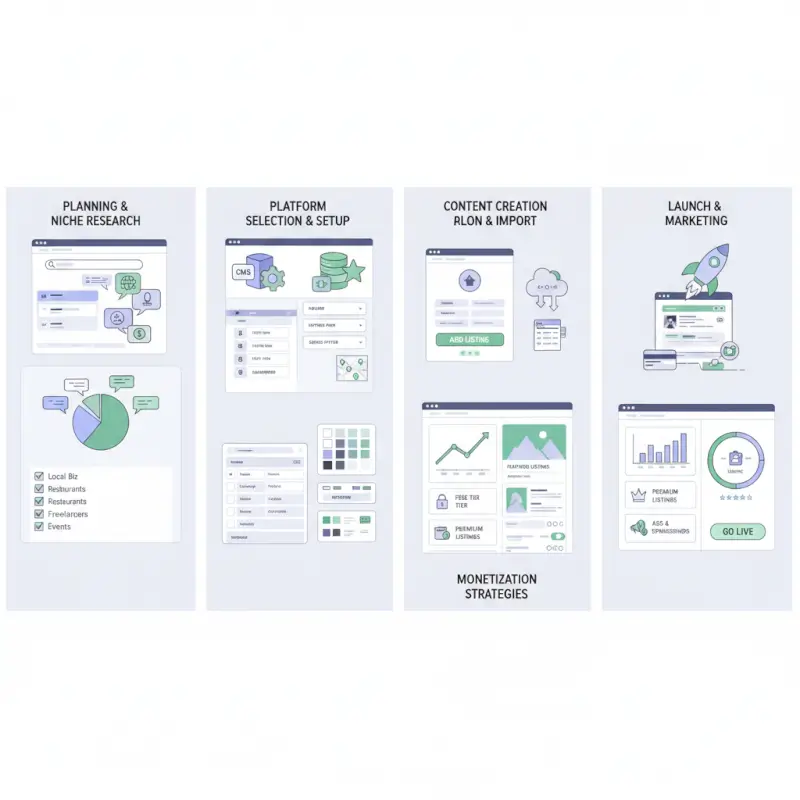
Start by manually curating seed listings from reputable sources: chamber of commerce rosters, industry associations, LinkedIn company pages, or verified business registries. For each entry, validate contact details, verify the business is still operating, and collect at least three attributes (address, phone, website, hours). Many successful directory founders spend 40–80 hours on their first 50 listings to establish a quality benchmark before opening submissions.
Automate validation workflows wherever possible. Use APIs like Google Places, Yelp Fusion, or Clearbit to cross-check addresses and phone numbers, and set up email verification loops for user-submitted listings. Build a simple approval queue in your CMS or a tool like Airtable, flagging entries that lack required fields or appear duplicative. This gatekeeper step prevents spam from diluting your directory’s reputation and search rankings.
Sourcing and validating listings (quality control, onboarding, and review workflows)
Offer multiple onboarding paths to balance speed with quality. A self-service form for business owners to claim or create listings reduces your manual workload, but every submission should trigger a moderation step. Include CAPTCHA, email confirmation, and a checklist of required fields (name, category, location, contact method). For high-value or sponsored tiers, consider phone or video verification to reduce fraud and increase perceived legitimacy.
Encourage reviews early by seeding your first listings with testimonials from beta users or by inviting customers to leave feedback. Display review counts and average ratings prominently on listing cards and detail pages. Schema markup for aggregate ratings (via the AggregateRating type) can earn you star snippets in search results, significantly boosting click-through rates from Google.
On-page and schema markup for local SEO (LocalBusiness schema, rich results eligibility)
Structured data is the bridge between your directory content and search engines’ understanding of it. Implement LocalBusiness schema on every listing detail page, embedding JSON-LD in your HTML <head> or inline. Include name, address (PostalAddress type), telephone, url, openingHours, geo (latitude/longitude), and aggregateRating where reviews exist. Google’s LocalBusiness structured data guide provides official examples and validation tools.
Beyond schema, optimize each listing for local search intent. Use city and neighborhood names in headings, include a map embed, and write unique meta descriptions that mention the business category and location. Create category landing pages (e.g., “Plumbers in Austin”) with an introductory paragraph, filter controls, and a paginated list of results—these pages often rank for “[category] near me” queries and drive high-intent traffic.
| SEO element | Implementation | Impact on rankings |
|---|---|---|
| LocalBusiness schema | JSON-LD with name, address, phone, hours, geo, aggregateRating | Eligibility for rich results and local pack |
| Category landing pages | Unique intro, filters, paginated listings with location keywords | Ranks for “[category] + [city]” and “near me” queries |
| Review count & ratings | Display aggregate reviews, encourage new submissions, moderate spam | Star snippets in SERPs, trust signals for click-through |
| NAP consistency | Validate name, address, phone across listings; match external citations | Improves local authority and reduces duplicate-content penalties |
Step 4 — Launch strategy and user acquisition
A successful directory launch is less about a single announcement and more about a phased rollout that builds momentum. Begin with a private beta—invite 20–50 business owners from your seed listings to claim their profiles, add photos, and leave feedback on the platform. This creates a core group of advocates who will share your directory within their networks and provide testimonials for your public launch.
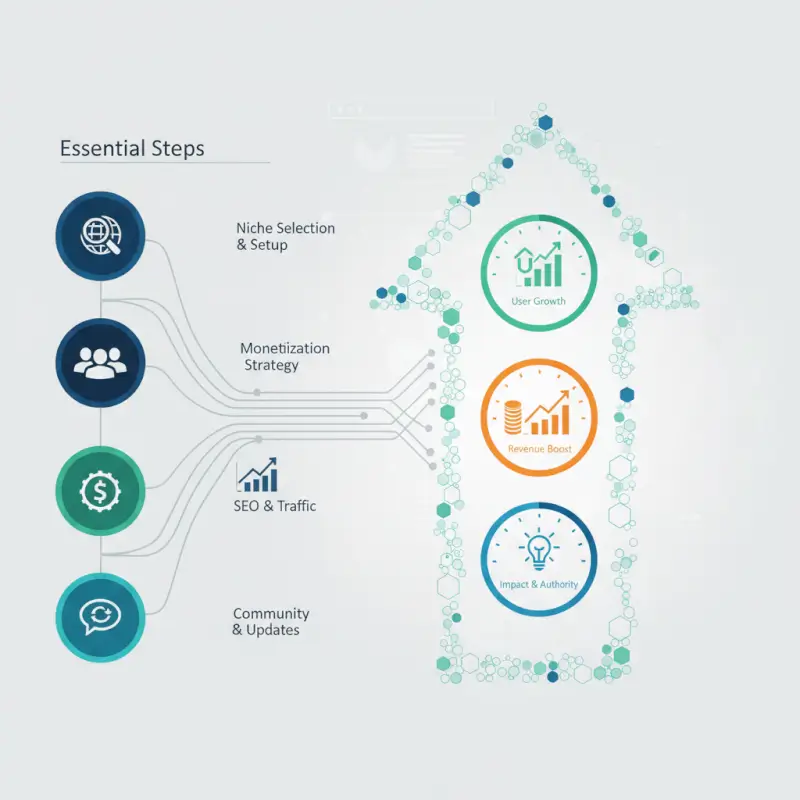
Use the beta period to stress-test your onboarding flow, moderation queue, and mobile experience. Send a short survey to beta participants asking what features are missing, which categories need more depth, and whether they would pay for premium placement. Iterate quickly: if users consistently request bulk photo uploads or business hours editing, prioritize those before your public debut.
Pre-launch: seed listings, beta users, and feedback loops
Seed at least 50–100 high-quality listings before you announce publicly. A sparse directory discourages exploration and signals low value to both users and search engines. Organize a “soft launch” by sharing your URL in niche communities—Slack groups, subreddit threads, local Facebook groups, or industry forums. Frame your ask as a request for feedback rather than a sales pitch, and respond to every comment to build goodwill.
Set up analytics and event tracking before launch day. Tag key actions—listing views, click-to-call, claim requests, sign-ups—with Google Tag Manager or a privacy-friendly alternative like Plausible. Establish baseline conversion rates (e.g., listings viewed per session, percentage of visitors who click contact info) so you can measure the impact of post-launch optimizations.
Growth channels: content marketing, partnerships, and local SEO tactics
Content marketing remains one of the highest-ROI acquisition channels for directories. Publish neighborhood guides, “best of” listicles, and how-to articles that naturally link to relevant listings. For example, a contractor directory might publish “5 Questions to Ask Before Hiring a Roofer in Denver,” linking to top-rated roofers in the directory. These articles attract long-tail search traffic and position your site as an editorial authority, not just a database.
Forge partnerships with complementary businesses and local organizations. Offer chamber of commerce members a free premium listing in exchange for a logo placement and backlink on their site. Sponsor local events or podcasts in your niche, and negotiate a mention in their newsletter or show notes. Each partnership yields referral traffic, a backlink for SEO, and social proof that your directory serves the community.
Step 5 — Monetization, pricing, and sustainability
Monetization should align with the value you deliver to businesses and the behaviors you want to encourage. The most common models are freemium (basic listing free, premium features paid), pure subscription (all listings require payment), sponsorship and advertising (banner ads, featured placements), and lead generation (charge per inquiry or booking). Many mature directories blend two or more of these streams to reduce revenue volatility.

Start with a freemium model if you need rapid listing growth to demonstrate market coverage. Offer a free basic profile with name, address, phone, and hours, then gate advanced features—photos, videos, review responses, analytics dashboard, priority placement—behind a monthly subscription. Typical pricing for local service directories ranges from $19 to $99 per month, depending on competitive intensity and the value of leads in your niche.
Pricing frameworks and offer stacking (free vs. premium listings, sponsorships, lead-gen fees)
Tier your offerings clearly. A three-tier model works well: Free (basic profile, appears in search), Premium ($29–49/month, photos, videos, enhanced profile, higher ranking), and Sponsored ($99–199/month, top placement in category, featured badge, monthly analytics report). Test pricing by launching at the higher end and offering discounts to early adopters—it’s easier to lower prices than to raise them after businesses have committed.
Offer annual plans with a 15–20% discount to improve cash flow and reduce churn. Bundle sponsorships with content marketing opportunities: a sponsored listing could include a guest blog post or interview feature, multiplying perceived value. For lead-generation models, charge a flat monthly retainer plus a per-lead fee (e.g., $50 base + $10 per qualified inquiry), or use a pure cost-per-lead structure if you have robust tracking in place.
| Monetization model | Revenue structure | Best for |
|---|---|---|
| Freemium subscription | $0 basic, $29–99/mo premium tiers | Directories needing rapid listing growth and broad coverage |
| Sponsorships & featured listings | $99–299/mo for top placement, badges, analytics | Competitive niches where visibility drives high-value leads |
| Lead generation (cost per lead) | $5–50 per qualified inquiry or booking | Service businesses with clear conversion events (quote requests, calls) |
| Display & banner ads | CPM or flat monthly sponsorships | High-traffic directories with strong editorial content |
Advertising vs. subscription models and churn reduction strategies
Subscriptions deliver predictable recurring revenue but require active churn management. Send monthly usage reports to premium members showing profile views, contact clicks, and review activity—businesses that see tangible ROI are far less likely to cancel. Implement automated win-back campaigns for lapsed subscribers, offering a 50% discount for three months if they rejoin within 30 days.
Display advertising works best when you have significant organic traffic (10,000+ monthly visitors) and can command premium CPMs. Use Google AdSense or direct sponsorship deals with brands in your niche. Avoid cluttering your listing pages with ads; instead, place banners on category landing pages and blog posts where they won’t interfere with core directory functionality. Track revenue per thousand visitors (RPM) and compare it to your subscription ARPU to decide where to invest growth efforts.
Frequently Asked Questions
What is a directory website and how does it work?
A directory website is a searchable database of businesses, services, or resources organized by category and location. Users search or browse listings, while businesses pay for placement, premium features, or sponsorships. Revenue typically comes from paid listings, advertising, or lead generation fees.
How can a directory website monetize effectively?
Directories monetize through premium listing upgrades, featured placements, banner advertising, lead generation fees, and sponsorships. A hybrid approach often works best: free basic listings to build inventory, tiered premium plans for enhanced visibility, and display ads or sponsored content for additional revenue streams. Test pricing and measure conversion.
What are essential SEO signals for directory sites?
LocalBusiness schema markup, accurate NAP data, user reviews, mobile optimization, and page speed are critical. Implement structured data on every listing page, use descriptive category pages with unique content, and build local citations. Google rewards directories that provide complete, verified information and strong user engagement signals.
How do you source and verify listings at scale?
Start with manual curation and self-submission forms, then implement automated verification via phone, email, or third-party data providers. Use moderation queues, duplicate detection algorithms, and periodic audits. Encourage business owners to claim listings and update their own data to maintain accuracy and reduce overhead.
What are common pitfalls when launching a directory and how to avoid them?
Launching with too few listings, choosing an oversaturated niche, neglecting SEO and schema markup, and unclear monetization are frequent mistakes. Start with at least 50 high-quality listings, focus on an underserved micro-niche, implement structured data from day one, and define pricing tiers before launch to validate demand early.
How often should listings be refreshed and how to handle user-generated content?
Audit listings quarterly and prompt businesses to update information annually. For user-generated reviews and comments, use pre-moderation or automated filters to catch spam and inappropriate content. Publish clear community guidelines and provide easy reporting tools to maintain trust and compliance with platform policies.
How can I measure success and what metrics matter for directories?
Track monthly recurring revenue, average revenue per user, listing conversion rate, organic traffic growth, and churn rate. Monitor user engagement metrics like search queries, page views per session, and time on site. Set quarterly goals for new listings, premium upgrades, and retention to gauge long-term sustainability and growth.
Should I build a custom directory or use a plugin?
For speed and lower cost, start with a WordPress directory plugin or SaaS platform that supports schema markup, custom fields, and payment integration. Graduate to custom development only when you need advanced features, proprietary workflows, or integrations that off-the-shelf tools cannot support efficiently.
Your Directory Journey Starts with One Listing
Building a directory website is less about grand visions and more about disciplined execution. You’ve walked through six essential steps: defining a profitable niche, architecting a scalable platform, populating and optimizing listings, launching strategically, monetizing thoughtfully, and governing with integrity. Each decision compounds over time, turning a simple list of businesses into a trusted resource that users rely on and businesses pay to join.
The most successful directory founders share a common trait: they start small and iterate fast. Launch with 50 handpicked listings in a tightly defined niche rather than 500 mediocre entries across a dozen categories. Implement LocalBusiness schema from day one so every listing can compete for rich results and local pack placements. Test your first premium tier within 30 days of launch to validate willingness to pay and refine your pricing before scaling acquisition.
Remember that directories are trust businesses. Your users expect accurate, current information and a spam-free experience. Your paying customers expect fair visibility and measurable return on investment. Deliver on both by investing in verification workflows, transparent moderation policies, and clear performance metrics. When you balance user value with advertiser ROI, growth becomes sustainable and churn stays low.
Take the First Step Today
Choose your niche, sketch your data model, and seed your first 10 listings this week. A directory doesn’t need to be perfect to launch—it needs to solve a real search problem better than Google’s first page. Start with quality over quantity, measure what matters, and let real user behavior guide your roadmap.
Your directory won’t build itself. Pick a vertical, validate demand, and ship version one. The market will tell you what to build next.
Was this article helpful?