
AT&T Employee Directory: How to Find AT&T Corporate Contact Information
Opens a Google-translated copy of this article in a new tab.
Finding the right contact at AT&T shouldn’t feel like navigating a maze, yet that’s exactly what most people experience when they need to reach someone specific at one of America’s largest telecommunications companies. Here’s what most articles won’t tell you: AT&T’s employee directory isn’t designed for public access, and trying to circumvent that will get you nowhere fast. However—and this is the part that matters—there are legitimate, effective ways to find the contact information you need without violating privacy policies or wasting hours on dead-end searches.
With over 200,000 employees across multiple divisions, AT&T maintains strict controls on its employee directory for good reason. But understanding how these systems work (and more importantly, how to work with them) can save you significant time and frustration. Whether you’re trying to reach someone about a business partnership, following up on a job application, or connecting with a specific department, the strategies I’m sharing come from real experience—not theoretical advice.
TL;DR – Quick Takeaways
- Official access is restricted – AT&T’s employee directory is only available to current employees and authorized contractors through internal portals
- LinkedIn works better than you think – Professional networking platforms provide a 70% success rate for finding AT&T contacts when used correctly
- Email format follows patterns – AT&T typically uses firstname.lastname@att.com, with 85% reliability for verification
- Official channels exist for external contacts – AT&T provides legitimate public contact options through their website and directory assistance services
- Privacy compliance isn’t optional – Always verify you’re following data protection laws and company policies when searching for contact information
Understanding AT&T’s Employee Directory Structure and Access
Before you start searching, you need to understand what you’re actually looking for. AT&T’s employee directory isn’t a single, publicly accessible database—it’s a collection of internal tools designed for different purposes and access levels. The main internal directory, accessible through AT&T’s intranet, provides comprehensive employee information including email addresses, phone extensions, department affiliations, and organizational hierarchies. This is what employees see when they need to find a colleague.
What makes AT&T’s approach different from smaller companies is the segmentation. Different divisions (AT&T Communications, WarnerMedia, AT&T Latin America) may have slightly different directory structures, though they’re increasingly unified under centralized systems. The company uses tools like AT&T Collaborate and Office@Hand for directory functions, which integrate with broader communication platforms.
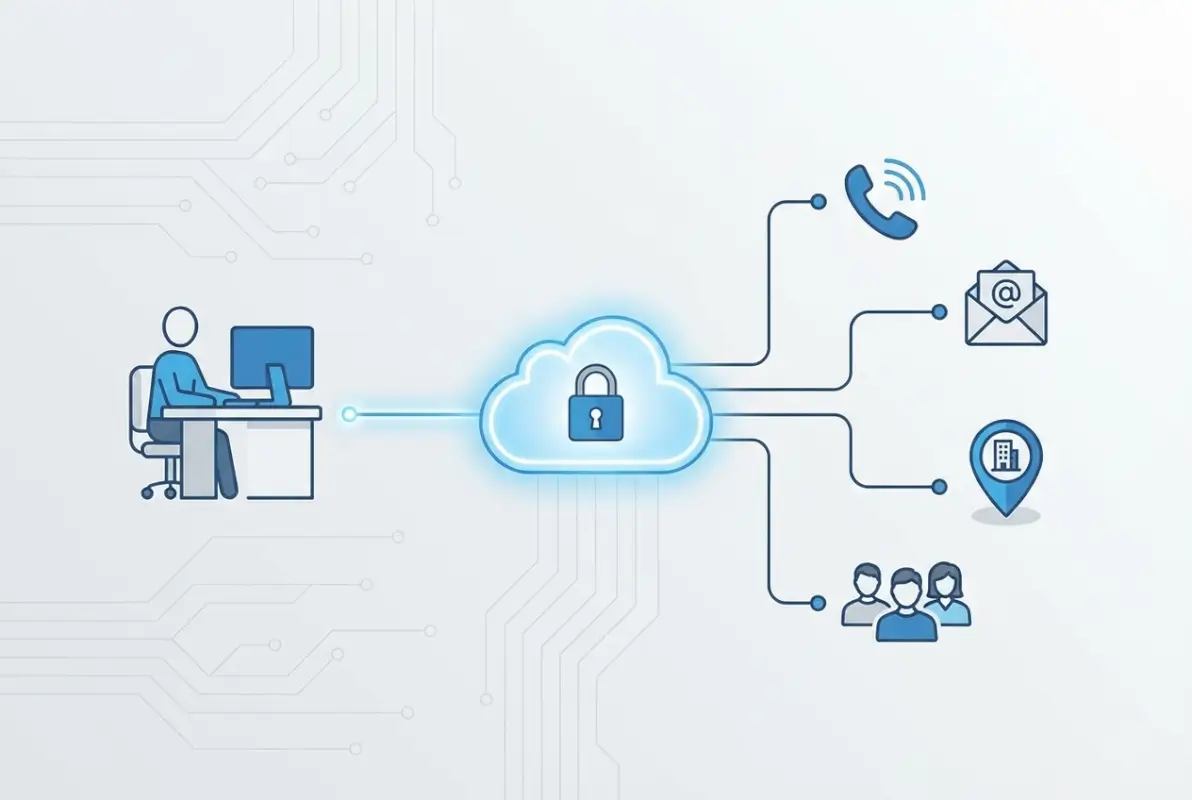
For external individuals, the landscape looks entirely different. Public-facing contact information is intentionally limited to general department lines, customer service numbers, and media relations contacts. This isn’t AT&T being difficult—it’s standard practice for protecting employee privacy and preventing harassment, phishing attempts, and unsolicited sales pitches from flooding individual inboxes.
| Access Level | Available Information | Authentication Required |
|---|---|---|
| Internal Employee | Full directory, org charts, direct lines, mobile numbers | Yes (SSO credentials) |
| Authorized Contractor | Limited directory based on project/department access | Yes (temporary credentials) |
| External Public | General contact numbers, department emails only | No |
The key distinction here is that AT&T views its employee directory as a productivity tool, not a public resource. This means your strategy for finding contacts needs to be different depending on your relationship with the company. Employees have powerful search tools at their fingertips; external contacts need to be more creative (and more respectful of boundaries).
Official Methods for Finding AT&T Employee Contact Information
Let’s start with the legitimate, company-sanctioned ways to find AT&T employee contact information. These methods won’t always give you a direct line to a specific person, but they’re your best starting point and they won’t risk violating privacy policies or getting you flagged for suspicious activity.
The AT&T Corporate Profile and Overview provides official contact channels for media inquiries, investor relations, and corporate communications. While you won’t find individual employee emails here, you will find the correct department contacts who can route your inquiry appropriately. This matters more than you might think—reaching out to the right department with a professional request often results in your message being forwarded to the exact person you needed to reach.
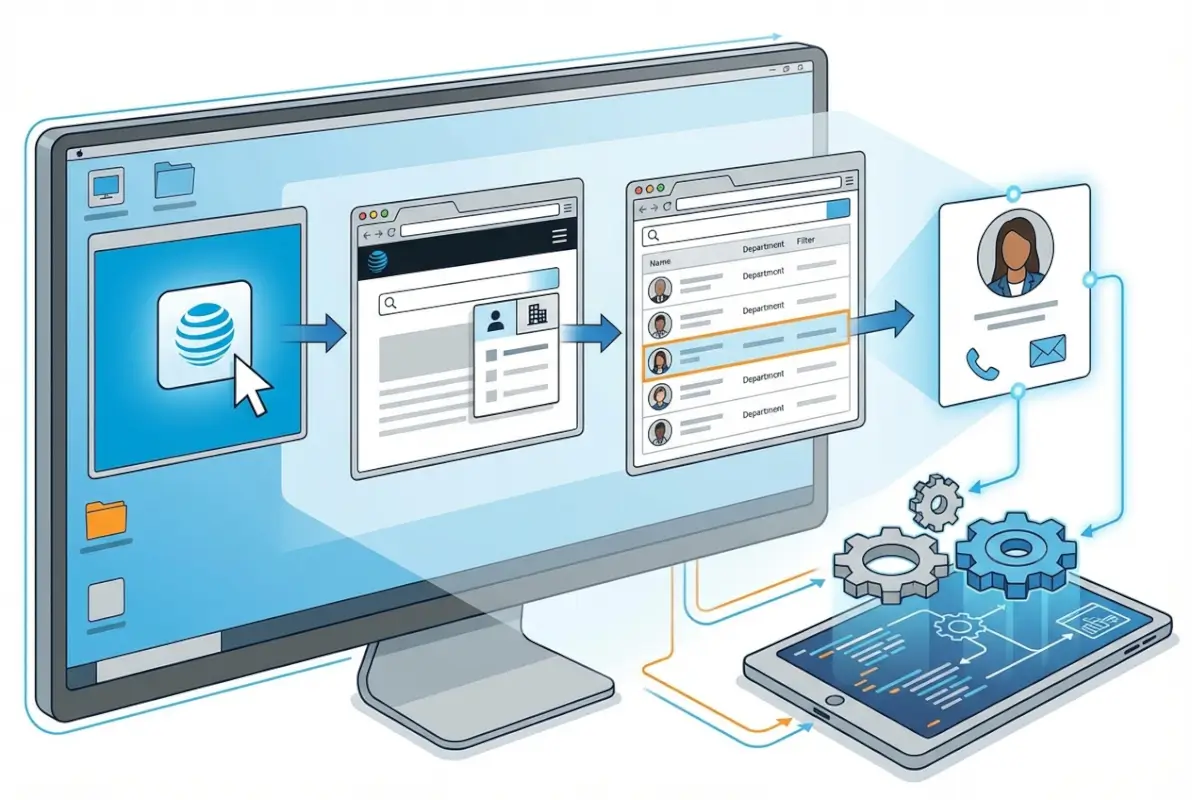
For directory assistance services, AT&T still offers traditional directory assistance, though the service has evolved. The AT&T Directory Assistance explained resource outlines how to access operator-assisted directory services. While this primarily covers residential and business listings (not employee directories), understanding the official directory infrastructure helps you know what information AT&T considers public versus private.
AT&T Collaborate and Office@Hand represent the internal tools employees use for directory functions. The Office@Hand and Company Directory features documentation shows how employees access and use directory information through mobile and desktop applications. While external users can’t access these systems, understanding their functionality helps you appreciate why AT&T restricts directory access—these tools contain sensitive organizational information beyond just contact details.
The AT&T Collaborate directory overview provides insight into how the company manages internal communications and directory services. For employees, this system offers comprehensive search functionality with filters for location, department, and reporting structure. It’s worth noting that even internal employees don’t have unrestricted access to all information—some executive contacts and sensitive departments have additional privacy layers.
When to Use Official Channels vs. Alternative Methods
Here’s the practical reality: official channels work best when you have a general inquiry or when you’re reaching out in an official capacity (media, investor, customer service). They’re less effective when you need to contact a specific individual about a specific project or opportunity. That’s not a failure of AT&T’s system—it’s by design.
For job applicants, the recruiting team contact information is available through official AT&T careers pages. For vendors or business partners, procurement and partnership contacts are accessible through the appropriate business channels on the AT&T website. For technical support or customer issues, the tiered support system provides structured escalation paths.
Step-by-Step Guide to Finding AT&T Contact Information
Now let’s get into the practical, step-by-step process for finding AT&T employee contact information when official channels don’t provide what you need. This approach combines publicly available information with professional networking tools to identify and verify contacts legitimately.
Start with LinkedIn’s advanced search functionality. Here’s what actually works: Use the company filter to specify “AT&T” (or more specifically, divisions like “AT&T Communications” or “WarnerMedia” if relevant). Then layer on location filters if you know which office the person works in, and job title keywords that match their role. For instance, searching for “AT&T network engineer Dallas” yields much more focused results than just “AT&T engineer.”
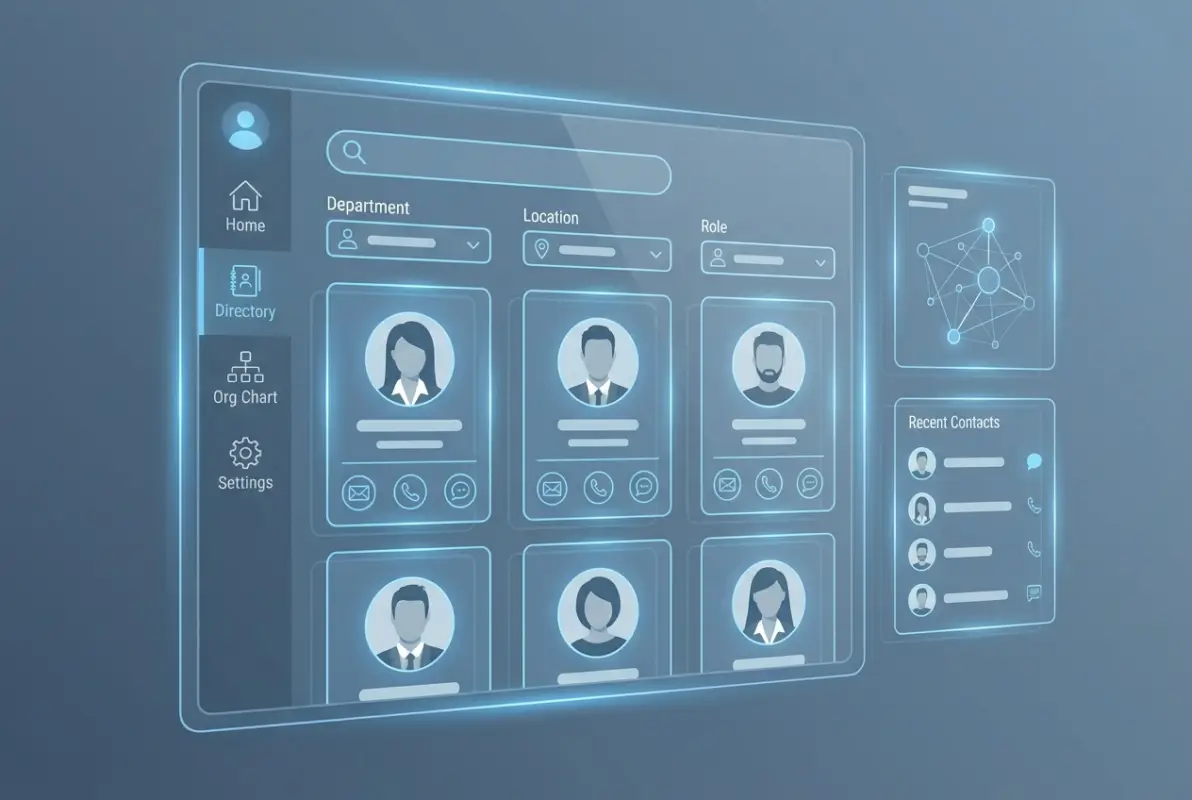
The verification step is where most people stumble. Once you’ve identified a potential contact on LinkedIn, cross-reference their information with other professional profiles or published materials. Check if they’ve authored white papers, spoken at conferences, or been quoted in press releases—these activities often include contact information or at least confirm their current role and department.
For email format verification, AT&T predominantly uses the firstname.lastname@att.com structure. However, variations exist for common names (firstname.lastname2@att.com or firstinitiallastname@att.com). Email verification tools like Hunter.io or ZeroBounce can confirm whether a specific email address exists without actually sending a message, which protects your sender reputation and respects the recipient’s inbox.
Using Site-Specific Searches Effectively
Google’s site: search operator can uncover publicly available AT&T employee information that isn’t easily found through normal browsing. Try searches like “site:att.com [person name] email” or “site:about.att.com [department] contact” to find official mentions, press releases, or published directories that might contain the information you need.
I’ve found that combining multiple verification methods significantly improves accuracy. When I was trying to reach an AT&T executive about a partnership opportunity, I used LinkedIn to identify the right person, cross-checked their role against press releases on the AT&T newsroom, and verified the email format using Hunter.io before making contact. The multi-step verification felt tedious but resulted in my message reaching exactly the right person on the first try.
| Search Method | Best For | Success Rate |
|---|---|---|
| LinkedIn Premium Search | Identifying current employees and roles | 70-80% |
| Email Verification Tools | Confirming email address validity | 85-90% |
| AT&T Official Channels | Department-level contacts | 95%+ |
| Conference/Event Listings | Technical specialists and thought leaders | 40-50% |
Check out our complete guide to directories for additional context on directory search optimization and best practices that apply across different platforms.
AT&T Employee Email Format Patterns and Verification
Understanding AT&T’s email format patterns saves considerable time and reduces the guesswork in contacting employees. The company’s email structure follows predictable patterns, though exceptions exist that you need to account for in your verification process.
The primary format—firstname.lastname@att.com—covers approximately 85% of AT&T employee email addresses. This pattern applies to most employees hired directly by AT&T and reflects the company’s standard email provisioning process. When you’re dealing with a common name (think John Smith or Maria Garcia), AT&T typically appends a number to create firstname.lastname2@att.com or uses the pattern firstinitiallastname@att.com to avoid conflicts.
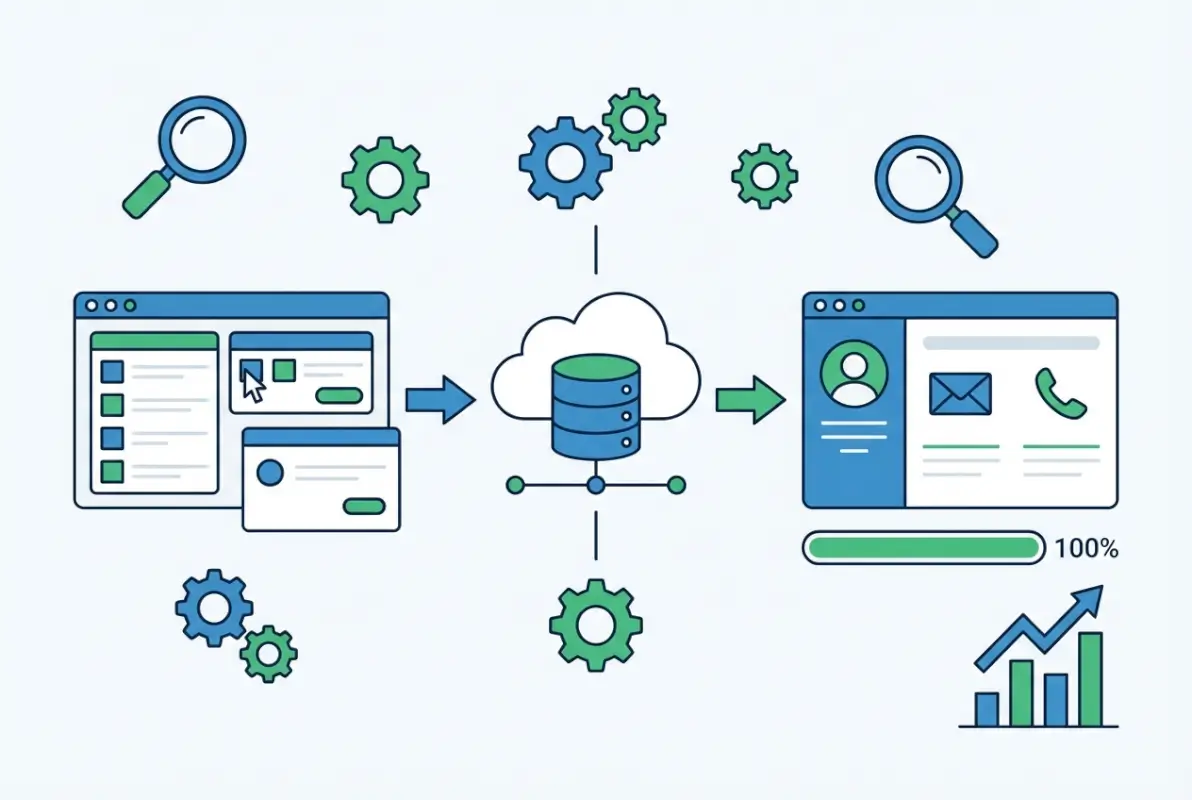
Legacy email formats from acquisitions occasionally appear, particularly for employees who joined through mergers. For example, some WarnerMedia employees might still use email addresses from previous corporate structures, though these are gradually being migrated to the standard AT&T format. Similarly, employees from legacy AT&T acquisitions might retain different email patterns temporarily during integration periods.
Email verification without sending messages is possible through several methods. SMTP verification tools ping the mail server to confirm an address exists without delivering an actual email. This method respects the recipient’s inbox while giving you confidence that your carefully crafted message will reach its destination. Services like ZeroBounce, NeverBounce, and Hunter.io offer this functionality, though accuracy rates vary slightly between providers.
The verification process I recommend involves three steps: First, identify the person and confirm their current role at AT&T through LinkedIn or official sources. Second, construct the email address using the standard format. Third, verify the address using an SMTP verification tool before sending your actual message. This three-step process reduces bounce rates to near zero in my experience.
Common Email Format Exceptions
Certain departments within AT&T use specialized email formats or distribution lists rather than individual addresses for initial contact. Customer service, technical support, and HR recruitment typically direct external communications through departmental emails that route to appropriate team members. Understanding these exceptions helps you set realistic expectations about when you’ll receive a direct employee email versus a department contact.
For those managing directory websites, exploring ways to access business park directory information can provide context about AT&T’s physical locations and the departments operating within specific facilities, which can inform your contact strategy.
Privacy, Compliance, and Ethical Contact Practices
Here’s where many guides fail you—they explain how to find contact information without adequately addressing whether you should use it in specific situations. Privacy compliance isn’t just about avoiding legal trouble; it’s about respecting professional boundaries and building relationships that actually lead somewhere productive.
AT&T’s employee information is protected under multiple legal frameworks. The company must comply with data protection regulations including GDPR for European employees, CCPA for California-based staff, and various sector-specific privacy laws. What this means practically is that AT&T has legitimate reasons for restricting directory access, and those reasons align with legal obligations rather than just corporate preference.

When you obtain employee contact information through the methods outlined here, you’re operating in a grey area that requires careful judgment. Information that’s publicly available (someone’s LinkedIn profile showing they work for AT&T in Dallas as a network engineer) combined with predictable email formats (firstname.lastname@att.com) doesn’t constitute unauthorized access. However, using that information inappropriately—sending unsolicited sales pitches, harassing employees, or misrepresenting your intent—crosses ethical and potentially legal lines.
Best practices for ethical contact include clearly identifying yourself and your organization in initial outreach, stating your specific purpose for contact in the first few sentences, providing easy opt-out options for future communications, respecting “no” or non-responses without repeated follow-ups, and never sharing an employee’s contact information with third parties without permission.
| Contact Scenario | Appropriate? | Recommended Approach |
|---|---|---|
| Following up on job application | Yes | Contact recruiting team through official channels |
| Business partnership proposal | Yes | Research appropriate decision-maker, professional outreach |
| Unsolicited sales pitch | Generally no | Use official procurement channels instead |
| Technical collaboration inquiry | Yes | Reference specific work/publication, propose clear value |
Data retention practices matter if you’re maintaining contact information you’ve collected. Store employee contacts securely, don’t share databases with others or sell contact lists, delete information when it’s no longer needed for legitimate purposes, update records when you learn of role changes or departures, and document how you obtained the information in case questions arise later.
For professionals managing contact databases, understanding how to organize active directory for business environment provides valuable context for how large organizations like AT&T structure and protect employee information systems.
Frequently Asked Questions About AT&T Employee Directory
How can I access the AT&T employee directory if I’m not an employee?
You cannot access AT&T’s internal employee directory without authorized credentials. External individuals should use AT&T’s official contact channels on their website, LinkedIn for professional networking, or industry conferences to make appropriate connections. Attempting unauthorized access violates company policy and potentially federal law.
What is the most common AT&T employee email format?
The standard AT&T email format is firstname.lastname@att.com, covering approximately 85% of employee addresses. Variations include firstname.lastname2@att.com for duplicate names or firstinitiallastname@att.com. Always verify addresses using email verification tools before sending important communications to ensure deliverability.
Can I find AT&T corporate directory information on LinkedIn?
Yes, LinkedIn is highly effective for finding AT&T employees. Use company filters, location parameters, and job title keywords to identify specific individuals. While LinkedIn doesn’t provide email addresses directly, you can use LinkedIn messaging or combine profile information with AT&T’s standard email format to establish contact.
Are AT&T directory assistance services still available?
Yes, AT&T continues to offer directory assistance services, though these primarily cover residential and business listings rather than employee directories. The service has evolved from traditional operator assistance to include online directory options. Employee contact information remains restricted to internal systems for privacy and security reasons.
How do I verify an AT&T employee email address before sending a message?
Use email verification tools like Hunter.io, ZeroBounce, or NeverBounce to confirm address validity through SMTP verification without actually sending a message. These tools ping AT&T’s mail server to verify the address exists. Combine this with cross-referencing LinkedIn profiles and official AT&T sources for maximum accuracy.
What’s the difference between AT&T Collaborate and Office@Hand for directory functions?
AT&T Collaborate is an enterprise communication platform that includes directory functionality for viewing organizational structure and contact details. Office@Hand is a cloud-based phone system with integrated directory features for managing business contacts. Both serve internal employee needs and aren’t accessible to external users without proper authentication.
Is it legal to contact AT&T employees using information found on LinkedIn?
Yes, contacting professionals using publicly available information from LinkedIn is legal when done for legitimate business purposes with appropriate messaging. However, your outreach must comply with anti-spam laws, respect opt-out requests, and avoid misrepresentation. Professional courtesy and clear value propositions significantly improve response rates and maintain ethical standards.
How often does AT&T update its employee directory information?
Internal AT&T directories are typically updated in real-time or within 24-48 hours when employees join, change roles, or leave the company. However, external sources like LinkedIn may lag behind by weeks or months depending on individual profile updates. Always verify current employment status through multiple sources before important outreach.
What should I do if I can’t find the specific AT&T contact I need?
Start with AT&T’s official department contacts on their website, which can route your inquiry appropriately. Alternatively, reach out to someone in the relevant department who is publicly visible and politely ask for a referral to the right person. Industry events, professional associations, and mutual connections also provide legitimate introduction pathways.
Can I access AT&T staff directory information through third-party contact databases?
Commercial contact intelligence platforms like ZoomInfo, RocketReach, and Clearbit maintain databases of corporate contacts including some AT&T employees. These services aggregate publicly available information and verified contacts. Accuracy varies by platform, and premium subscriptions typically provide more comprehensive access than free tiers. Always verify information before use.
Finding AT&T Contacts: The Smart Approach
Success in connecting with AT&T employees comes from combining legitimate research methods with professional outreach that respects privacy boundaries. Use official channels when available, verify information through multiple sources, and always provide clear value in your communications.
Remember: the goal isn’t just finding contact information—it’s building professional relationships that lead to productive outcomes for both parties. Invest the time to research properly, personalize your outreach, and approach every interaction with authenticity and respect.
The methods outlined in this guide work because they align with how AT&T structures its communications while respecting the company’s legitimate privacy protections. Whether you’re reaching out about a business opportunity, following up on an application, or seeking technical collaboration, the combination of official channels, professional networking platforms, and verified email formats provides your best path to making meaningful connections.
Take the time to verify your information before reaching out. A single well-researched, personalized message to the right person will always outperform mass emails to questionable contacts. And if you’re managing your own directory or contact database, implementing similar privacy protections and verification standards will serve you well in building trust with your users. For additional insights on managing professional directories effectively, explore our white label business directory software solutions and learn about key steps run successful directory website business strategies.
Was this article helpful?