SBA Company Search: How to Check If Your Business Is Listed in the SBA Directory
Opens a Google-translated copy of this article in a new tab.
You’ve built your business from the ground up, navigated the complexities of licenses and permits, and established yourself in your market. But there’s one critical registration that many small business owners overlook—and it could be costing you serious opportunities. The SBA Directory isn’t just another business listing; it’s your gateway to billions in federal contracts, enhanced credibility with lenders, and access to specialized programs designed specifically for small enterprises.
Here’s what catches most business owners off guard: you might already be listed without knowing it, or worse, your information could be outdated and causing you to miss opportunities. I’ve watched countless entrepreneurs discover they were registered years ago (perhaps by an accountant or business formation service) only to find their contact information pointing to an old address or disconnected phone number. Meanwhile, contract notifications and opportunities have been slipping through the cracks.
Whether you’re pursuing government contracts or simply want to ensure your business has every competitive advantage, understanding your SBA company search status isn’t optional anymore—it’s essential.
TL;DR – Quick Takeaways
- Check Your Status First: Visit SAM.gov and search your business name to see if you’re already listed
- Federal Contracts at Stake: Without SBA registration, you’re invisible to government agencies awarding over $150 billion annually
- Annual Renewal Required: Registrations expire yearly—missing deadlines makes you ineligible for contracts
- Free but Time-Intensive: Registration costs nothing but requires 1-2 hours and specific documentation
- Accuracy Matters: Outdated information can delay payments and disqualify you from opportunities
What Is the SBA Directory and Why It Matters
The SBA Directory functions as the federal government’s official registry of verified small businesses eligible to compete for government contracts. Unlike commercial directories such as Yelp or Yellow Pages, this isn’t a marketing platform—it’s a legally binding database maintained through the System for Award Management (SAM.gov) that federal agencies use to identify, verify, and contract with small businesses.
Think of it as your business’s passport for working with the government. Just as you can’t travel internationally without proper documentation, you cannot pursue federal contracts without proper SAM registration. The system consolidates what used to be multiple separate databases (CCR, ORCA, EPLS, and others) into a single, streamlined platform.
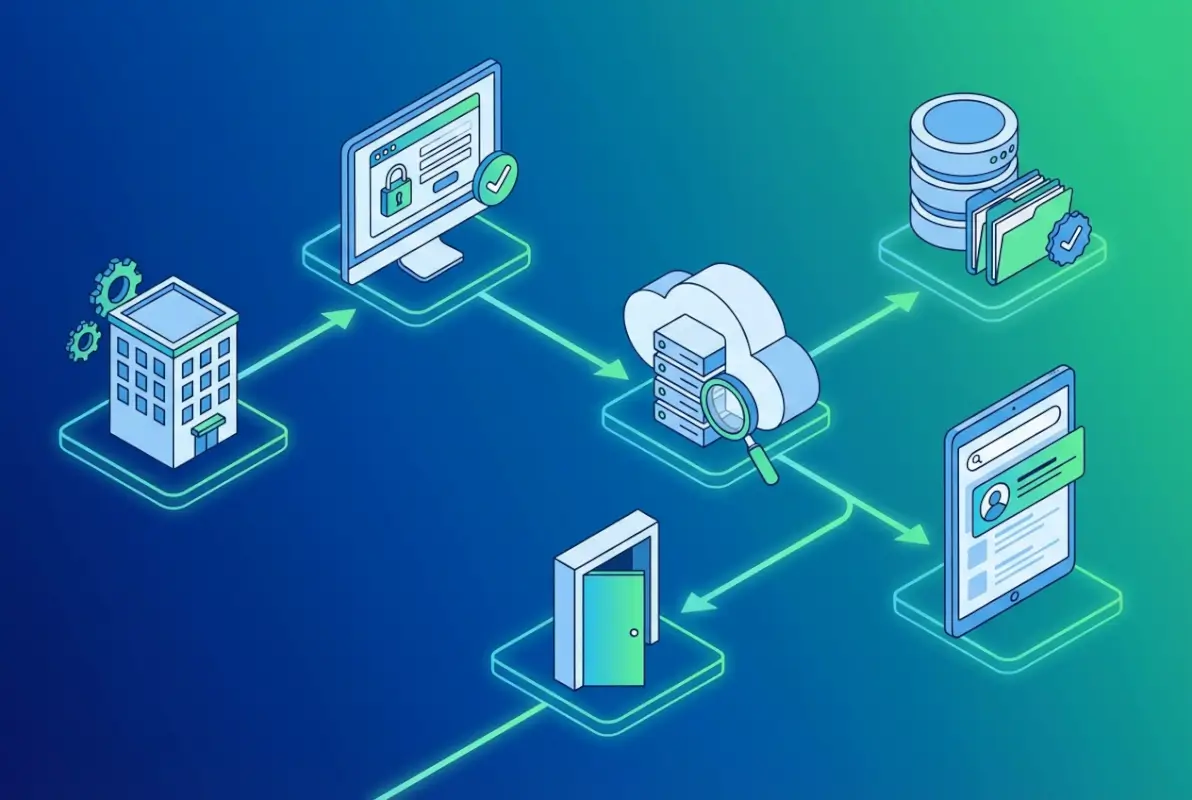
The distinction between the SBA Directory and commercial listings is critical. When you register with SAM, you’re providing verified information backed by legal documentation—your tax ID, DUNS number, business structure, and financial details undergo validation. This creates a trustworthy database that contracting officers rely on when awarding taxpayer dollars.
According to the U.S. Small Business Administration contracting guidelines, the government has established a statutory goal of awarding at least 23% of all federal contracting dollars to small businesses. This creates billions in annual opportunities, but only for businesses properly registered in the system.
How to Perform an SBA Company Search
Checking your SBA company search status takes just minutes if you know where to look. The process is straightforward, though the government interface can feel a bit clunky if you’re not familiar with it. Here’s exactly how to determine whether your business is currently listed.
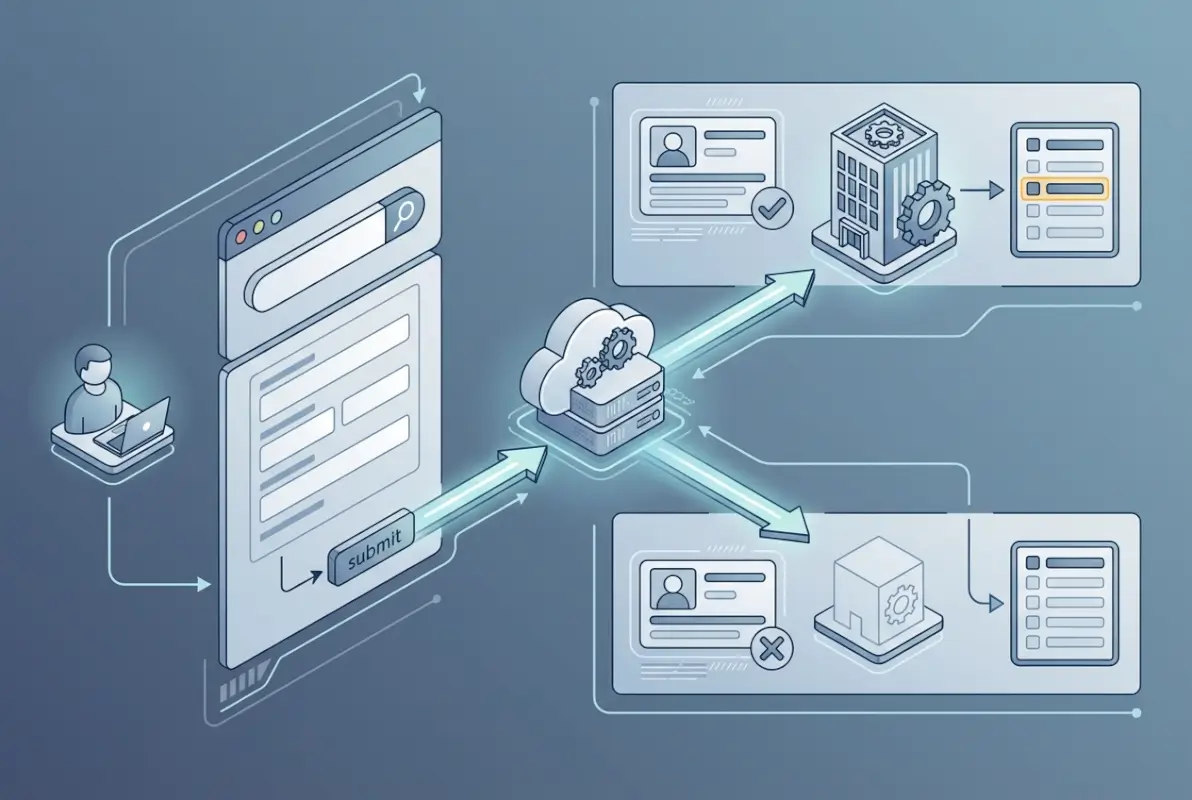
Start by navigating to SAM.gov—this is the only official portal for the System for Award Management. Be cautious of third-party websites offering “SAM registration services” for a fee; the official registration is completely free, though some businesses choose to pay consultants to handle the paperwork complexity.
Step-by-Step SBA Business Lookup Process
Once you’re on the SAM.gov homepage, locate the “Search” or “Entity/Exclusions” search option in the main navigation. You don’t need to create an account or log in just to search—the database is publicly accessible for lookups.
The search function offers several lookup methods:
- Legal Business Name: Enter your company’s exact registered name as it appears on tax documents
- DUNS Number: The nine-digit Data Universal Numbering System identifier assigned by Dun & Bradstreet
- CAGE Code: The five-character Commercial and Government Entity code (most precise search method)
- UEI Number: The newer Unique Entity Identifier that’s replacing DUNS in SAM registrations
I recommend starting with your legal business name, but here’s a tip from experience: the system is extremely literal. If your business is registered as “Smith Consulting Services, LLC” but you search for “Smith Consulting,” you’ll get no results. Include all punctuation, suffixes (Inc., LLC, Corp.), and middle initials exactly as they appear on your formation documents.
Understanding Your Search Results
After submitting your SBA business search, you’ll encounter one of three scenarios. First, your business appears in the results—congratulations! Click on the listing to view your complete registration details, including your UEI/DUNS number, CAGE code, registration expiration date, NAICS codes, and business classifications.
Second, no results appear. This definitively indicates your business isn’t currently registered in SAM, meaning you’re ineligible for federal contracts and invisible to government contracting officers.
Third (and this confuses people), similar businesses appear but yours doesn’t. This could mean you’re searching incorrectly, or it could indicate your business truly isn’t registered. Try the alternate search methods mentioned above before concluding you’re not in the system.
For businesses familiar with how to search businesses in fslocal directory tips, you’ll notice government databases require more precise matching than commercial directories that use fuzzy logic to return approximate matches.
Getting Your Business Listed: The Registration Process
If your SBA lookup comes up empty, you’ll need to complete the SAM registration process. While free, this isn’t a five-minute task—expect to invest 1-2 hours for first-time registration, possibly spread across multiple sessions as you gather required documentation.
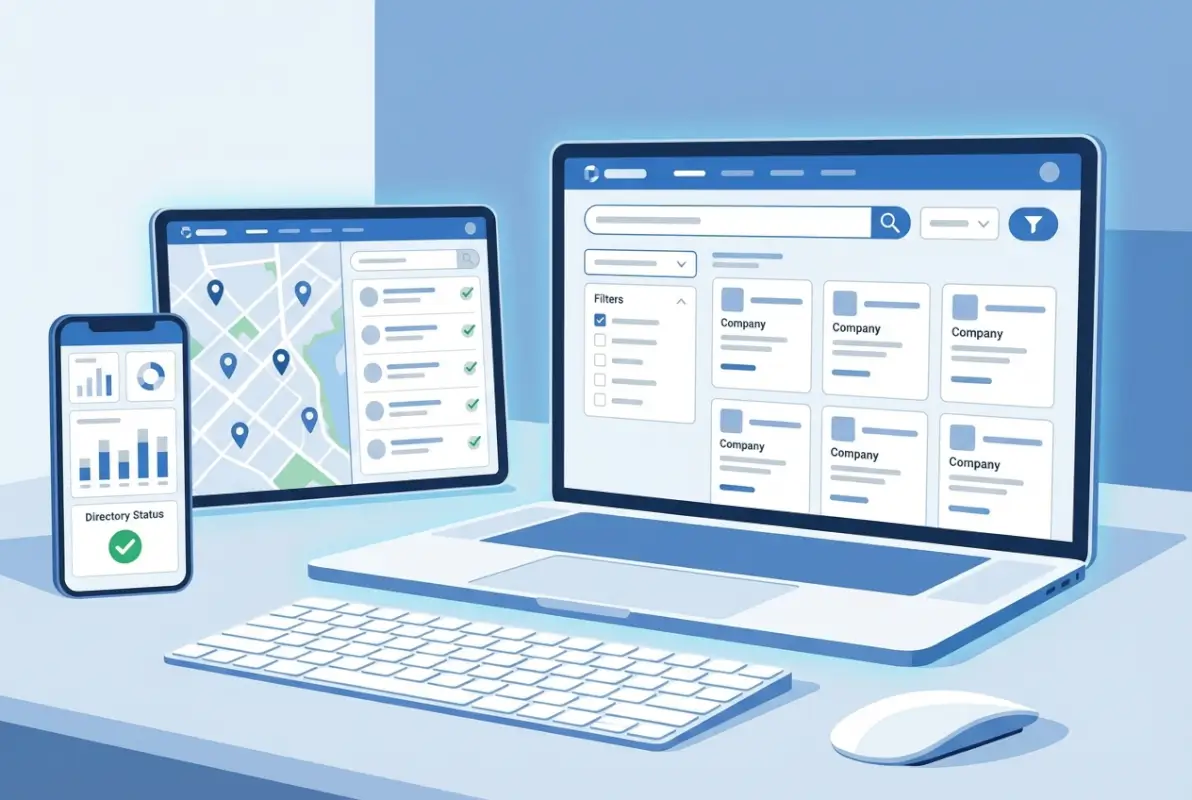
Before beginning, verify your business meets the basic eligibility criteria. You must operate in the United States or its territories, maintain a physical U.S. address (not just a P.O. box for your primary business location), and meet the SBA’s size standards for small businesses in your industry. These standards vary significantly—a “small” construction company might have up to 1,500 employees, while a “small” agricultural business might be capped at $750,000 in annual receipts.
Essential Documents You’ll Need
Gather these items before starting your registration (attempting to complete the process without them will result in frustration and incomplete applications):
- Your Unique Entity Identifier (UEI) or DUNS number—obtain free from SAM.gov or Dun & Bradstreet
- Tax Identification Number (EIN from IRS, or SSN for sole proprietors)
- Business formation documents (Articles of Incorporation, business license, DBA registration)
- Banking information for Electronic Funds Transfer (account and routing numbers)
- Current business address and all secondary locations
- NAICS codes representing your business activities (you can select up to 5)
- Contact information for your Entity Administrator and authorized signatories
Navigating the SAM.gov Registration
Create your user account on SAM.gov if you haven’t already—this is separate from your entity (business) registration. You’ll need your user account credentials to access and manage your business registration.
Once logged in, select “Register Entity” and choose the option indicating you want to register to do business with the federal government (there are other registration types for grants and financial assistance that aren’t relevant for contracting).
The registration walks you through several sections: Core Data (basic business info), Assertions (self-certifications about your business), Representations and Certifications (detailed attestations about your business structure, ownership, and compliance), and Points of Contact (who can be reached about contracts and payments).
Take your time with the Representations and Certifications section. These questions determine your eligibility for special contracting programs like the 8(a) Business Development Program, HUBZone Program, Women-Owned Small Business Program, or Service-Disabled Veteran-Owned Small Business Program. Answer accurately—false certifications can result in severe penalties including criminal prosecution.
After submission, expect a 7-10 business day processing period, though complicated registrations involving ownership verification can take longer. You’ll receive email notifications about your registration status, so monitor the email address you provided during registration.
| Registration Phase | Time Required | Key Actions |
|---|---|---|
| Document Gathering | 1-3 days | Obtain UEI, locate tax docs, verify banking info |
| Initial Registration | 1-2 hours | Complete SAM.gov forms, certifications |
| Processing Period | 7-10 days | Government verification of submitted information |
| Activation | Immediate | Registration goes live, eligible for contracts |
Understanding the registration process shares similarities with key steps run successful directory website business operations—both require systematic documentation, verification processes, and ongoing maintenance.
Maintaining Your SBA SAM Listed Status
Getting registered is just the beginning. Your SBA SAM listed status requires active maintenance to remain valid and accurate. I’ve seen too many businesses complete the arduous registration process only to let their status lapse, effectively wasting all that effort.
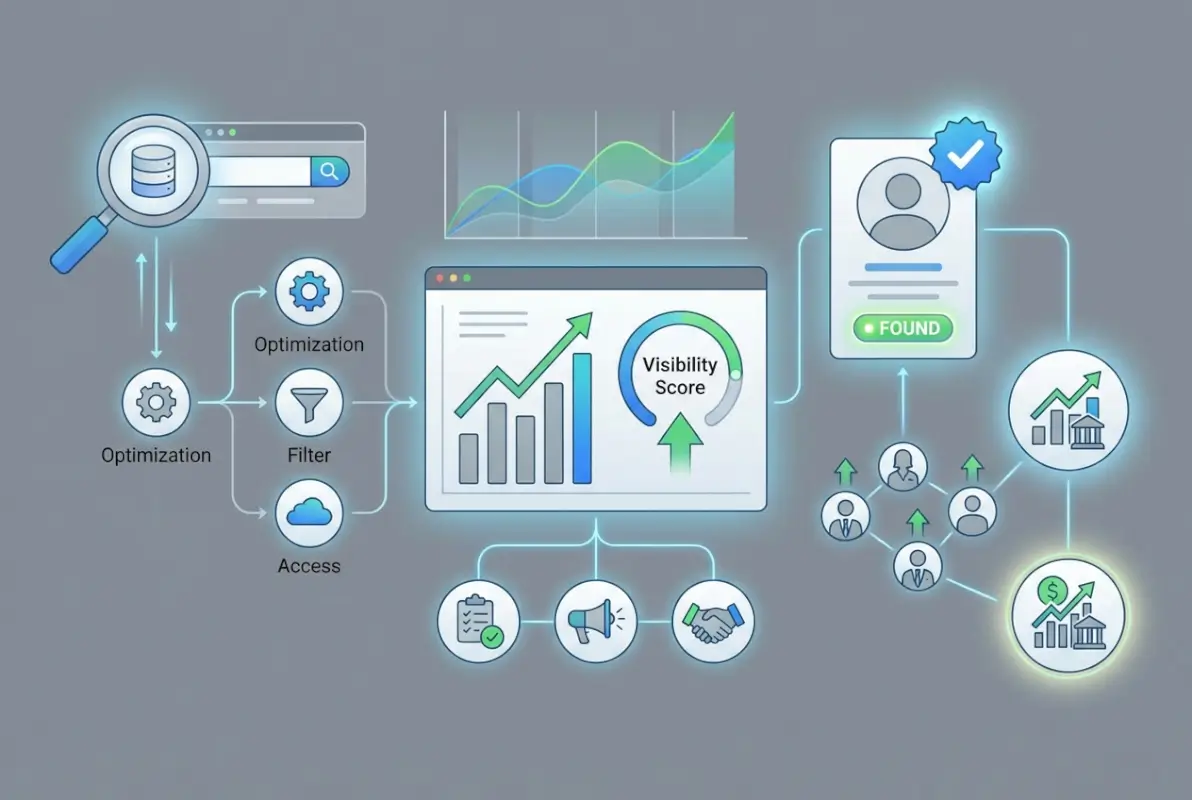
SAM registrations automatically expire after one year. This isn’t a suggestion or guideline—it’s a hard deadline. When your registration expires, you immediately become ineligible for new contract awards, and existing contracts may face payment holds until you renew.
Setting Up Renewal Reminders
The system sends email reminders at 60, 30, and 15 days before expiration, but relying solely on these is risky. Email filters, address changes, or simple oversight can cause you to miss these notifications. Instead, create calendar reminders 90 days before your expiration date, giving yourself ample time to complete the renewal process.
Renewal is simpler than initial registration but still requires review and updating of all information. You can’t just click “renew”—you must review every section and confirm accuracy or make necessary updates.
When to Update Your Information
Don’t wait for annual renewal to update changed information. Any time these elements change, update your SAM profile within 30 days (immediately for banking changes):
- Business legal name or DBA names
- Physical address or mailing address
- Banking information (account or routing numbers)
- Points of contact (administrator, primary contact, electronic business POC)
- Business ownership structure or ownership percentages
- NAICS codes representing your business capabilities
I worked with a small IT services company that relocated offices and updated their address everywhere—website, Google listing, stationery—except SAM. Six months later they were confused why they weren’t receiving solicitation notifications for opportunities matching their profile. All notifications were going to their old address, where they’d been discarded by the new tenants. It was an easily avoidable mistake that cost them real opportunities.
Proper information management follows principles similar to how to organize active directory for business environment strategies—maintaining current, accurate data is essential for system functionality.
Specialized Programs and Advanced Opportunities
Once you’ve established your basic SBA registration lookup status, you can explore specialized programs that provide even greater competitive advantages in federal contracting. These certifications build on your SAM registration and can dramatically improve your success rate.

The 8(a) Business Development Program serves businesses owned and controlled by socially and economically disadvantaged individuals. Participants receive business training, counseling, marketing assistance, and access to set-aside contracts where competition is limited exclusively to 8(a) firms. The program lasts nine years and has annual revenue caps that increase as your business grows.
HUBZone and Specialty Certifications
The Historically Underutilized Business Zone (HUBZone) program benefits small businesses located in economically distressed communities. To qualify, your business must have its principal office in a HUBZone, and at least 35% of your employees must reside in a HUBZone. The SBA HUBZone map lets you verify whether your location qualifies.
Women-Owned Small Business (WOSB) and Economically Disadvantaged Women-Owned Small Business (EDWOSB) certifications provide access to contracts set aside for women-owned firms. Similarly, the Service-Disabled Veteran-Owned Small Business (SDVOSB) program reserves contracts for businesses owned and controlled by service-disabled veterans.
| Program | Key Requirement | Primary Benefit |
|---|---|---|
| 8(a) Business Development | Socially & economically disadvantaged ownership | Sole-source contracts up to $4M ($7M for manufacturing) |
| HUBZone | Office in designated zone, 35% employees reside there | 10% price evaluation preference |
| WOSB/EDWOSB | 51% owned/controlled by women | Access to set-aside contracts in underrepresented industries |
| SDVOSB | 51% owned by service-disabled veteran(s) | Access to veteran set-aside contracts |
Leveraging Your Directory Listing for Growth
Beyond direct government contracting, your verified SBA listing opens doors to subcontracting opportunities with major corporations. Large government contractors have their own small business subcontracting goals and actively search the SBA directory of small businesses to identify potential partners.
Many businesses don’t realize their SAM listing makes them discoverable to prime contractors looking for subcontractors in specific NAICS codes or geographic areas. Ensure your NAICS codes accurately reflect all your capabilities, not just your primary business activity.
For businesses looking to maximize their online visibility, platforms like TurnKey Directories (turnkeydirectories.com) offer WordPress-based solutions that can showcase your official SBA certifications alongside other business listings, creating comprehensive visibility across multiple channels.
Your listing also enhances credibility with lenders during financing applications. Banks and alternative lenders often verify SAM registration as part of their due diligence process, treating it as a positive indicator of business legitimacy and organization. Some SBA loan programs explicitly require active SAM registration, making this a prerequisite rather than optional element.
Frequently Asked Questions
How do I check if my business is SBA SAM listed?
Visit SAM.gov and use the Entity/Exclusions search function. Enter your legal business name, DUNS number, or CAGE code. Results display immediately showing your registration status, expiration date, and key details if you’re listed. No account is required for searching the public database.
What is the difference between SBA search and SAM.gov search?
They’re essentially the same—the SBA Directory is maintained through SAM.gov (System for Award Management). When people refer to an “SBA search,” they’re typically talking about searching the SAM database where all small business registrations are housed. SAM.gov is the official platform.
How long does SBA company lookup take to show new registrations?
After submitting your initial SAM registration, processing takes 7-10 business days before your business appears in search results. Complex registrations involving ownership verification may take up to 14 business days. You’ll receive email confirmation when your registration becomes active and searchable.
Can I perform an SBA business name search for competitors?
Yes, the SAM database is publicly searchable. You can look up any business to verify their registration status, see their NAICS codes, check expiration dates, and view their business size classification. This information helps assess the competitive landscape in government contracting.
What happens if my SBA registration expires?
You become immediately ineligible for new federal contract awards. Existing contracts may face payment holds. Your business disappears from active searches that contracting officers perform. You must complete renewal (essentially a full registration review) to reactivate, which takes another 7-10 business days to process.
Is there a fee for SBA company search or registration?
No, searching the SAM database and registering your business in SAM are completely free. The government does not charge for these services. Be wary of third-party companies offering “SAM registration services” for fees—they’re charging for assistance with a free process.
How do I update my SBA listing information?
Log into your SAM.gov account, navigate to your entity registration, and select “Update Entity.” Review each section and make necessary changes. Submit the updates—they’re typically processed within 1-2 business days. Update banking information immediately; other changes can be made as needed throughout the year.
Can sole proprietors register in the SBA Directory?
Yes, sole proprietors can register in SAM using their Social Security Number if they don’t have an EIN. However, obtaining an EIN is recommended for privacy and professional purposes. Sole proprietors are eligible for the same opportunities as incorporated businesses if they meet size standards.
What is an SBA small business lookup used for?
Contracting officers use it to find qualified small businesses for opportunities. Prime contractors search for potential subcontractors. Businesses verify competitor certifications. Lenders confirm business legitimacy during loan applications. The lookup serves as verification that a business meets federal small business standards.
Do I need SBA registration if I don’t want government contracts?
No, SAM registration is only necessary if you want to pursue federal contracts, grants, or certain SBA loan programs. However, the credibility it provides can benefit relationships with lenders, large corporations, and business partners even if you never bid on government work.
How do I check my company status in SBA certification programs?
After performing your basic SBA company search on SAM.gov, your listing will display any special certifications (8(a), HUBZone, WOSB, SDVOSB). For detailed certification status, visit certify.sba.gov where you can view application status, certification documents, and renewal dates for specialty programs.
Can I search SBA businesses by industry or location?
Yes, SAM.gov’s advanced search allows filtering by NAICS code (industry), geographic location, business size, and certifications. This functionality helps contracting officers find businesses with specific capabilities in targeted areas, and helps businesses research competition in their market segment.
Take Action: Your Registration Roadmap
Don’t let another day pass with potential opportunities slipping away. Start with a simple SBA company search today to verify your current status. If you’re not listed, block out two hours this week to gather your documentation and begin registration. If you are listed, verify every detail for accuracy and calendar your renewal date immediately.
The businesses winning federal contracts aren’t necessarily the largest or most established—they’re the ones who took the time to properly register and maintain their listing. Your competition is already in the database. The question is: are you?
Was this article helpful?