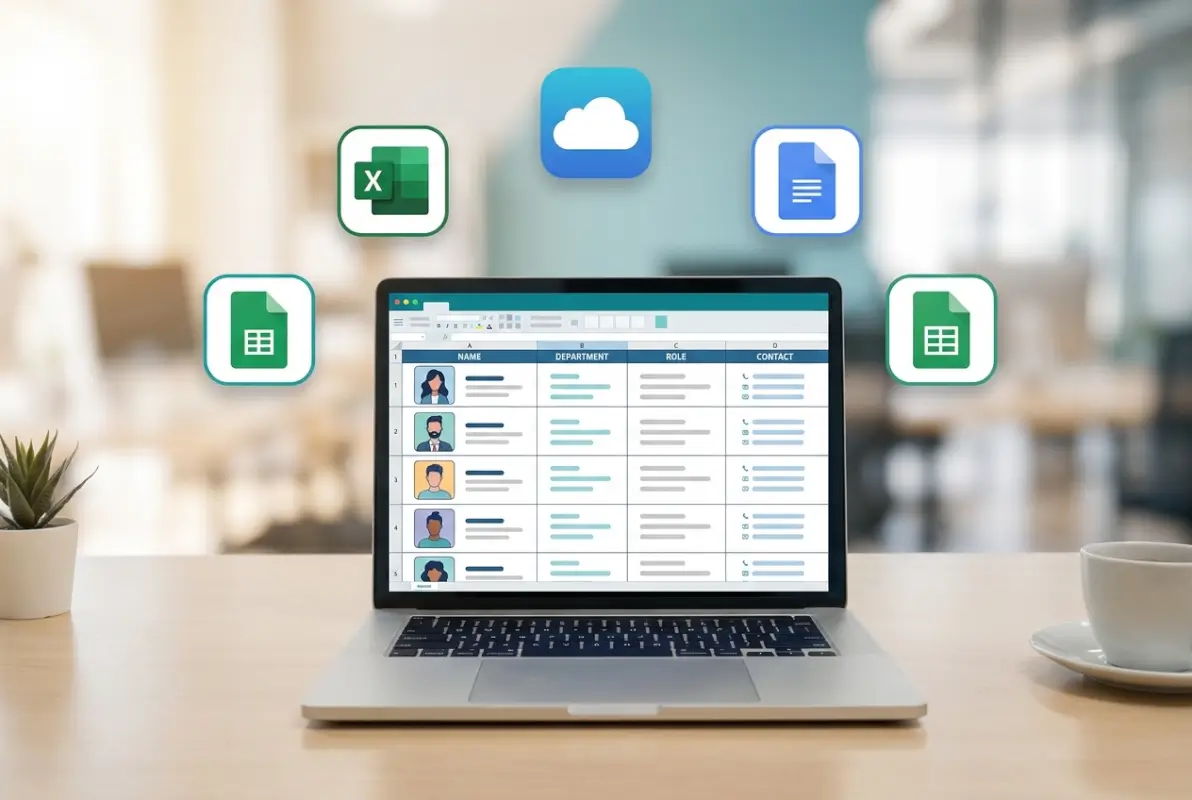
Employee Directory Template: 5 Free Options (Excel, Sheets & More)
Opens a Google-translated copy of this article in a new tab.
Finding the right people in your organization shouldn’t feel like a scavenger hunt. Yet in companies of all sizes—from 15-person startups to 500+ employee corporations—tracking down the marketing specialist who speaks Spanish or the IT contact for the Chicago office often takes hours of Slack messages and forwarded emails. An employee directory template solves this by creating a centralized, searchable database of your workforce that everyone can access instantly.
The best part? You don’t need expensive HR software or a dedicated IT team to build one. Free templates for Excel, Google Sheets, and other platforms offer powerful features like photo directories, department filtering, and mobile access—tools that transform how teams connect and collaborate. I remember implementing a simple Google Sheets directory at a previous company where cross-departmental projects used to stall for days while people hunted for the right contact. After launch, those connections happened in minutes, fundamentally changing our workflow.
This guide walks through five genuinely free employee directory template options, each suited for different organizational needs. Whether you need a basic contact list or a sophisticated searchable database with photos and org charts, you’ll find a solution that works without stretching your budget.
TL;DR – Quick Takeaways
- Excel templates offer the most powerful data manipulation for organizations under 500 employees
- Google Sheets provides superior real-time collaboration and automatic cloud backup
- Photo directories significantly improve name recognition, especially for remote teams
- Update workflows matter more than template choice—outdated data renders even the best directory useless
- Security and permissions require thoughtful configuration to protect sensitive employee information
What Makes an Effective Employee Directory Template in 2025
An employee directory template is more than a fancy contact list—it’s a structured framework that organizes workforce information for easy access and updates. The template defines what data you collect (names, titles, departments, contact details, photos) and how that information displays to users. Think of it as the blueprint for your organizational phonebook, but with search filters, visual elements, and integration capabilities that paper directories could never offer.
Modern directories serve multiple purposes beyond basic contact lookup. They facilitate onboarding by helping new hires understand organizational structure, enable talent discovery by surfacing employees with specific skills or languages, and provide emergency contact information during crises. A well-designed company directory template becomes the definitive answer to “Who handles that?” questions—saving hours of email chains and Slack searches every week.
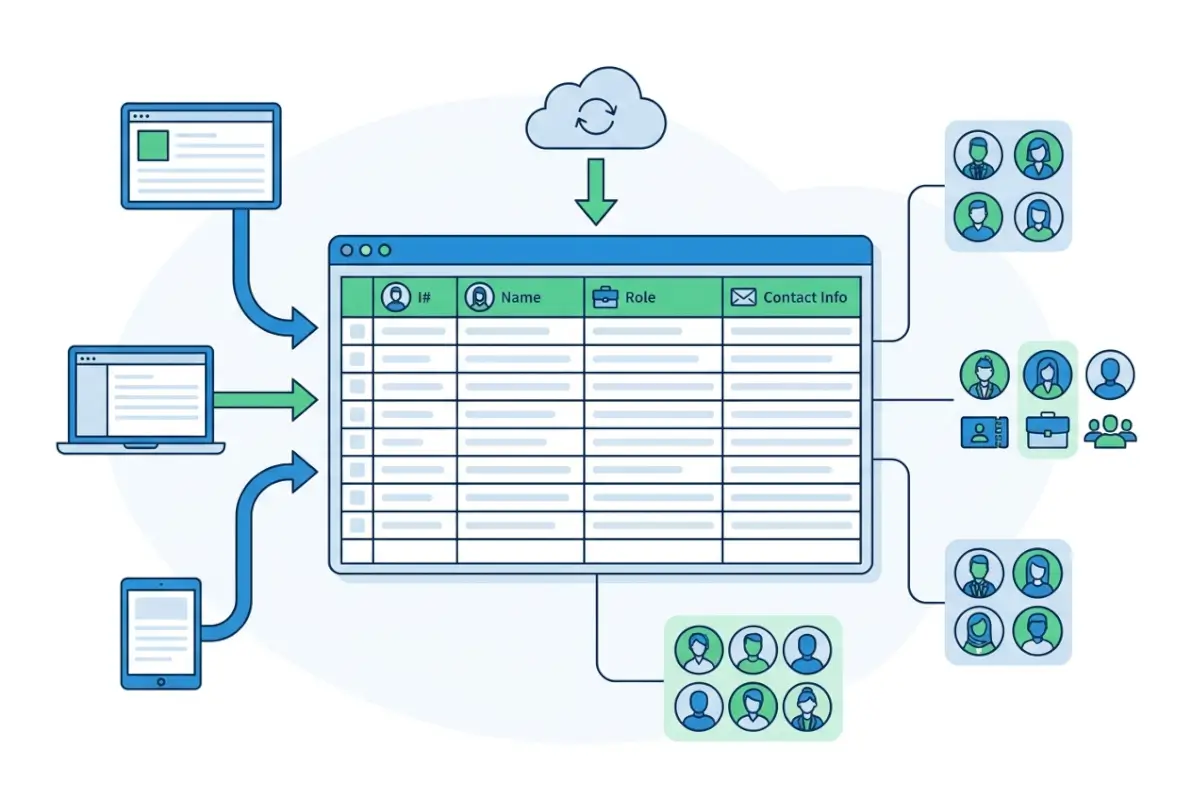
The key attributes that separate effective templates from glorified spreadsheets include standardized data fields that ensure consistency, customization options that accommodate your unique organizational structure, and search/filter capabilities that let users find people by department, location, skills, or other criteria. According to U.S. Census Bureau research, over 85% of workers now access business information from mobile devices during work hours, making mobile responsiveness essential rather than optional.
Core Fields Every Directory Needs
Essential data fields form the foundation of any useful directory. Start with the basics: full name, job title, department, email address, and phone number (both office and mobile if appropriate). These fields answer the most common questions users have when searching for colleagues.
Beyond basics, consider including fields that reflect how your organization actually works. For distributed teams, location and time zone information prevents the frustration of calling someone who’s already left for the day. For project-based work, skills tags or areas of expertise help people find the right specialist quickly. For companies using multiple communication platforms, include Slack handles, Microsoft Teams usernames, or other messaging identifiers where colleagues actually reach each other.
Photo fields deserve special mention—they dramatically improve the directory’s usefulness, particularly for remote teams or large organizations where people haven’t met face-to-face. A directory template with photos helps employees recognize colleagues in video calls, hallways, or company events. Establish clear photo standards (neutral background, professional attire, consistent sizing) to maintain visual consistency throughout the directory.
5 Free Employee Directory Templates Compared
Each template format offers distinct advantages depending on your organization’s size, technical capabilities, and collaboration requirements. Rather than declaring one “best” option, this comparison helps you match features to your specific needs.
Option 1: Microsoft Excel Employee Directory Template
Excel remains the workhorse for data management in many organizations, and its employee directory Excel template options deliver exceptional sorting, filtering, and formula capabilities. Microsoft’s template gallery (File > New > search “employee directory”) offers several pre-formatted options with built-in data validation and conditional formatting.
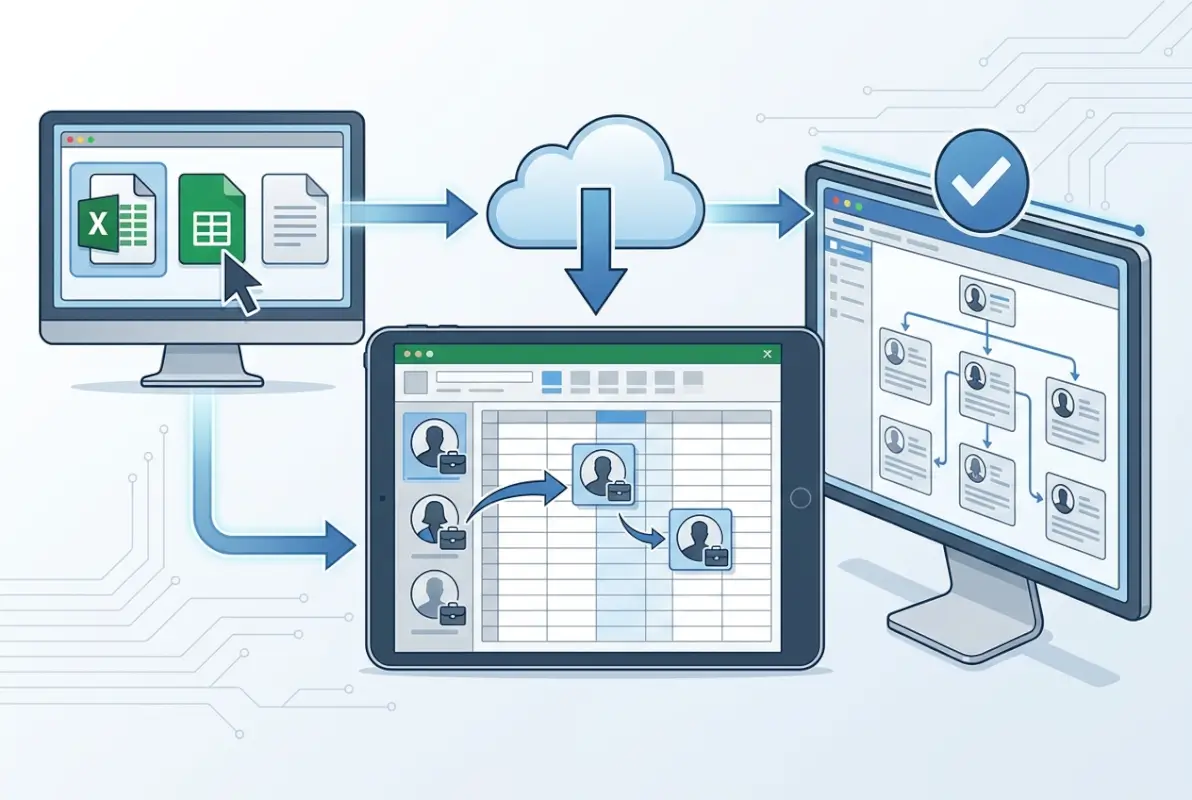
Excel’s power shows in its data manipulation features. Create dropdown lists for departments to ensure consistent spelling, use conditional formatting to highlight incomplete profiles, and implement formulas that auto-calculate things like tenure or format phone numbers consistently. The familiar interface means most team members can navigate and search the directory without training, though actually editing it should remain restricted to designated administrators.
| Aspect | Rating | Notes |
|---|---|---|
| Data Management | ⭐⭐⭐⭐⭐ | Powerful sorting, filtering, formulas |
| Collaboration | ⭐⭐ | Limited without Excel Online |
| Mobile Access | ⭐⭐⭐ | App available but limited features |
| Learning Curve | ⭐⭐⭐⭐⭐ | Familiar to most users |
| Best For | Desktop-focused teams under 500 employees | |
Strengths: Works offline with no internet dependency, integrates with other Microsoft Office tools, offers advanced data analysis through PivotTables, supports complex conditional logic and formulas, and exports easily to other formats.
Limitations: Real-time collaboration requires Excel Online with reduced functionality, becomes sluggish with thousands of rows, lacks built-in photo display capabilities without manual sizing, and requires manual distribution of updates unless stored on a shared network drive.
Option 2: Google Sheets Employee Directory
For teams already using Google Workspace, a Google Sheets employee directory offers unmatched collaboration features. Multiple administrators can update information simultaneously, changes save automatically to the cloud, and version history lets you recover from accidental deletions or track who changed what.
The cloud-based nature solves the distribution problem that plagues Excel directories. Share one link with the entire organization, set appropriate view/edit permissions, and everyone always accesses the current version—no more emailed attachments creating version confusion. Google Sheets also handles mobile access more gracefully than Excel, with full editing capabilities in the mobile app.
Strengths: Real-time collaboration with multiple editors, automatic cloud backup and version history, excellent permission controls (view-only, commenting, editing), integrates seamlessly with Google Forms for data collection, and works identically across desktop and mobile.
Limitations: Performance degrades with very large datasets (5,000+ rows), less sophisticated formula and formatting options than Excel, requires internet connection for full functionality, and may raise data privacy concerns for organizations with strict information governance requirements.
Google Sheets particularly shines when combined with Google Forms for employee self-service updates. Create a form where employees submit changes to their own information (new phone number, updated bio, changed department), then use Apps Script to automatically update the directory or flag entries for admin review. This distributes the maintenance burden while keeping data current.
Specialized Directory Formats for Specific Needs
Beyond spreadsheets, several other template formats serve particular use cases better. Understanding when to use these alternatives prevents forcing a square peg into a round hole.
Option 3: Word/PDF Directory Templates for Print Distribution
A directory template Word format excels when you need polished visual design or printable output. Microsoft Word’s layout tools create attractive multi-column directories with professional typography, embedded photos, and custom branding that spreadsheets simply can’t match. These templates work well for onboarding packets, conference attendee lists, or formal company directories distributed as keepsakes.
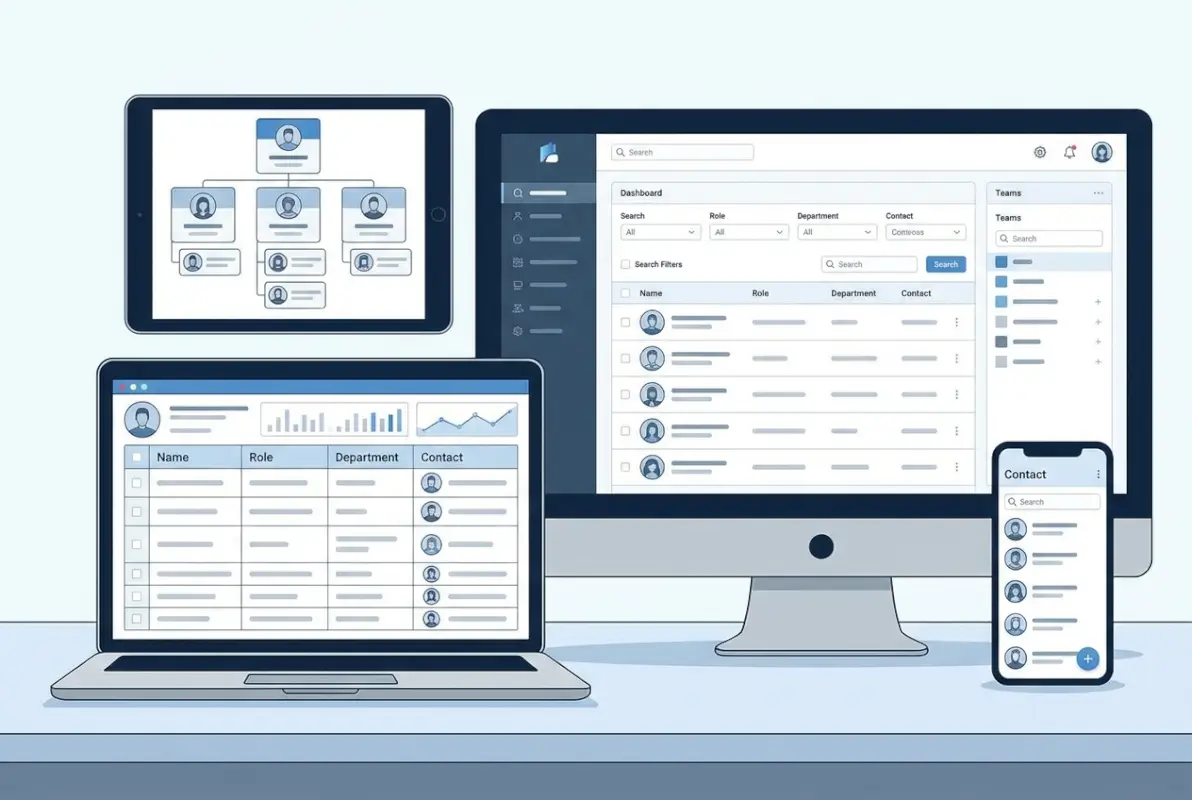
The workflow typically involves maintaining your master data in a spreadsheet, then using mail merge or similar tools to populate a Word template for final formatting and distribution. Convert the finished document to PDF to create a locked, non-editable version that displays consistently across all devices and platforms. According to W3C accessibility guidelines, PDF directories should include proper document structure and alt text for images to ensure screen reader compatibility.
Strengths: Superior visual design and typography, excellent for printed directories, supports rich media like high-quality photos, maintains consistent appearance across platforms (when saved as PDF), and offers precise layout control.
Limitations: No built-in search or filter functionality, cumbersome to update as organization grows, requires separate source data management, and less suitable for directories that change frequently or need real-time accuracy.
Option 4: Database-Backed Directory Solutions
For organizations outgrowing spreadsheets, proper database solutions offer sophisticated features like user authentication, granular permissions, advanced search with multiple filters, automated data validation, and integration with HR systems. Platforms like Airtable, Notion, and TurnKey Directories provide these capabilities with minimal technical setup.
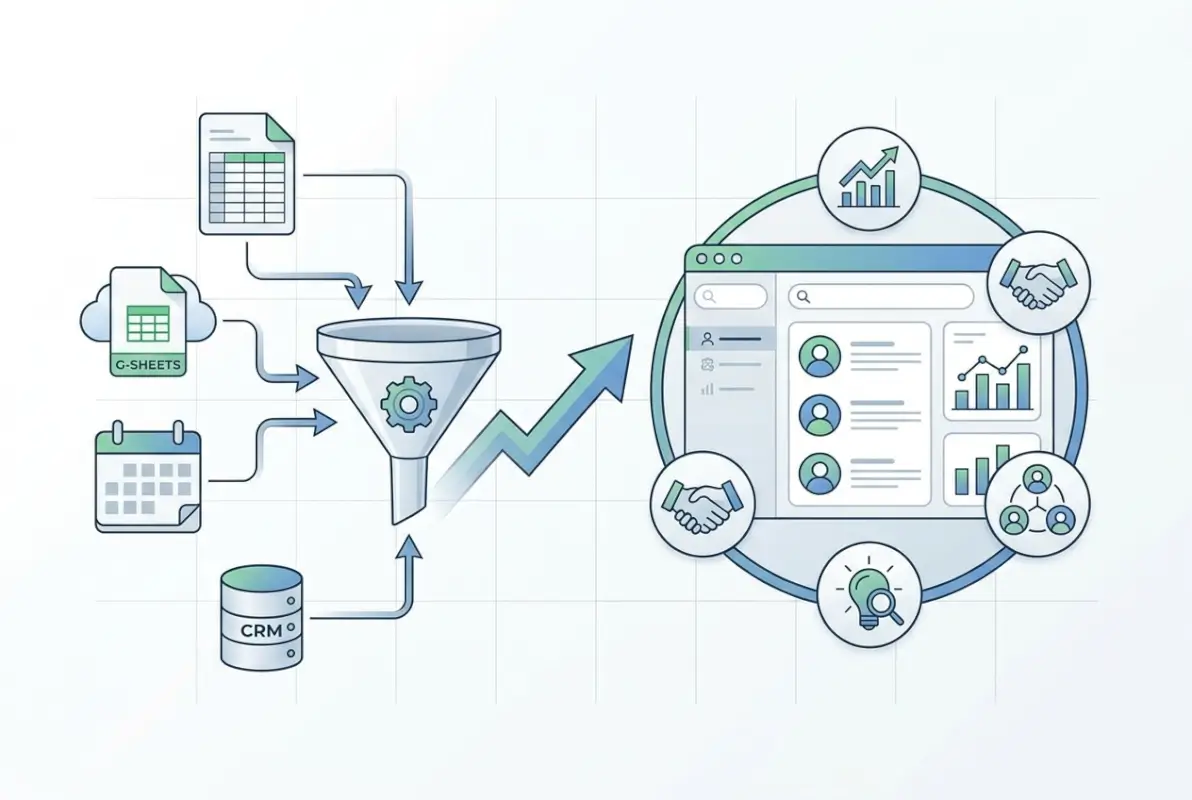
These solutions typically offer both a backend database for administrators to manage data and a polished frontend directory that employees access through web browsers or mobile apps. The separation between data management and display means you can customize the user experience without worrying about employees accidentally breaking formulas or deleting important information—a constant risk with shared spreadsheets.
Strengths: Automatic synchronization across all users, granular permission controls, employee self-service for profile updates, robust search with multiple simultaneous filters, and integration capabilities with other business systems. Many platforms also offer organizational chart visualization, skills databases, and other features that extend beyond basic contact management.
Limitations: Free tiers often impose limits on users or features, steeper learning curve for administrators, potential vendor lock-in with proprietary platforms, and may require IT involvement for initial setup and ongoing maintenance.
TurnKey Directories deserves specific mention as a WordPress-based solution that gives you full control over your data while providing professional directory features. Unlike SaaS platforms where your information lives in someone else’s database, WordPress-based directories run on your own hosting, addressing data sovereignty concerns while still offering modern features like search, filtering, and mobile-responsive layouts.
Customizing and Deploying Your Directory Successfully
Template selection is just the starting point—thoughtful customization and deployment determine whether your directory becomes an indispensable tool or digital shelf-ware. The following steps ensure your directory actually gets used.
Essential Customization Steps
Define your information architecture: Start by listing what employee information truly matters for your organization. Survey team members across departments to understand what they actually search for—you might discover that knowing someone’s Slack handle matters more than their office extension, or that project specialties matter more than formal job titles.

Resist the temptation to collect every possible data point. Each additional field increases maintenance burden and reduces the likelihood that information stays current. Focus on high-value, stable information that changes infrequently (skills, languages spoken, areas of expertise) rather than volatile data that becomes outdated quickly (current projects, temporary assignments).
Establish data collection and update workflows: Decide how information enters the directory initially and how updates happen ongoing. For new hires, integrate directory data collection into your onboarding process—HR should gather the information using a standardized form before the employee’s first day. For existing employees, you’ll need a one-time data collection effort using forms, surveys, or HR system exports.
The update workflow matters more than the initial setup. Will employees email HR when information changes? Will you enable self-service updates? Will you audit the directory quarterly to flag stale information? Whatever process you choose, document it clearly and communicate it to the entire organization. I’ve seen beautifully designed directories fail completely because nobody knew how to report changed phone numbers or new department assignments.
Configure permissions and access controls: Not all directory information should be visible to everyone. Sensitive details like home addresses, personal phone numbers, salary information, or emergency contacts may need restricted access. Most platforms allow you to create different permission levels—perhaps everyone sees basic contact info, but only HR and managers access personal details.
Consider also who can edit the directory. Allowing universal editing sounds democratic but leads to chaos—establish clear ownership with one or two administrators responsible for updates, even if they’re processing change requests from employees or managers.
Branding and User Experience
Apply your organization’s visual identity to create a cohesive experience. Add your company logo to the header, use brand colors for section headers or department tags, and match typography to other internal documents. These touches signal that the directory is an official company resource rather than someone’s side project, increasing trust and adoption.
For employee directory template with photo implementations, establish clear photo standards before collecting images. Specify dimensions (typically 200×200 pixels works well), background (neutral or company-branded), attire (business casual or whatever matches your culture), and file format (JPEG for smaller file sizes). Inconsistent photos—some professional headshots, some vacation snapshots, some cartoon avatars—undermine the directory’s credibility.
Test the directory with real users before full rollout. Ask people from different departments and technical skill levels to find specific information or complete common tasks. Watch where they struggle—confusion points that seem obvious to you might completely stump actual users. This pilot phase often reveals gaps in your assumptions about how people will use the directory.
Integration with HR Systems and Long-Term Maintenance
Standalone directories serve a purpose initially, but integration with broader HR and communication systems multiplies their value while reducing maintenance burden. When your directory automatically reflects changes made in your HR information system, you eliminate duplicate data entry and ensure consistency across platforms.
Integration Approaches by Platform
For custom employee directory implementations using spreadsheets, integration typically involves periodic exports from your HR system (like BambooHR, Workday, or ADP) imported into your directory template. Most HR platforms export to CSV format, which both Excel and Google Sheets import cleanly. Schedule these imports weekly or monthly depending on how frequently your workforce changes—a growing startup might need weekly updates while a stable organization manages fine with monthly.
Google Sheets offers more sophisticated integration through APIs and Apps Script. You can write scripts that automatically pull employee data from your HR system’s API, updating the directory nightly without manual intervention. For organizations using Google Workspace, you can also sync with the Google Directory API to pull basic information from organizational accounts—though this typically provides less detail than a dedicated directory.
Database platforms like Airtable and TurnKey Directories often provide native integrations or webhooks that connect directly to HR systems. These real-time integrations mean directory changes propagate immediately rather than waiting for periodic import cycles. When someone gets promoted or changes departments in your HR system, the directory reflects that change within minutes. According to Google Workspace best practices, automated synchronization significantly reduces data inconsistency errors compared to manual update processes.
Maintaining Directory Accuracy Over Time
Even with automated integrations, directories drift toward inaccuracy without active maintenance. Establish a review schedule where designated administrators audit the directory for completeness and accuracy. Quarterly reviews work well for most organizations—frequent enough to catch problems before they compound, but not so often that it becomes burdensome.
During reviews, check for common problems: profiles missing photos, outdated job titles, inactive employees who should be removed, new hires not yet added, and obsolete contact information. Flag incomplete profiles and reach out to those employees directly requesting updated information. Many platforms support automated reminders asking employees to review their own profiles periodically—leverage these to distribute the maintenance work.
Monitor usage analytics if your platform provides them. Which search terms do people use most frequently? What sections get the most traffic? This data reveals what information matters most to your organization, guiding future customization decisions. If nobody ever filters by office location, perhaps that field isn’t as valuable as you thought.
What is the simplest way to start an employee directory for a small team?
Start with a Google Sheets template that includes basic fields like name, title, department, email, and phone. Share it view-only with your team and designate one person to handle updates. This approach requires no budget, minimal setup time, and works perfectly for teams under 50 employees.
How do I keep an employee directory updated when people change roles?
Establish a clear update workflow where HR notifies the directory administrator of any role changes, new hires, or departures. For automated updates, integrate your directory with your HR information system so changes propagate automatically. Review the entire directory quarterly to catch any updates that slipped through.
Can I add employee photos to a directory without privacy concerns?
Yes, with proper consent and policies. Collect written permission from employees before adding photos, specify how images will be used, and give employees the option to decline or submit a placeholder image. Establish professional photo standards and restrict directory access to current employees only.
What are common mistakes when creating employee directories for large companies?
The biggest mistakes include collecting too many fields that nobody maintains, failing to establish clear update workflows, inadequate search functionality for large datasets, insufficient permission controls on sensitive data, and choosing platforms that don’t scale beyond a few hundred employees. Plan for growth from the start.
Should I use a spreadsheet or dedicated directory software?
Use spreadsheets (Excel or Google Sheets) for organizations under 300-500 employees where basic contact lookup suffices. Switch to dedicated directory software when you need employee self-service, organizational charts, skills databases, or integration with multiple business systems. TurnKey Directories offers a middle ground with professional features on your own infrastructure.
How do I make an employee directory searchable and easy to navigate?
In spreadsheets, enable filter views so users can filter by department, location, or other criteria. For database solutions, implement full-text search that searches across all fields simultaneously. Organize information logically with the most-sought details (name, title, contact) appearing first, and provide multiple ways to browse like department lists or organizational charts.
What security measures should protect employee directory data?
Restrict directory access to current employees only using authentication, limit editing permissions to designated administrators, exclude or protect sensitive fields like home addresses and personal phone numbers, maintain audit logs of who accesses or changes information, and comply with data protection regulations like GDPR by collecting only necessary information with proper consent.
How do I create an employee directory in Excel from scratch?
Open Excel, go to File > New and search for “employee directory” to access Microsoft’s free templates. Alternatively, create a table with columns for name, title, department, email, phone, and other relevant fields. Format it as a Table (Insert > Table) to enable built-in filtering and sorting that makes the directory searchable.
Take Action: Build Your Employee Directory This Week
The perfect directory is the one you actually implement and maintain. Start with a template that matches your current needs—even a simple Google Sheet beats the chaotic status quo of hunting through email for contact information. You can always migrate to more sophisticated solutions as your organization grows.
Your Implementation Checklist:
- Choose your template format based on organization size and technical capabilities
- Define essential fields—resist collecting data you won’t maintain
- Establish a clear update workflow and document it
- Pilot with 10-15 users across departments before full rollout
- Schedule your first quarterly review now to ensure long-term accuracy
Remember that your directory is a living tool, not a one-time project. The organizations that succeed treat their employee directory as infrastructure—as essential as email or file sharing—and invest the small amount of ongoing effort required to keep it accurate and useful.
Was this article helpful?