Best WordPress Plugins 2025: 10 Essential Examples for Performance & Security
Generating summary...
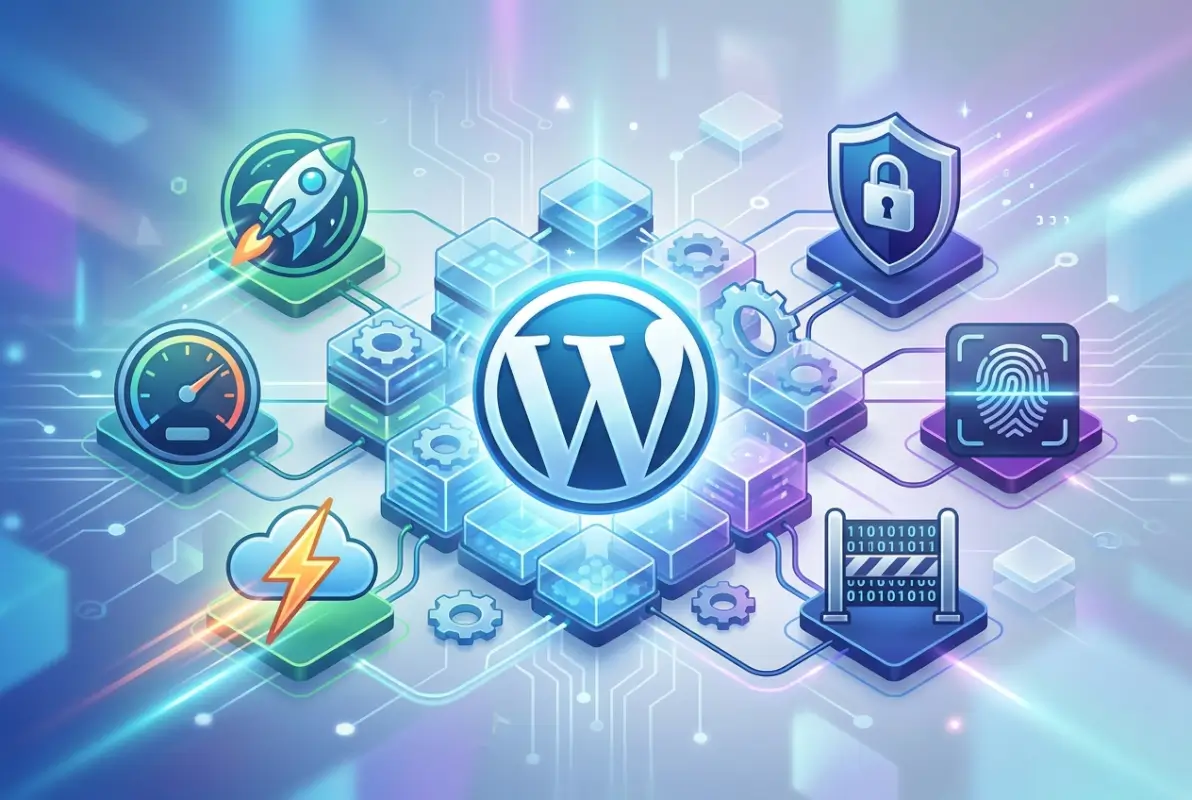
WordPress dominates the web with a 43% market share, but raw WordPress alone won’t cut it anymore. The real power comes from strategic plugin selection—and most site owners get this completely wrong. I’ve seen blogs grind to a halt under 40+ installed plugins, while others fly with just 8 carefully chosen tools. The difference isn’t luck; it’s understanding that each plugin is a trade-off between functionality and performance, security and complexity.
This guide cuts through the noise with concrete examples of plugins that actually move the needle in 2025. We’re focusing on measurable outcomes: faster load times, stronger security postures, higher search rankings, and better conversions. No fluff, no outdated recommendations—just battle-tested tools that professional developers rely on daily.
- Performance first: WP Rocket can reduce page load times by 40%, directly impacting both user experience and search rankings
- Security is non-negotiable: Wordfence blocks over 4 billion attacks annually across its network, providing enterprise-level protection
- SEO tools matter: Rank Math offers more free features than Yoast, including unlimited keyword tracking and built-in schema markup
- E-commerce dominance: WooCommerce powers 28% of all online stores worldwide with seamless WordPress integration
- Backup everything: UpdraftPlus enables automated backups to multiple cloud destinations—a site without backups is a disaster waiting to happen
Understanding the WordPress Plugin Landscape (2025–2026)
The WordPress plugin ecosystem has matured significantly. With over 60,000 free plugins in the official directory, the challenge isn’t finding solutions—it’s identifying which ones won’t become security liabilities or performance bottlenecks six months from now.
Recent vulnerability disclosures have put plugin security under a microscope. According to OWASP security research, outdated or poorly maintained plugins represent one of the top web application security risks. The sites that thrive in 2025 aren’t the ones with the most plugins—they’re the ones with the right plugins, kept obsessively up-to-date.
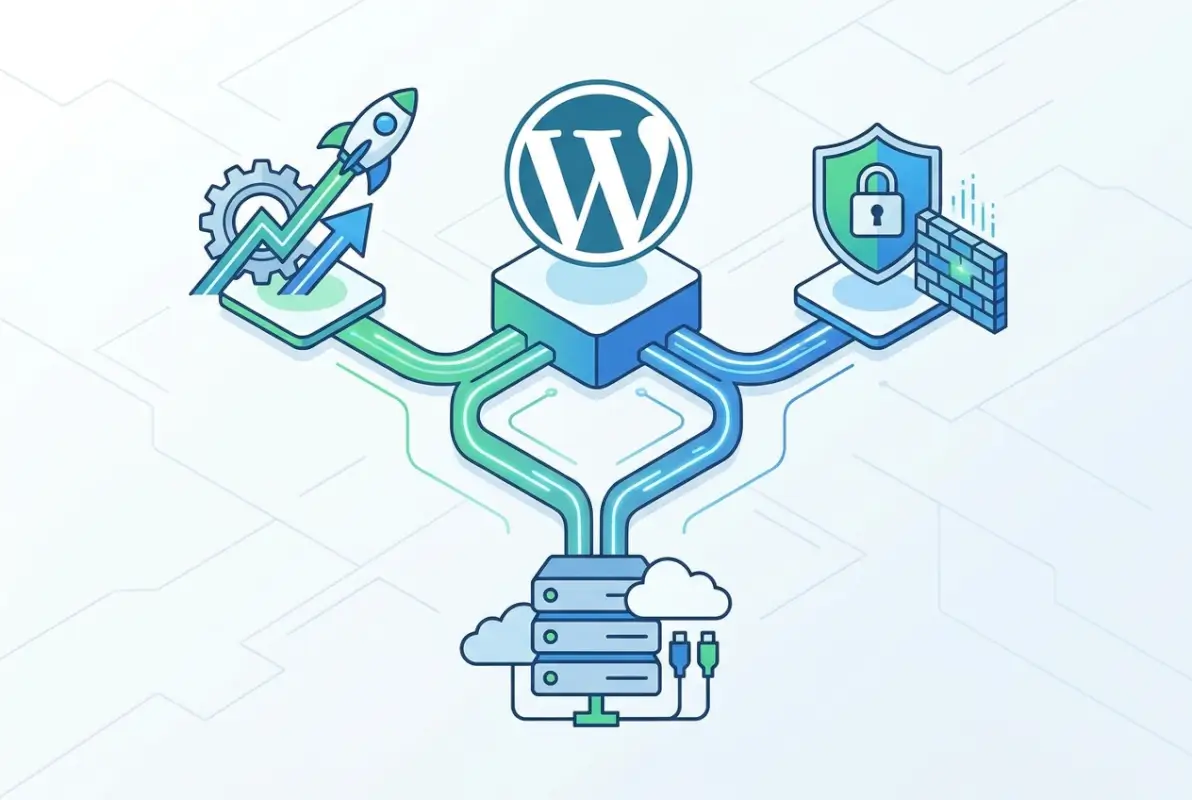
What readers actually care about has shifted. Speed isn’t just nice-to-have anymore; it’s a confirmed Google ranking factor. Security breaches cost small businesses an average of $200,000 according to IBM’s security reports. And SEO has evolved beyond keywords into structured data, Core Web Vitals, and user experience signals.
The competitive landscape shows clear patterns. Top-performing articles on WordPress plugins focus on specific outcomes rather than features. They answer “will this make my site faster?” instead of listing technical specifications. They provide concrete implementation steps rather than vague recommendations. That’s the approach we’re taking here.
Performance, Caching, and Speed Optimization
Page speed directly impacts everything that matters: search rankings, bounce rates, and conversions. Google’s research shows that as page load time increases from 1 second to 3 seconds, bounce probability jumps by 32%. By 5 seconds, it’s up 90%. Your caching strategy isn’t optional—it’s foundational.
WP Rocket represents the gold standard for WordPress caching. Unlike free alternatives that require technical configuration, WP Rocket implements 80% of web performance best practices automatically upon activation. It handles page caching, browser caching, GZIP compression, lazy loading, database optimization, and minification without requiring you to understand what any of those terms mean.
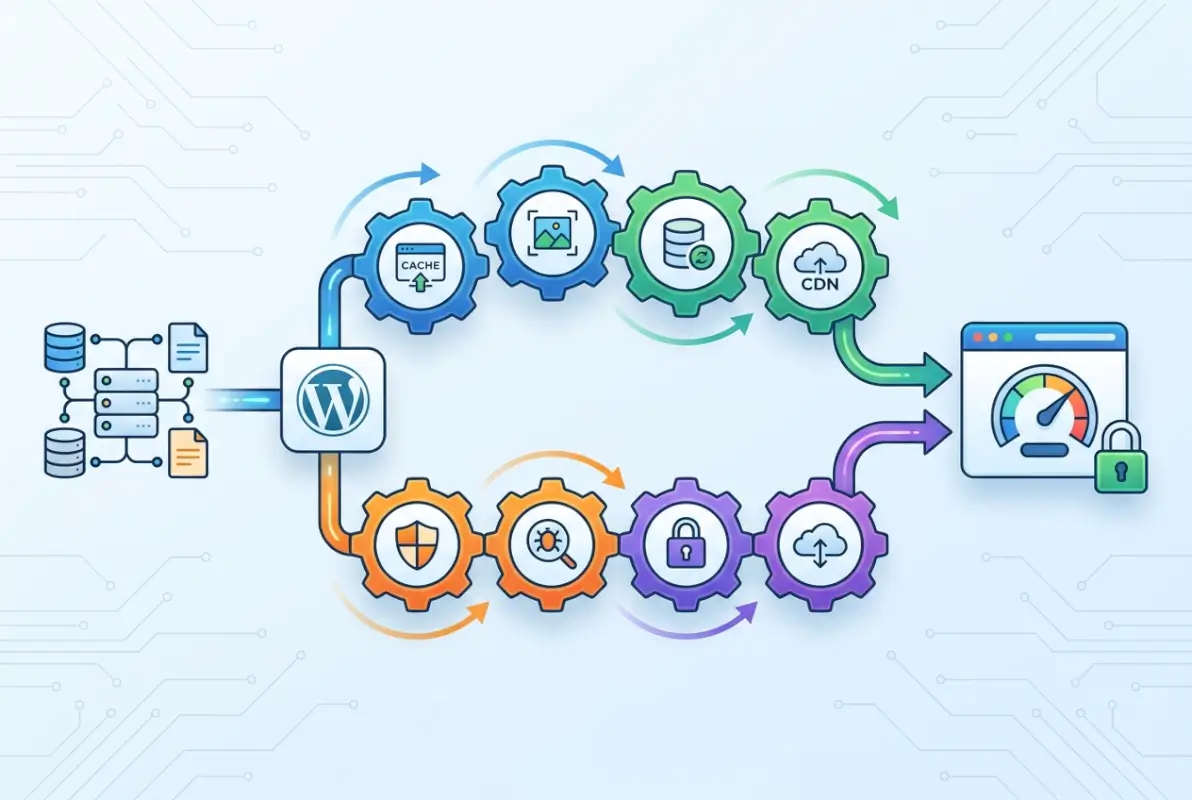
The performance impact is measurable. In controlled tests, WP Rocket typically reduces page load times by 40-60% and decreases server load by similar margins. For e-commerce sites, this translates directly to revenue—a 1-second delay in mobile load times can reduce conversions by up to 20%.
WP Super Cache offers a capable free alternative for simpler sites or tighter budgets. Developed by Automattic (the company behind WordPress.com), it generates static HTML files from your dynamic WordPress content and serves them to visitors, bypassing the resource-intensive PHP processing. With over 2 million active installations, it’s proven and reliable, though it lacks the advanced features and one-click simplicity of WP Rocket.
Image optimization deserves special attention. Images typically account for 50-90% of page weight. Plugins like Smush or ShortPixel automatically compress images on upload and can bulk-optimize existing media libraries. The compression is usually imperceptible to visitors but dramatically reduces bandwidth and load times.
Security, Backup, and Resilience
Website attacks occur every 39 seconds on average. WordPress sites are particularly targeted because of the platform’s popularity and the varying quality of third-party plugins. Your security strategy needs multiple layers: prevention, detection, and recovery.
Wordfence Security provides comprehensive protection through its Web Application Firewall (WAF), malware scanner, and login security features. The WAF examines incoming traffic and blocks malicious requests before they reach your site, while the malware scanner checks your files against WordPress.org repositories to detect unauthorized modifications or known malware signatures.

Wordfence’s real strength lies in its threat intelligence network. When a new attack pattern is detected on any protected site, all Wordfence installations receive updated protection. This crowdsourced security creates a defense mechanism that adapts to emerging threats in real-time.
iThemes Security takes a complementary approach, focusing on hardening your WordPress installation by implementing security best practices. It offers two-factor authentication, password enforcement, file change detection, database backups, and brute force protection. The combination of Wordfence (for active defense) and iThemes Security (for preventive hardening) creates robust multi-layered protection.
UpdraftPlus handles the recovery layer. Backups are your last line of defense when everything else fails. UpdraftPlus creates complete backups of your database, plugins, themes, uploads, and other content, then sends them to cloud storage destinations like Dropbox, Google Drive, Amazon S3, or Microsoft OneDrive. The free version supports all major cloud providers—unusually generous compared to competitors.
The restoration process is critical. UpdraftPlus offers one-click restoration with the ability to restore individual components (just themes, just plugins, etc.) rather than forcing complete site restoration. Test your backup restoration quarterly on a staging site—a backup you’ve never tested is just a comforting illusion.
SEO, Analytics, and Site Health
Search engine optimization has evolved far beyond keyword stuffing. Modern SEO encompasses technical site health, structured data, user experience signals, and content quality. The right plugins help you manage complexity without requiring deep technical expertise.
Rank Math has emerged as a powerful alternative to the long-dominant Yoast SEO, offering more features in its free version than Yoast provides in its premium tier. The comparison is striking: Rank Math’s free version includes unlimited keyword optimization (Yoast limits you to one), built-in schema markup generator (Yoast requires premium), Google Search Console integration (Yoast premium only), and advanced 404 monitoring.

| Feature | Rank Math (Free) | Yoast SEO (Free) |
|---|---|---|
| Multiple Keywords | ✓ Unlimited | ✗ One keyword only |
| Schema Markup | ✓ Full generator | ✗ Limited |
| Search Console | ✓ Integrated | ✗ Premium only |
| Local SEO | ✓ Built-in | ✗ Separate plugin |
The schema markup capabilities in Rank Math deserve special emphasis. Structured data helps search engines understand your content and display rich results like star ratings, FAQ boxes, and product information directly in search listings. This can dramatically improve click-through rates—one client saw a 23% increase in organic traffic after implementing proper schema markup through Rank Math.
Yoast SEO remains a solid choice, particularly for users who value its established ecosystem and extensive documentation. The readability analysis is helpful for non-SEO experts, identifying issues like passive voice, sentence length, and paragraph structure. For those managing successful directory website businesses, either plugin provides the essential SEO foundation.
Both plugins generate XML sitemaps automatically, handle canonical URLs to prevent duplicate content issues, and provide social media integration for controlling how your content appears when shared. The choice between them often comes down to whether you need Rank Math’s additional free features or prefer Yoast’s more established presence.
Forms, User Engagement, and Conversion
Contact forms represent the primary conversion point for most WordPress sites. The difference between a basic form and an optimized one can be thousands of dollars in lost leads annually. Modern form plugins go far beyond simple contact forms into payment processing, conditional logic, and multi-step workflows.
Gravity Forms dominates the premium form space for good reason. It transforms complex form requirements into manageable point-and-click configuration. Need a registration form that calculates fees based on selections, limits entries when capacity is reached, processes payments through Stripe, and creates WordPress user accounts automatically? Gravity Forms handles all of that without custom code.

The conditional logic capabilities let you create dynamic forms that show or hide fields based on user input. A simple example: a contact form that reveals a budget question only when someone selects “I’m interested in your services” rather than “I have a general question.” This reduces form friction for casual inquiries while gathering necessary information from serious prospects.
Gravity Forms integrates with virtually everything through official add-ons: PayPal, Stripe, Mailchimp, Slack, Zapier, and dozens more. This enables sophisticated workflows like automatically creating CRM records, triggering email sequences, posting to Slack channels, or updating spreadsheets when forms are submitted.
Formidable Forms offers compelling alternatives, particularly for data-driven applications. Its standout feature is Views—the ability to display submitted form data on your website frontend with custom layouts and filters. This effectively turns the plugin into an application builder. Real estate agents use it to create searchable property listings, consultants build service directories, and membership sites create user profile directories—all through form submissions and custom views.
For directory-focused sites exploring white-label business directory software solutions, Formidable Forms provides exceptional flexibility for creating custom listing types with searchable fields and advanced filters.
E-commerce and Membership Monetization
Turning a WordPress site into a revenue-generating platform requires robust e-commerce infrastructure. The wrong choice here means constant friction with payments, inventory management, or customer experience—issues that directly impact your bottom line.
WooCommerce powers over 28% of all online stores worldwide, making it the dominant e-commerce solution for WordPress. This isn’t just market share—it’s a massive ecosystem of extensions, themes, payment gateways, and developer expertise. When you choose WooCommerce, you’re choosing compatibility with virtually any e-commerce requirement you might encounter.
The base WooCommerce plugin is free and handles everything needed for a functional online store: unlimited products and categories, inventory management, flexible shipping methods, tax calculations, secure payment processing, order management, customer accounts, and comprehensive analytics. From there, extensions add functionality like subscriptions, memberships, bookings, product bundles, or advanced inventory management.
What makes WooCommerce particularly powerful is its content-commerce integration. Unlike standalone e-commerce platforms, WooCommerce lives inside WordPress, allowing you to leverage content marketing alongside product pages. Blog posts that rank in search results can drive traffic to product categories. Product pages can include rich content that engages customers beyond basic specifications.
For digital products specifically, Easy Digital Downloads (EDD) offers a more streamlined solution. It eliminates unnecessary physical product features like shipping calculations while enhancing digital-specific needs: secure file delivery with expiring download links, license key generation and management, download limits, and customer download tracking.
| Use Case | Best Plugin | Key Advantage |
|---|---|---|
| Software with licenses | Easy Digital Downloads | Built-in license management |
| Courses & ebooks | Easy Digital Downloads | Secure delivery, download limits |
| Physical products | WooCommerce | Shipping & inventory tools |
| Mixed product types | WooCommerce | Handles physical & digital |
Membership functionality through plugins like MemberPress or Restrict Content Pro transforms content into recurring revenue. These plugins gate premium content behind membership tiers, integrate with payment processors for recurring billing, and manage member access levels across your site. For directory sites focused on organizing active directory for business environments, membership models provide sustainable monetization through premium listings or enhanced business profiles.
Frequently Asked Questions
What are the best WordPress plugins for 2025?
The essential plugins for 2025 include WP Rocket for performance, Wordfence for security, Rank Math for SEO, UpdraftPlus for backups, and WooCommerce for e-commerce. These cover the fundamental needs of speed, security, visibility, recovery, and monetization that every serious WordPress site requires.
Are WordPress plugins safe for my website?
Plugins from the official WordPress directory undergo basic security review and are generally safe. Choose plugins with 10,000+ active installations, updates within the last 90 days, 4+ star ratings, and active developer support. Avoid nulled premium plugins entirely, as these frequently contain malware or backdoors that compromise site security.
How do I choose the right WordPress plugin for my site?
Identify specific functionality gaps first, then research plugins that address those needs. Check the last update date, active installation count, user reviews, and compatibility with your WordPress version. Test new plugins on a staging site before deploying to production. Prioritize well-maintained plugins from reputable developers over feature-packed options with questionable support.
How often should I update WordPress plugins?
Update plugins as soon as security patches are released, typically within 48 hours of notification. For feature updates, schedule weekly update sessions after backing up your site. Enable automatic updates only for trusted plugins from established developers. Always test updates on staging environments first for critical production sites to prevent unexpected breakage.
Which WordPress plugins are essential for SEO in 2025?
Rank Math or Yoast SEO provide comprehensive on-page optimization, schema markup, and sitemap generation. For directory sites and local businesses, combine your chosen SEO plugin with Google Site Kit for Search Console integration and performance monitoring. Schema markup is particularly important in 2025 for appearing in rich search results and AI-powered search engines.
Do WordPress plugins slow down my site, and how can I mitigate it?
Each plugin adds code that WordPress must execute, potentially impacting speed. Well-coded plugins have minimal performance impact while poorly optimized ones dramatically slow sites. Mitigate slowdown by limiting total plugins to 8-15, using caching plugins like WP Rocket, choosing lightweight alternatives when possible, and regularly auditing plugin performance with tools like Query Monitor.
How can I assess a plugin’s security before installing it?
Check the plugin’s last update date (within 90 days is ideal), read recent user reviews for security concerns, verify the developer’s track record with other plugins, and search for known vulnerabilities in security databases. Avoid plugins that request excessive permissions or haven’t been updated to match current WordPress versions. Use security plugins like Wordfence to scan for known vulnerabilities.
What’s the difference between WordPress plugins and themes?
Plugins add functionality and features like contact forms, SEO tools, or e-commerce capabilities, while themes control visual design and layout. Plugins work independently of themes, allowing you to redesign appearance without losing functionality. This separation means you can switch themes without rebuilding features or add capabilities without changing design—both are essential but serve distinctly different purposes.
Take Action: Build Your Strategic Plugin Stack
The difference between a WordPress site that converts and one that struggles often comes down to 8-12 strategically chosen plugins. Start with the non-negotiables: caching for performance, security for protection, backups for recovery, and SEO for visibility. Then add functionality based on your specific business model—forms for lead generation, e-commerce for product sales, or membership tools for recurring revenue.
The mistake most site owners make is treating plugin selection as a one-time decision. Your plugin stack should evolve as your site grows, as better alternatives emerge, and as security vulnerabilities are discovered. Schedule quarterly plugin audits to remove unused tools, update aging choices, and evaluate new solutions that might serve you better.
Ready to Build Your High-Performance WordPress Site?
Start with these five essential categories: performance, security, SEO, backups, and conversion tools. Install only what you need, keep everything updated, and test thoroughly before deploying to production.
For directory websites: TurnKey Directories offers WordPress-based solutions with essential plugins pre-configured and optimized specifically for business directory sites, eliminating the guesswork from plugin selection.
Remember: a lean, well-optimized WordPress site with 10 perfect plugins will always outperform a bloated site with 40 mediocre ones. Choose strategically, test thoroughly, maintain diligently, and you’ll have a WordPress installation that delivers exceptional performance, strong security, and genuine business value.
Was this article helpful?